Category
Speech to Text for Mac
Find the right speech-to-text workflow for Mac: built-in dictation, offline apps, private tools, troubleshooting guides, and app-specific voice typing.
“Speech to text for Mac” sounds like one category, but it is really a few different buying decisions mixed together. Some tools are built for live dictation into any app. Some are built for recorded audio files. Some are browser features that work fine until your writing day spills across the rest of your Mac.
This page gives broad search demand a proper home instead of forcing the homepage to carry all of it. Start with the best-fit guides below, then move into pricing or app-specific workflow pages once you know what kind of dictation you actually need.
Choose the right speech-to-text workflow
Start with the job, then compare products. Live cursor dictation and recorded-audio transcription solve different problems.
| What you need | Best starting point | Why |
|---|---|---|
| Dictate live into Mail, Notes, docs, browsers, and chat apps | A Mac-wide dictation app | It follows your active text field instead of keeping the transcript inside one website or recorder. |
| Use voice typing occasionally without installing another app | Apple Dictation | It is built in and is the simplest starting point when its limits fit your workflow. |
| Transcribe meetings, interviews, podcasts, or saved recordings | A file-transcription tool | Recording-first tools are optimized for audio files, not live cursor dictation across Mac apps. |
| Keep sensitive drafts and dictated audio off cloud services | An on-device dictation app | Local processing keeps the core speech-to-text workflow on your Mac. |
| Use the same voice workflow across several device types | A cloud-first dictation service | Cross-device sync can matter more than offline use, ownership pricing, or a local-only workflow. |
Start Here
Broad guides for people who are still deciding what kind of Mac speech-to-text workflow they need.
ComparisonGuideSpeech-to-Text
Best Speech-to-Text Software 2026: APIs vs Mac Dictation Apps
Open guide

ComparisonProductivityOffline AI
Mac Built-In Dictation vs Third-Party Apps: When Apple’s Dictation Is Enough
Open guide
GuideTroubleshootingmacOS
Mac Dictation Not Working? Here’s the Fix Checklist
Open guide
PrivacyComparisons
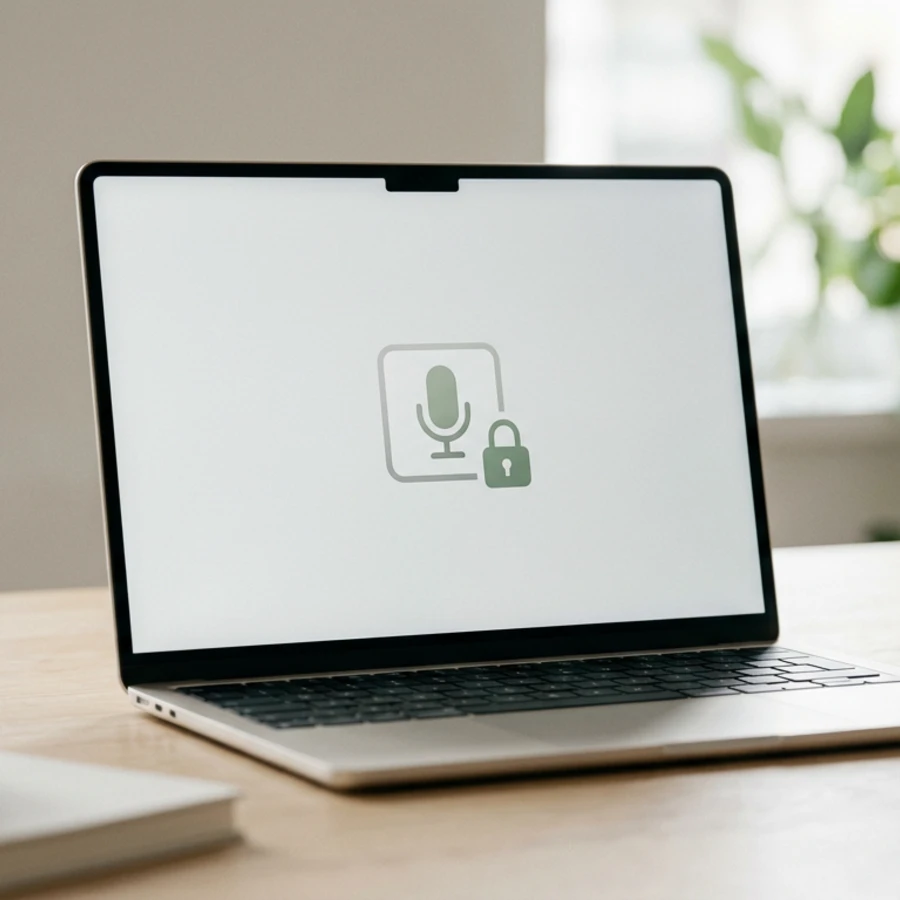
Best Private Dictation Apps for Mac 2026: Local and Offline Options
Open guide
GuideProductivityEmail
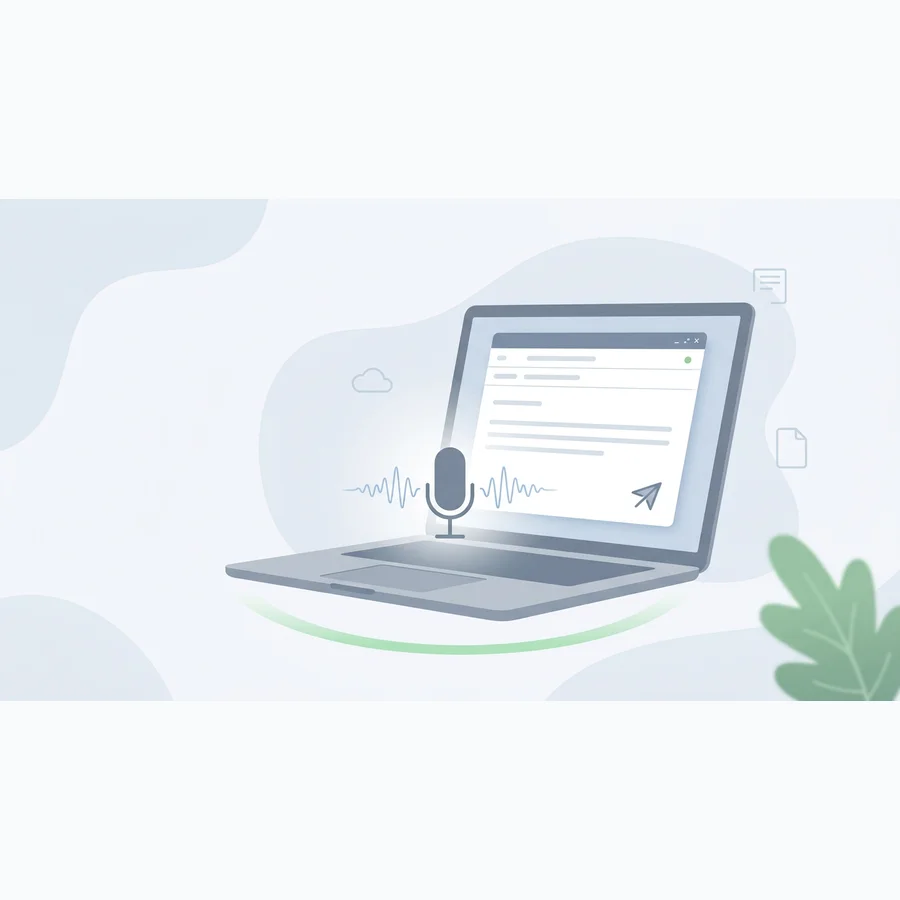
How to Dictate Emails on Mac
Open guide
Pricing and Alternatives
When the question becomes which paid tool is actually worth owning.
ComparisonPricingSpeech-to-Text
Mac Dictation App Pricing: Free vs One-Time vs Subscription
Open guide
ComparisonAlternativeSuperwhisper
Speakmac vs Superwhisper Pricing (2026): $29 One-Time vs $249 Lifetime
Open guide

ComparisonAlternativeWispr Flow
Speakmac vs Wispr Flow: 37 Same-Audio Tests
Open guide
ComparisonAlternativeWillow Voice
Willow Voice Pricing 2026: What $144/Year Buys — and Who Shouldn’t Pay It
Open guide
ComparisonAlternativeParaspeech
Paraspeech vs Speakmac: An Honest Look Before You Buy Either
Open guide
ComparisonAlternativeMacWhisper
MacWhisper Alternative for Live Dictation on Mac: Pricing, Free Tier, and Workflow Fit
Open guide
App-Specific Routes
Use these when you already know where you do most of your writing.
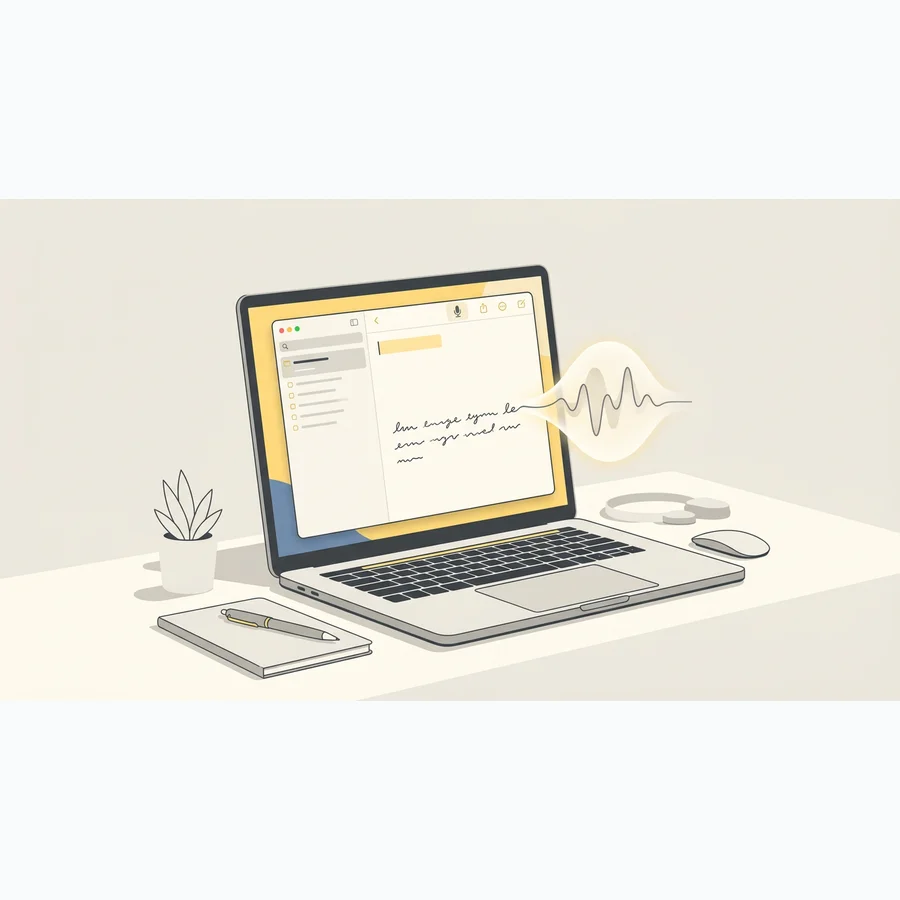
GuideNotesPrivacy
Voice Dictation for Apple Notes on Mac: A Better Workflow Than Built-In Dictation
Open guide
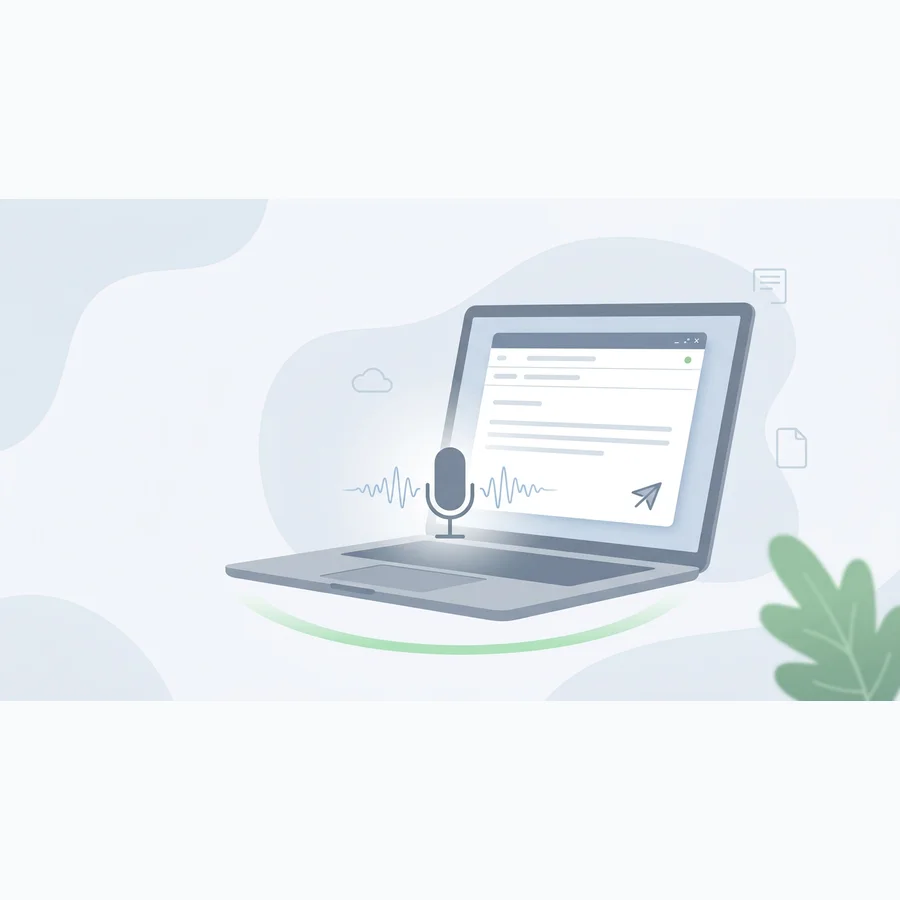
GuideEmailProductivity
Apple Mail Voice Dictation on Mac: Write Faster Emails Without Leaving Your Keyboard
Open guide
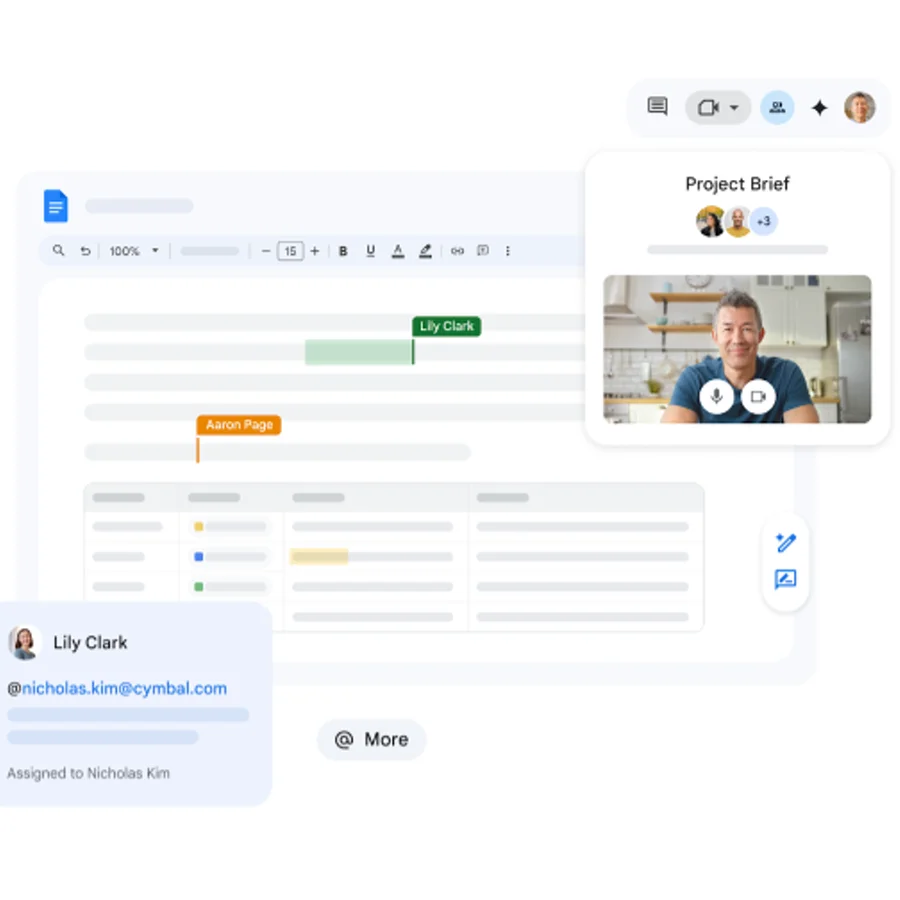
GuideProductivityGoogle Docs
Google Docs Voice Typing on Mac
Open guide
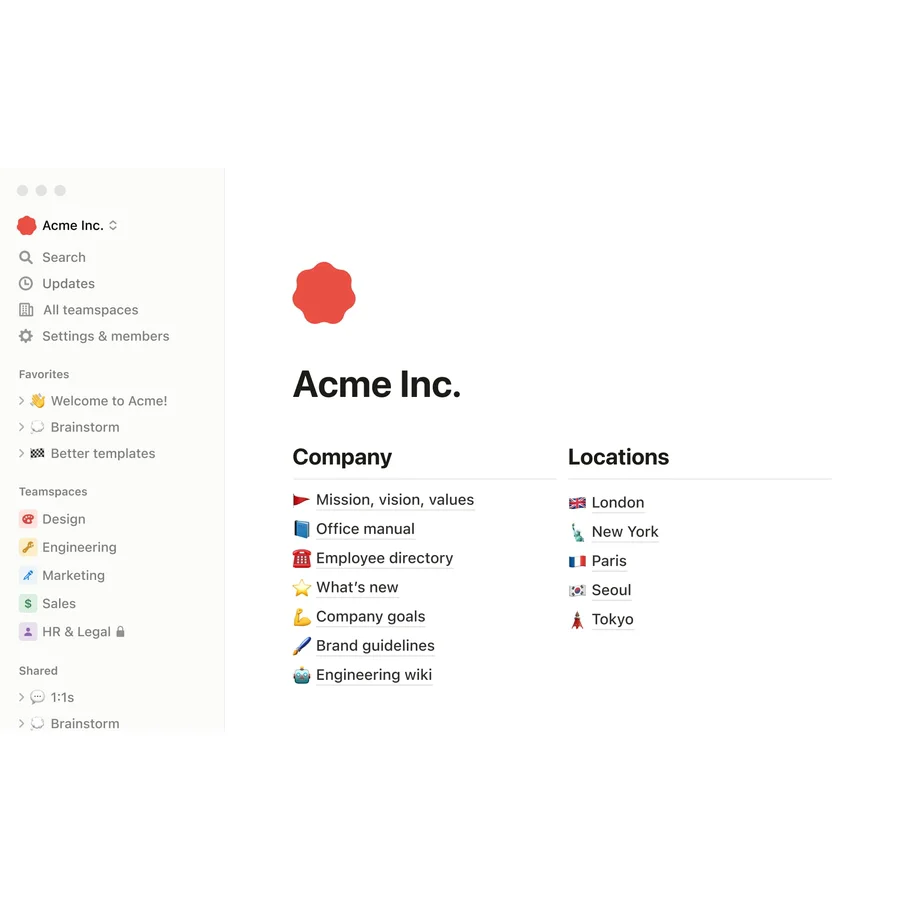
GuideNotesNotion
Voice Dictation for Notion on Mac
Open guide
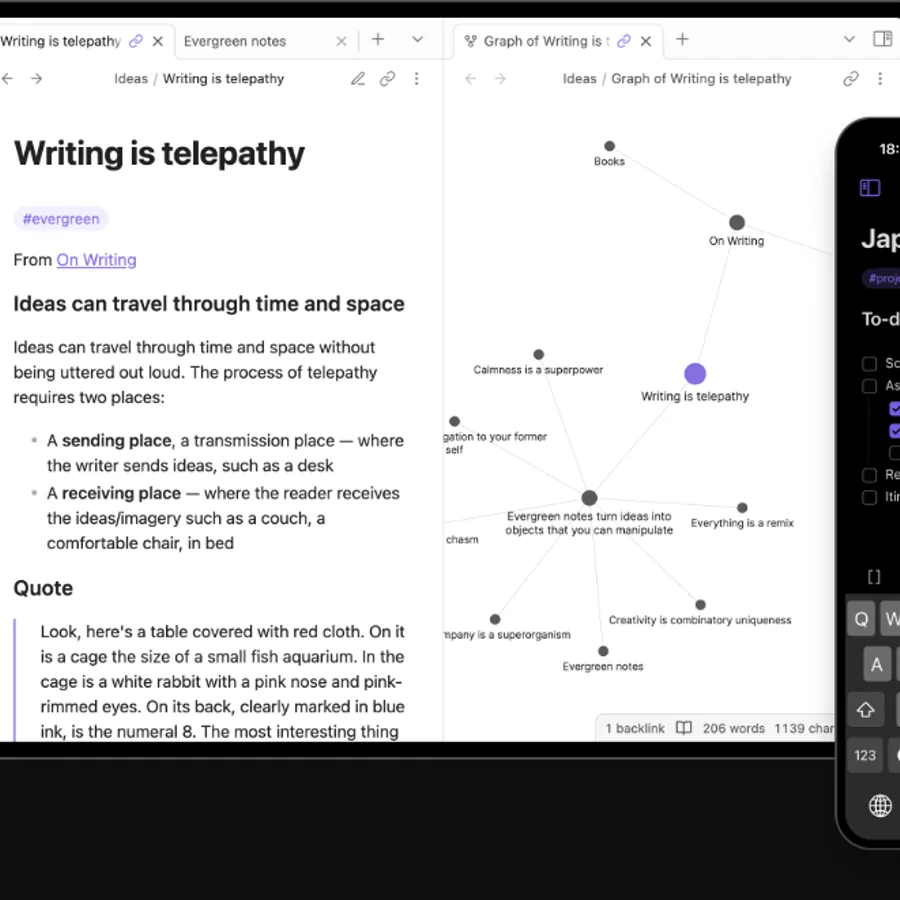
GuideNotesOffline AI
Voice Dictation for Obsidian on Mac
Open guide
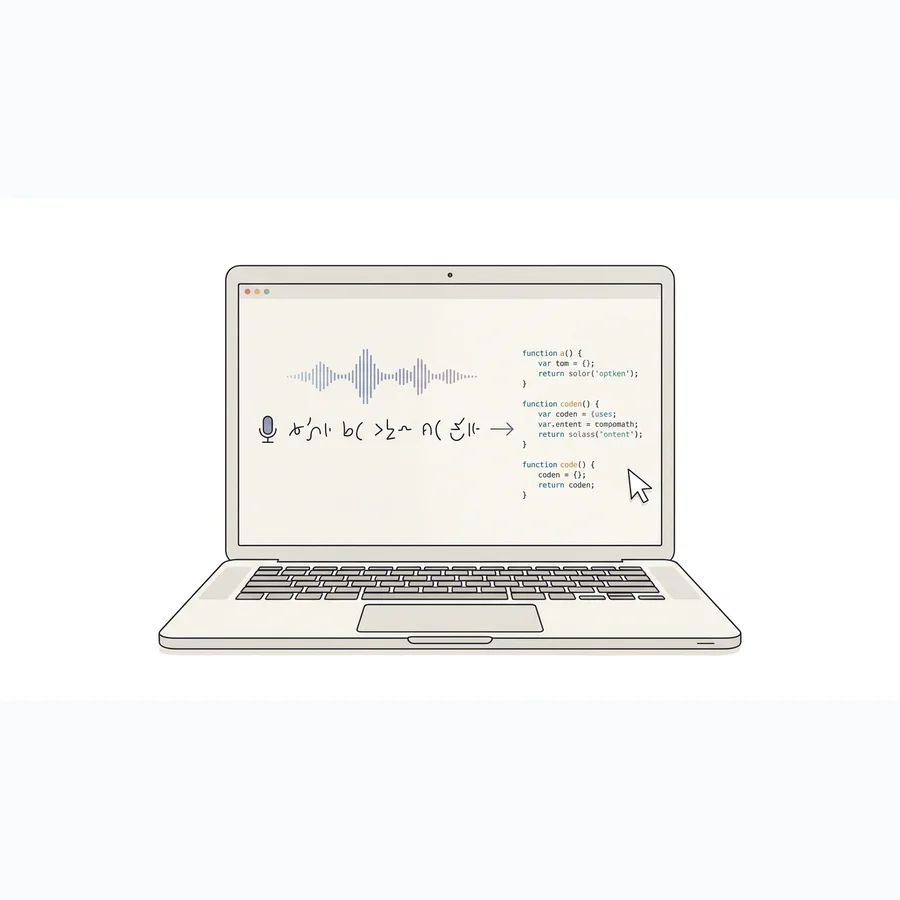
GuideDevelopersAI Workflow
Voice Dictation for Cursor on Mac: How to Prompt and Refactor Faster
Open guide
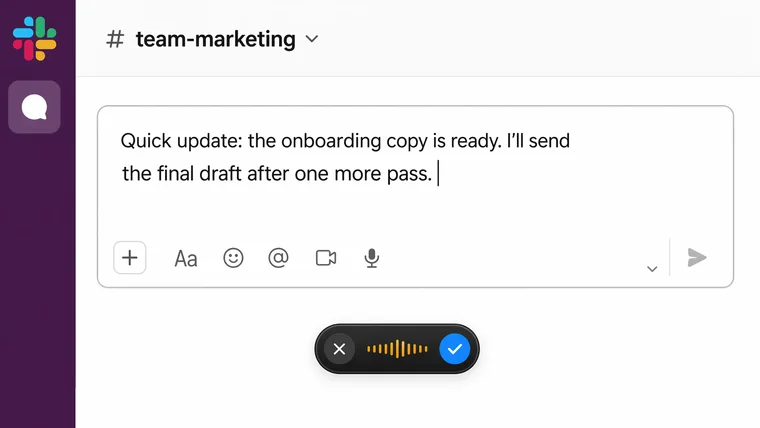
GuideSlackProductivity
How to Dictate in Slack on Mac
Open guide
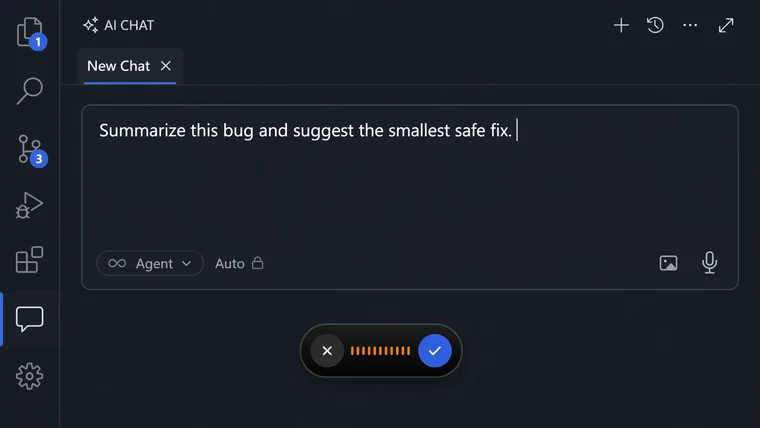
GuideDevelopersVS Code
How to Dictate in VS Code on Mac
Open guide
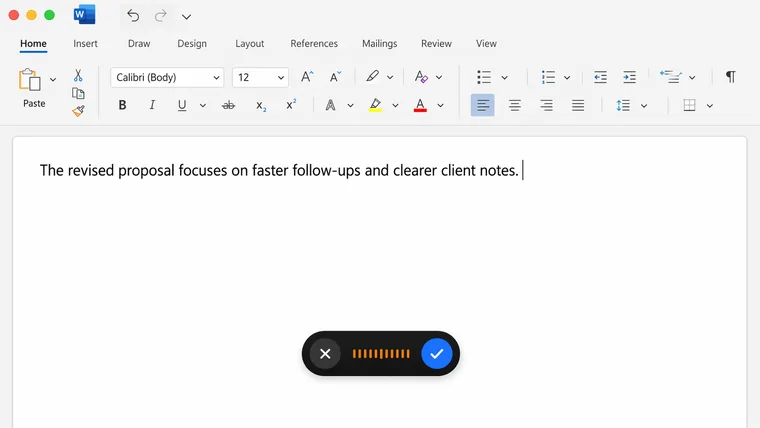
GuideMicrosoft WordWriting
How to Dictate in Microsoft Word on Mac
Open guide
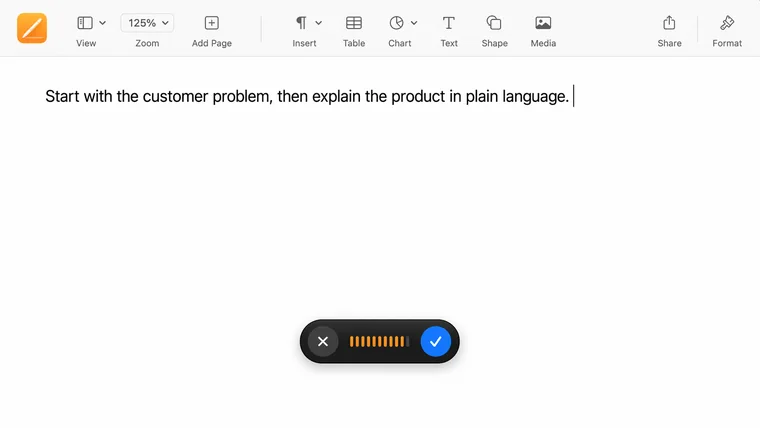
GuidePagesWriting
How to Dictate in Apple Pages on Mac
Open guide
Speakmac
Private dictation for your whole Mac
Local-first voice typing with a free tier, one-time unlock, and the same workflow across Mail, Notes, docs, AI tools, and browser text fields.