
| Decision factor | Speakmac | MacWhisper |
|---|---|---|
| Primary job | Live dictation into active Mac apps | File transcription and transcript processing |
| Price shape | Free tier, then $29 one-time 1-Mac unlock or $39 2-Mac unlock | Direct download: free tier plus one-time Pro unlock; App Store version: separate in-app purchase path |
| Input | Your microphone, used live | Audio or video files, meetings, recordings, or supported capture flows |
| Output | Text lands where your cursor already is | Transcript files, exports, timestamps, and post-processing |
| Offline fit | Local dictation after the model download | Local transcription workflows |
| Best for | Daily writing across Mac apps | Recordings, interviews, meetings, podcasts, and videos |
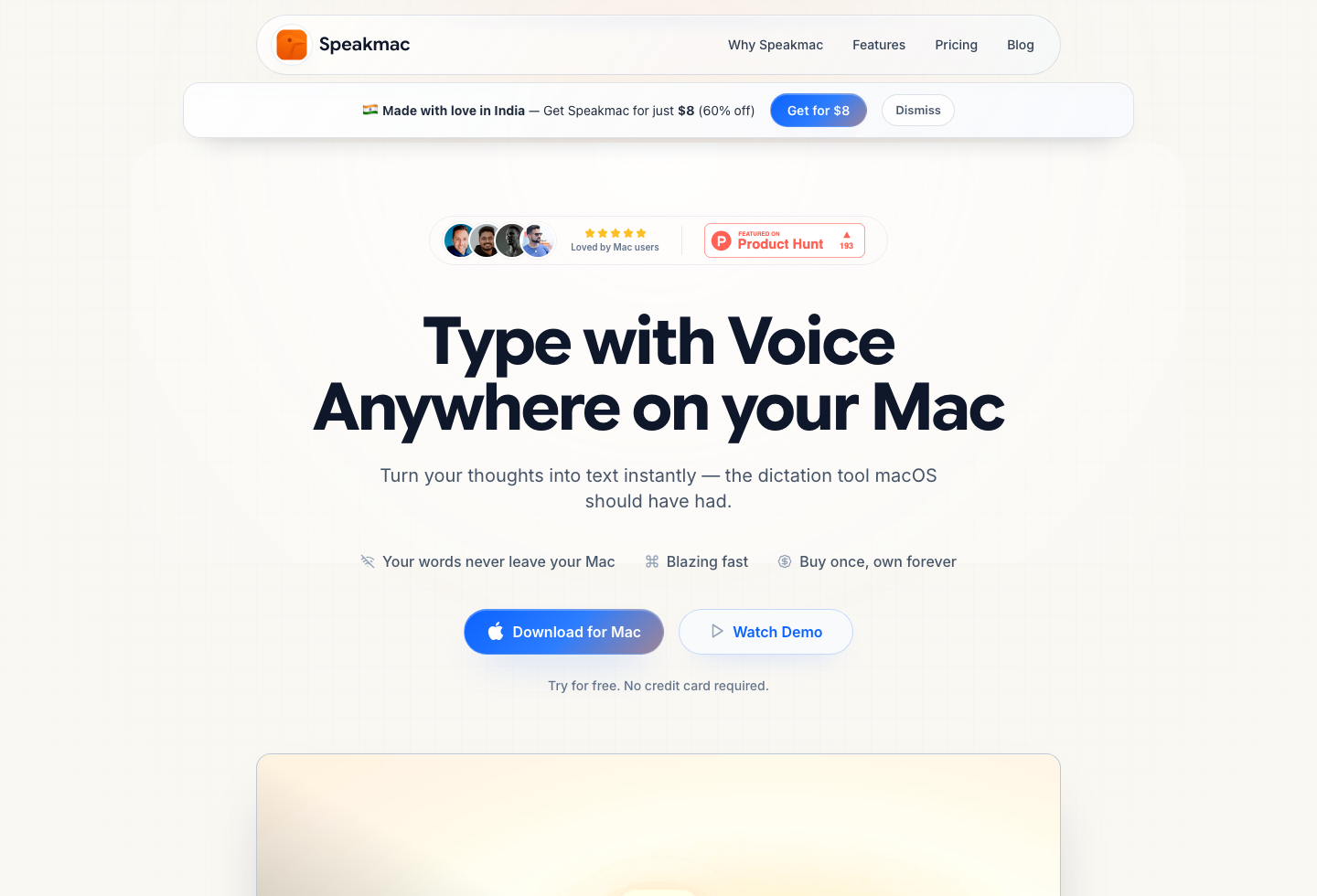
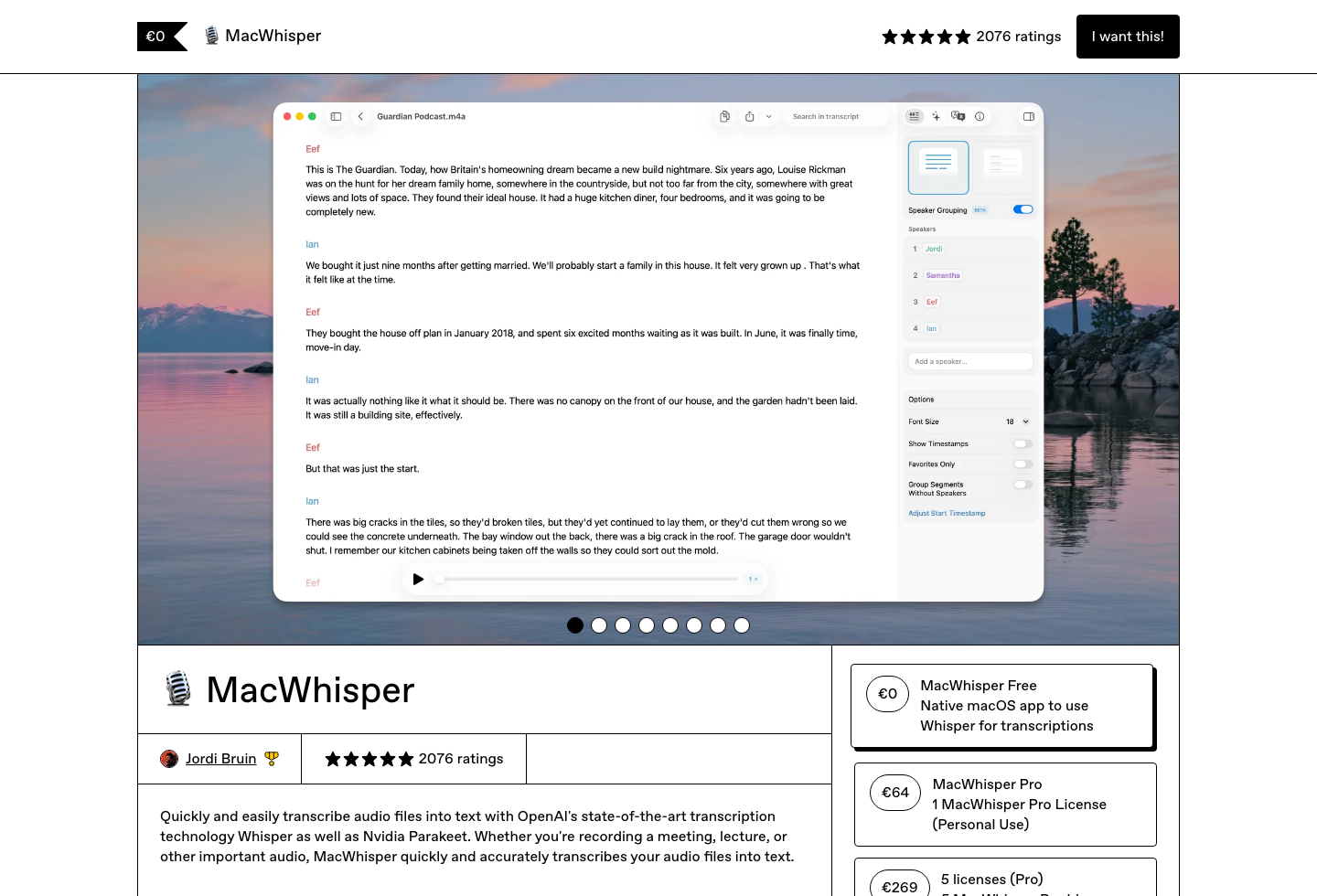
If you are searching for macwhisper pricing, macwhisper free tier, or a MacWhisper alternative for live dictation, the first thing to decide is whether your starting point is a cursor or a recording.
MacWhisper's direct-download app has a free tier and a one-time Pro unlock; the official MacWhisper site listed Pro at $29 once when this page was checked. The App Store version is packaged separately as Whisper Transcription, and MacWhisper's own support docs say that App Store builds use in-app purchases rather than the direct-download license key.
MacWhisper is strongest when you already have audio or video and need a transcript. Speakmac is built for the other job: speaking into Mail, Notes, Google Docs, Cursor, Slack, Notion, or a browser field and seeing text appear immediately.
Quick answer: use MacWhisper when the work starts with a file or recording. Use Speakmac when the work starts with the active text field.
Last checked: June 5, 2026
Pricing and Channel Model
MacWhisper pricing is harder to summarize because the direct-download version and App Store version are not packaged in exactly the same way. Treat MacWhisper as a transcription purchase: decide whether the free tier covers the files you handle, then compare the paid path for the export, model, meeting, and AI features you need.
As of the June 5, 2026 check:
- The direct-download MacWhisper page listed MacWhisper Free at $0 with Tiny, Base, and Small Whisper models.
- The direct-download MacWhisper page listed MacWhisper Pro at $29 once.
- MacWhisper's support docs distinguish the direct Gumroad license from the App Store version, where in-app purchases and subscriptions are handled separately.
Speakmac is simpler: download the Mac app, test live dictation on the free tier, and unlock the full app once if it fits.
For the broader price view, use Mac Dictation App Pricing. If you are still deciding whether Apple's built-in option is enough before adding another app, read Apple Dictation vs Speakmac.
Workflow Difference That Actually Matters
MacWhisper is excellent when the work starts from recorded audio. That might be a meeting, interview, lecture, podcast, voice memo, or video file. In that workflow, you care about model choice, timestamps, exports, cleanup, and transcript management.
Speakmac is better when the work starts with a blinking cursor. You are writing an email, drafting a spec, commenting in Google Docs, prompting an AI tool, or replying in Slack. In that workflow, file import and export are not the point. The point is getting spoken text into the current app without switching context.
That difference matters more than raw model talk. Both products can appeal to privacy-minded Mac users. They just put the privacy workflow in different places: MacWhisper around file transcription, Speakmac around live cursor-first dictation.
Which One Fits the Job?
| If you need... | Better fit | Why |
|---|---|---|
| A transcript from an existing recording | MacWhisper | The input is already a file, and you probably need export/transcript controls |
| Live text inside Mail, Notes, Docs, Slack, Cursor, or a browser | Speakmac | The input is your microphone right now, and the output should land in the active field |
| Meeting transcription after the call | MacWhisper | File and transcript workflows matter more than hotkeys |
| Daily private writing across Mac apps | Speakmac | Hotkeys, live preview, custom words, snippets, and cleanup matter more than export formats |
| Occasional built-in dictation | Apple Dictation | You may not need either paid app yet |
When MacWhisper Is the Better Choice
Choose MacWhisper if most of your work already exists as audio or video. It is the more natural fit for recordings, transcript exports, timestamps, subtitles, podcasts, interviews, meeting files, or archival audio.
Do not force a live dictation app into that job. If the thing you need is a transcript from a file, use a transcription-first app.
When Speakmac Is the Better Choice
Choose Speakmac if you want to talk into the app you are already using. That is the common Mac writing workflow: a note here, a message there, a Google Docs comment, a first draft in Mail, or a prompt in Cursor.
Speakmac also has more daily writing support than a bare hotkey: flexible hotkeys, hands-free dictation, floating live preview, custom words, snippets, regex cleanup, and optional local history/privacy mode.
Final Recommendation
| Choose... | If your work starts with... | Do not choose it for... |
|---|---|---|
| MacWhisper | Audio or video files you need to transcribe, clean up, and export | Live writing into everyday Mac apps |
| Speakmac | The active cursor in Mail, Notes, Docs, Slack, Cursor, Notion, or a browser field | Batch transcript management or subtitle/export workflows |
| Apple Dictation | Occasional short voice input | A daily workflow with custom words, cleanup, preview, or privacy controls |
If your search started as "MacWhisper alternative" because you want live dictation, Speakmac is the closer category match. If you want transcripts from recordings, MacWhisper is the better starting point.
FAQ
Is MacWhisper a dictation app or transcription app?
MacWhisper is best understood as a transcription-first Mac app. It is strongest when the input is an audio or video file and the output is a transcript.
What is the best MacWhisper alternative for live dictation?
If you want to speak into normal Mac apps instead of transcribing recordings, Speakmac is the cleaner alternative because it is built around live text insertion.
Can Speakmac transcribe audio files?
No. Speakmac is for live dictation into the current app. Use MacWhisper or another transcription tool for existing recordings.
Should I use both?
Possibly. Use MacWhisper for recordings and Speakmac for live writing. They are complementary if your work includes both files and everyday dictation.
Reviews
What people say after switching
I'm not a native English speaker but I use English a lot for work. The accuracy genuinely surprised me. Even when I mumble, restart sentences, or talk fast, it keeps up really well. It's lightweight, thoughtfully built, and works great in German as well, even with Anglicisms.

Philip Langenbrink
CEO/Co-Founder @ studiis
As a former designer of iOS apps, I can tell you: it looks really great.

Ken Yarmosh
Author, App Savvy (O'Reilly)
It's improved a lot! I tried it with background noise using AirPods, and it captures text correctly. Even when playing a cricket commentator video, it captured the audio perfectly.

Varun BR
Staff Engineer
You can tell this was crafted with care - the animations, the simplicity, and the way it fits into macOS like it's always been there. Planned to use it daily.
L
Lilou Lane
Product Hunt user
I tried both Siri and SpeakMac. I spoke very fast with low volume.Siri couldn't understand, but SpeakMac did. That was my 'wow' moment.

Manish
Developer

The accuracy is way better than I expected, and I love how seamlessly it integrates with Mac. I've been looking for something like this that doesn't feel clunky.

Eworitse
Community Member
I didn't expect to use SpeakMac this much, but it's become my go-to for writing content ideas, captions, and quick drafts. It picks up my voice perfectly, even when I'm talking fast. It feels effortless - like my Mac finally understands how I work.
Portia
Marketing Lead
Dude i am lovin it. My productivity is really increased. Even a few times while speaking, if i mumble and re speak partial sentence, it understands that very well adjusts on its own.

Shubham
Engineering Manager
I'm not a native English speaker but I use English a lot for work. The accuracy genuinely surprised me. Even when I mumble, restart sentences, or talk fast, it keeps up really well. It's lightweight, thoughtfully built, and works great in German as well, even with Anglicisms.
Philip Langenbrink
CEO/Co-Founder @ studiis
As a former designer of iOS apps, I can tell you: it looks really great.
Ken Yarmosh
Author, App Savvy (O'Reilly)
It's improved a lot! I tried it with background noise using AirPods, and it captures text correctly. Even when playing a cricket commentator video, it captured the audio perfectly.
Varun BR
Staff Engineer
You can tell this was crafted with care - the animations, the simplicity, and the way it fits into macOS like it's always been there. Planned to use it daily.
L
Lilou Lane
Product Hunt user
I tried both Siri and SpeakMac. I spoke very fast with low volume.Siri couldn't understand, but SpeakMac did. That was my 'wow' moment.
Manish
Developer
The accuracy is way better than I expected, and I love how seamlessly it integrates with Mac. I've been looking for something like this that doesn't feel clunky.
Eworitse
Community Member
I didn't expect to use SpeakMac this much, but it's become my go-to for writing content ideas, captions, and quick drafts. It picks up my voice perfectly, even when I'm talking fast. It feels effortless - like my Mac finally understands how I work.
Portia
Marketing Lead
Try the workflow
See if Speakmac fits your Mac before paying.
Download the app, dictate in the places you already write, and only unlock if the local workflow actually works for you.