
| Question | Short answer |
|---|---|
| Is Willow Voice free? | Yes, with a 2,000-word weekly limit — about 14 minutes of talking. |
| What does Willow Individual cost? | $12/month when billed annually ($144/year), based on the public pricing page checked June 11, 2026. |
| What does Willow Team cost? | $10/user/month billed annually, with a 3-seat minimum. |
| What is the cheaper Willow alternative for one Mac? | Speakmac, because the paid unlock is $29 one time after the free tier. |
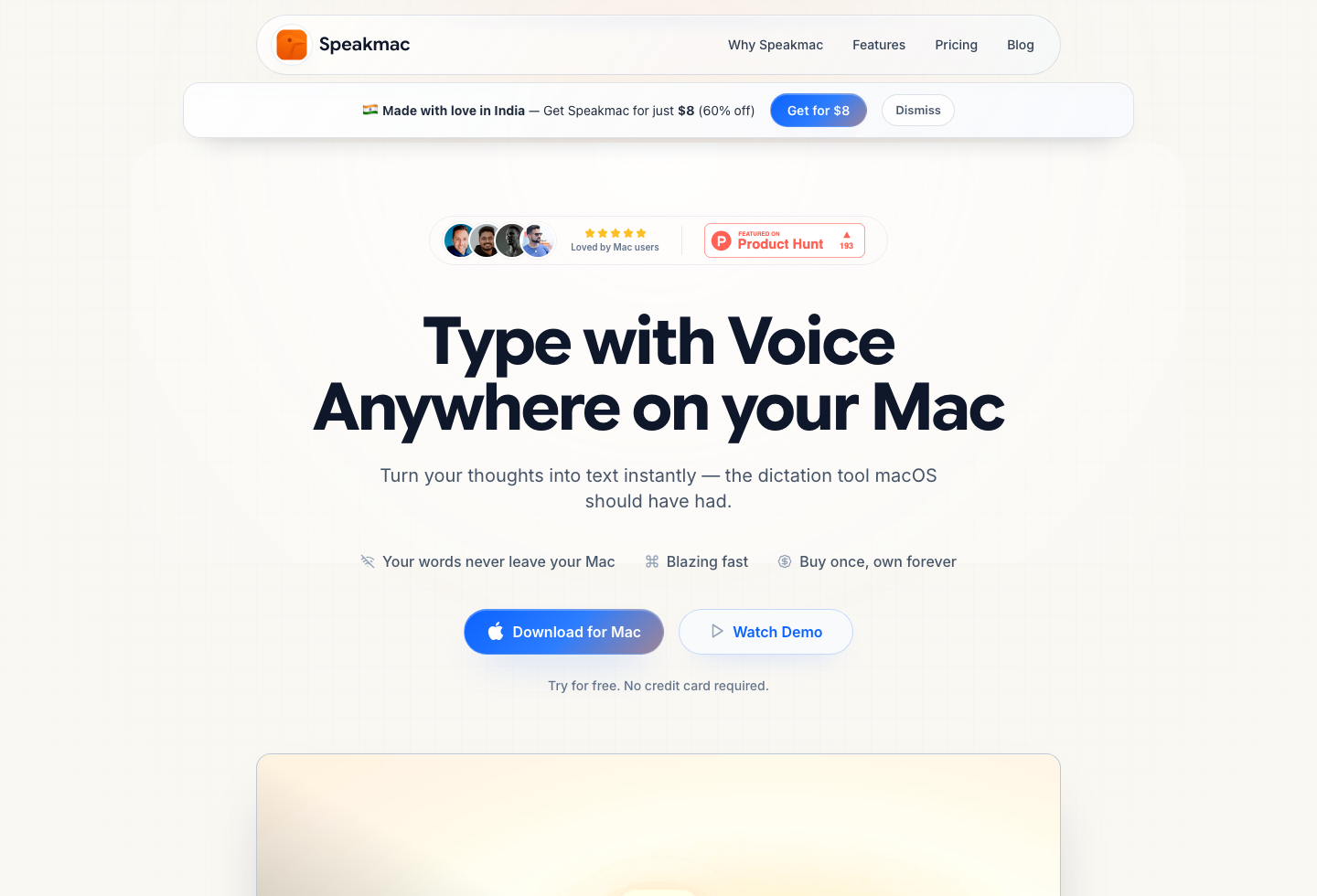
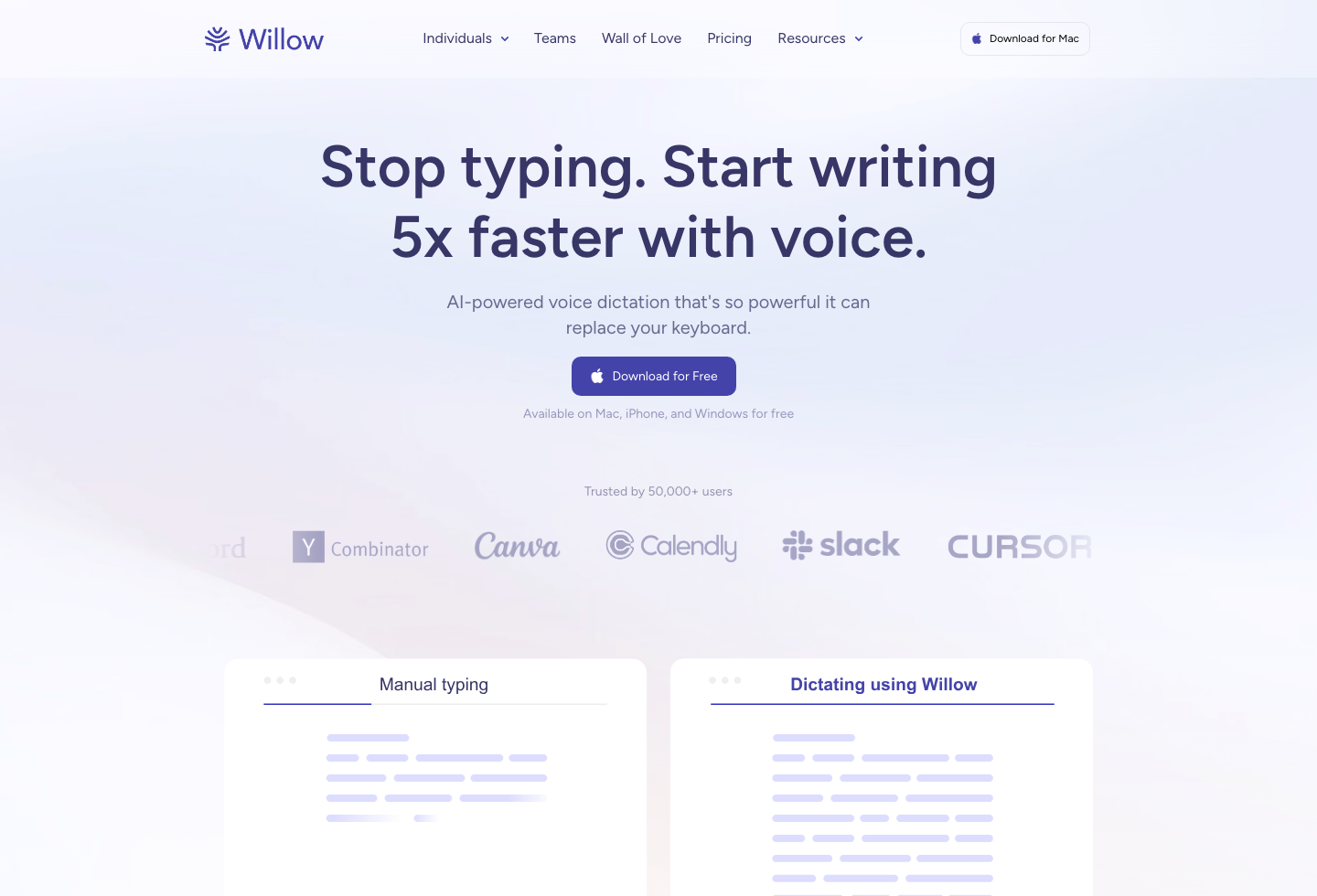
Willow Voice pricing in 2026: a free plan capped at 2,000 words per week, then an Individual plan at $12/month billed annually — $144/year. The number the pricing page doesn't translate: 2,000 words is roughly 14 minutes of actual talking per week. Enough to evaluate Willow, not enough to dictate for a living.
That cap is the real decision point. If you dictate daily, you will hit it in a day or two, and then the question becomes whether Willow's cloud personalization, cross-device access, and team plans are worth $144 every year — or whether the job is simply daily dictation on one Mac, which Speakmac covers from $29 one time.
Quick answer: Willow is stronger if you want cloud personalization, access across Mac, Windows, iPhone, and Android, and team buying. Speakmac is the cheaper Mac route if you want local daily dictation and one-time pricing from $29.
Last checked: June 11, 2026
The buyer decision is not "which app is nicer?" It is whether you need Willow's cloud account and team layer, or whether the job is simply daily dictation on one Mac.
Is Willow Voice Worth It?
Willow Voice is worth $144/year in three specific cases: you dictate across multiple devices and platforms (it lists Mac, Windows, iPhone, and Android), you want personalization that improves through a cloud account, or you are buying for a team with shared dictionaries and centralized billing.
It is hard to justify in one common case: a solo user who dictates into Mac apps every day. The free plan's 2,000-word weekly cap rules out daily use, and the Individual plan costs more per year than several Mac dictation apps cost forever. That is not a knock on the product — it is a cloud subscription priced like one. It just means heavy solo Mac users are paying for platform surface they may never touch.
If that is you, run the math over three years before subscribing: $432 for Willow Individual on annual billing vs $29 once for Speakmac. Cancel-anytime softens the monthly hit, but the gap only widens the longer dictation stays part of how you work.
Best for Teams vs Solo Mac Users
If you want dictation on Mac without another subscription, Speakmac is the better fit. It gives you configurable hotkeys, a hands-free toggle mode, live preview, custom words, snippets, regex cleanup, and a simpler ownership model.
If you want dictation tied to an account across Mac and iOS, or you expect to buy for a team with centralized billing and shared dictionaries, Willow Voice is structured for that job more clearly.
If you are comparing the whole Mac dictation category before choosing, read Best Voice to Text Apps for Mac. If you are deciding whether the built-in Mac option is enough, read Apple Dictation vs Speakmac.
At a Glance
| Decision factor | Speakmac | Willow Voice |
|---|---|---|
| Price | $29 one-time for 1 Mac, or $39 for 2 Macs after the free tier | Free plan, Individual at $12/month billed annually |
| Team pricing | Not team-oriented pricing | $10/user/month billed annually with a 3-seat minimum |
| Free tier | Free tier before the $29 unlock | 2,000 words/week (about 14 minutes of talking) |
| Platform scope | Mac-only | Mac, Windows, iPhone, and Android listed publicly |
| Offline support | Core workflow after the one-time model download | Cloud-first product with privacy controls, not a local-first offline tool |
| Best for | Solo Mac users who want one-time ownership | Users who want cross-device access, subscription features, or team management |
Willow Voice Pricing in 2026
Willow's current public pricing breaks down like this:
- Free: 2,000 words per week
- Individual: $12/month billed annually
- Team: $10 per user per month billed annually, with a 3-seat minimum
- Enterprise: custom pricing
The paid plans add unlimited dictation, longer recording windows, optimized speed and reliability, stronger personalization, and priority support. Team plans also add centralized billing, shared team dictionaries, and admin controls.
That makes Willow more legible as a subscription product than the old copy suggested. It is not just "free plus one paid plan." It is trying to serve both individual heavy users and team buyers.
Pricing and Free Tier: Fast Takeaway
The pricing gap stays large once you pay. Speakmac lets you start on the free tier, then unlock the full Mac app for $29 once for 1 Mac or $39 for 2 Macs. Willow gives you 2,000 words per week for free, then moves to $144/year on the Individual annual plan.
If you already know you want a dictation tool for daily use on Mac, Speakmac is the cheaper long-term choice by a wide margin. If you want cross-device access and account-level personalization, Willow is the more complete subscription product.
| Cost window | Speakmac | Willow Voice Individual |
|---|---|---|
| 1 year | $29 total | $144 on annual billing |
| 3 years | $29 total | $432 on annual billing |
If the pricing gap is the deciding factor, first decide whether you need Willow's account, team, and cloud-personalization layer. If you do not, test the lower-cost Mac workflow first: download Speakmac or go straight to the $29 unlock.
Is Willow Voice Free?
Yes, Willow Voice has a real free plan. The relevant nuance is that it is a weekly-limited plan, not an "unlimited but slower" tier.
According to Willow's public pricing page (checked June 11, 2026), the free plan includes:
- 2,000 words per week
- instant dictation and formatting
- limited personalization
- no credit card required
Put the cap in speaking terms: at a typical 140 words per minute, 2,000 words is about 14 minutes of dictation per week — two or three long emails. That is enough for light use or evaluation. It is not the same type of offer as Speakmac, where the commercial story is really about a small one-time step into ownership rather than an ongoing cloud subscription ladder.
Cloud vs Local Dictation
This is the real strategic split between the two products.
Willow is cloud-first. Its product value comes from account-based personalization, cross-device continuity, and team features. Even when Willow talks about privacy mode, that is a different promise from local-first dictation that defaults to running on your Mac.
Speakmac is narrower, but the narrowness matters. It is built around local Mac dictation by default, with practical workflow features that help when dictation becomes a real daily habit rather than an occasional convenience.
If your real question is "how much does Willow cost compared with a local Mac option?" this is where the pricing difference becomes easier to interpret. Willow is not just charging for transcription. It is charging for the broader cloud product around it.
Workflow and Editing Tools
This comparison should not be framed as "simple app vs feature-rich app" anymore. Speakmac now covers most of the everyday tools daily users actually notice: multiple hotkeys, hands-free mode, live preview, custom words, snippets, regex cleanup, and optional local history or privacy mode.
Willow still has the stronger cloud account story and a clearer path for teams. Speakmac has the cleaner answer for people who mainly want to talk into Mac apps without managing another monthly software bill.
What to Try First
| If your search intent is... | Start here | Why |
|---|---|---|
| "How much does Willow Voice cost?" | Read the pricing table above | Willow's Individual and Team prices answer the direct question. |
| "Is Willow worth it for one Mac?" | Try Speakmac first | The local one-time path is much cheaper if you do not need team/cross-device features. |
| "Is cloud dictation okay for my work?" | Compare private dictation apps | Privacy depends on the audio path, not just the word "private." |
| "What else is like Willow?" | Read Willow Voice alternatives | Better if you want a broader alternatives shortlist. |
Which Mac Dictation App Is Right for You?
Choose Willow Voice if you want:
- Mac and iOS access under one account
- a weekly free plan before you move into a subscription
- stronger team buying options
- personalization that improves through a cloud account model
Choose Speakmac if you want:
- local-first dictation on Mac
- one-time pricing instead of another subscription
- practical editing tools without a team-oriented product layer
- a direct answer to "how much should a Mac dictation app really cost?"
If your real question is "how much does Willow cost?" the short answer is free up to 2,000 words/week, then $12/month billed annually for the Individual plan. If your real question is "what is the cheaper Willow Voice alternative for Mac?" the short answer is Speakmac.
Final Recommendation
Willow Voice makes more sense as a cloud subscription product with broader device coverage and team upside. Speakmac makes more sense if you want a direct-download Mac app with a free tier, a cheap one-time unlock, and practical workflow tools without a recurring bill.
| Choose... | If your priority is... | Tradeoff |
|---|---|---|
| Willow Voice | Cross-device dictation, cloud personalization, team billing, shared dictionaries, and admin controls | Recurring cost and cloud/account dependence |
| Speakmac | Local dictation on Mac, one-time pricing, and practical daily writing tools | No team plan or cloud account layer |
| Neither yet | You dictate rarely or only need short built-in voice input | Start with Apple Dictation before buying a dedicated tool |
For pricing-intent searchers, that is the main decision: Willow is the broader subscription platform, while Speakmac is the lower-cost local Mac path.
FAQ
How much does Willow Voice cost?
Willow Voice has a free plan and Individual pricing shown at $12/month billed annually. Team plans are shown at $10 per user per month billed annually with a 3-seat minimum, and Enterprise is custom priced.
Is Willow Voice free?
Yes. Willow has a free plan with 2,000 words per week — about 14 minutes of actual talking. Daily dictators hit that cap within a day or two; it is an evaluation tier, not a working tier.
Does Willow Voice work offline?
Willow publicly positions privacy mode and cross-device cloud personalization, not a local-first offline architecture. If offline-by-default is your priority, Speakmac is the more direct fit.
What is the cheaper Willow Voice alternative for Mac?
If your need is daily dictation on Mac, Speakmac is the cheaper alternative because it moves from free tier to a $29 one-time 1-Mac unlock or $39 2-Mac unlock instead of recurring subscription pricing.
Reviews
What people say after switching
I'm not a native English speaker but I use English a lot for work. The accuracy genuinely surprised me. Even when I mumble, restart sentences, or talk fast, it keeps up really well. It's lightweight, thoughtfully built, and works great in German as well, even with Anglicisms.

Philip Langenbrink
CEO/Co-Founder @ studiis
As a former designer of iOS apps, I can tell you: it looks really great.

Ken Yarmosh
Author, App Savvy (O'Reilly)
It's improved a lot! I tried it with background noise using AirPods, and it captures text correctly. Even when playing a cricket commentator video, it captured the audio perfectly.

Varun BR
Staff Engineer
You can tell this was crafted with care - the animations, the simplicity, and the way it fits into macOS like it's always been there. Planned to use it daily.
L
Lilou Lane
Product Hunt user
I tried both Siri and SpeakMac. I spoke very fast with low volume.Siri couldn't understand, but SpeakMac did. That was my 'wow' moment.

Manish
Developer

The accuracy is way better than I expected, and I love how seamlessly it integrates with Mac. I've been looking for something like this that doesn't feel clunky.

Eworitse
Community Member
I didn't expect to use SpeakMac this much, but it's become my go-to for writing content ideas, captions, and quick drafts. It picks up my voice perfectly, even when I'm talking fast. It feels effortless - like my Mac finally understands how I work.

Portia
Marketing Lead
Dude i am lovin it. My productivity is really increased. Even a few times while speaking, if i mumble and re speak partial sentence, it understands that very well adjusts on its own.

Shubham
Engineering Manager
I'm not a native English speaker but I use English a lot for work. The accuracy genuinely surprised me. Even when I mumble, restart sentences, or talk fast, it keeps up really well. It's lightweight, thoughtfully built, and works great in German as well, even with Anglicisms.
Philip Langenbrink
CEO/Co-Founder @ studiis
As a former designer of iOS apps, I can tell you: it looks really great.
Ken Yarmosh
Author, App Savvy (O'Reilly)
It's improved a lot! I tried it with background noise using AirPods, and it captures text correctly. Even when playing a cricket commentator video, it captured the audio perfectly.
Varun BR
Staff Engineer
You can tell this was crafted with care - the animations, the simplicity, and the way it fits into macOS like it's always been there. Planned to use it daily.
L
Lilou Lane
Product Hunt user
I tried both Siri and SpeakMac. I spoke very fast with low volume.Siri couldn't understand, but SpeakMac did. That was my 'wow' moment.
Manish
Developer
The accuracy is way better than I expected, and I love how seamlessly it integrates with Mac. I've been looking for something like this that doesn't feel clunky.
Eworitse
Community Member
I didn't expect to use SpeakMac this much, but it's become my go-to for writing content ideas, captions, and quick drafts. It picks up my voice perfectly, even when I'm talking fast. It feels effortless - like my Mac finally understands how I work.
Portia
Marketing Lead
Try the workflow
See if Speakmac fits your Mac before paying.
Download the app, dictate in the places you already write, and only unlock if the local workflow actually works for you.
Related comparisons
- Mac Dictation App Pricing
- Speakmac vs Wispr Flow: Mac Dictation Compared
- Speakmac vs Superwhisper: Two Offline Dictation Apps Compared
- Speakmac vs Paraspeech: Offline Mac Dictation Compared
- MacWhisper Alternative for Live Dictation on Mac
- Apple Dictation vs Speakmac
- Best Voice to Text Apps for Mac
- All Speakmac comparisons