| Decision | Best page | Executive summary |
|---|---|---|
| Built-in macOS dictation vs a dedicated app | Mac Inbuilt Speech to Text vs Speakmac | Apple Dictation is the free baseline. Dedicated apps matter when hotkeys, reliability, custom words, snippets, privacy mode, and daily workflow control become important. |
| Whole-category voice-to-text shortlist | Best Voice to Text Apps for Mac | The broadest buyer view: built-in dictation, live Mac dictation, file transcription, cloud tools, and online converters in one place. |
| Price, free tiers, subscriptions, and lifetime ownership | Mac Dictation App Pricing | The cleanest page for comparing one-time Mac ownership against monthly, annual, and lifetime pricing across the category. |
| Cloud-first product vs local Mac ownership | Speakmac vs Willow Voice Pricing (2026) | Willow is the broader cloud-first path. Speakmac is the narrower local Mac ownership path. |
| Cross-device cloud convenience vs one-time Mac app | Speakmac vs Wispr Flow Pricing (2026) | Wispr Flow makes more sense when cloud convenience and cross-device use matter more than local-only ownership. |
| Power-user local dictation and pricing depth | Speakmac vs Superwhisper Pricing (2026) | Superwhisper is the stronger comparison when local dictation depth, modes, and higher pricing ceilings are part of the decision. |
| Private offline Mac dictation with Germany/EU trust signals | Speakmac vs Paraspeech | Paraspeech is the closest privacy-positioned competitor because it leans into Apple Silicon, local processing, and Germany/EU positioning. |
| Live cursor dictation vs recorded-audio transcription | Speakmac vs MacWhisper | MacWhisper is for files and recordings. Speakmac is for talking directly into the app you are already using. |
| Dragon-style Mac dictation replacement | Best Dragon Dictation Alternative for Mac | The focused page for people who miss Dragon on Mac and want the closest native daily-dictation replacement. |
| Broader Dragon replacement paths | Best Dragon Alternatives for Mac | Compares Speakmac, Superwhisper, MacWhisper, Voice Control, and the Windows-plus-Dragon fallback. |
| Willow replacement options | Best Willow Voice Alternatives for Mac | The best page if Willow is your starting point and you want substitutes by price, privacy, cloud dependence, and workflow shape. |
| Offline/private Mac dictation shortlist | Best Offline Dictation Apps for Mac | Use this when local processing matters more than a specific competitor name. |
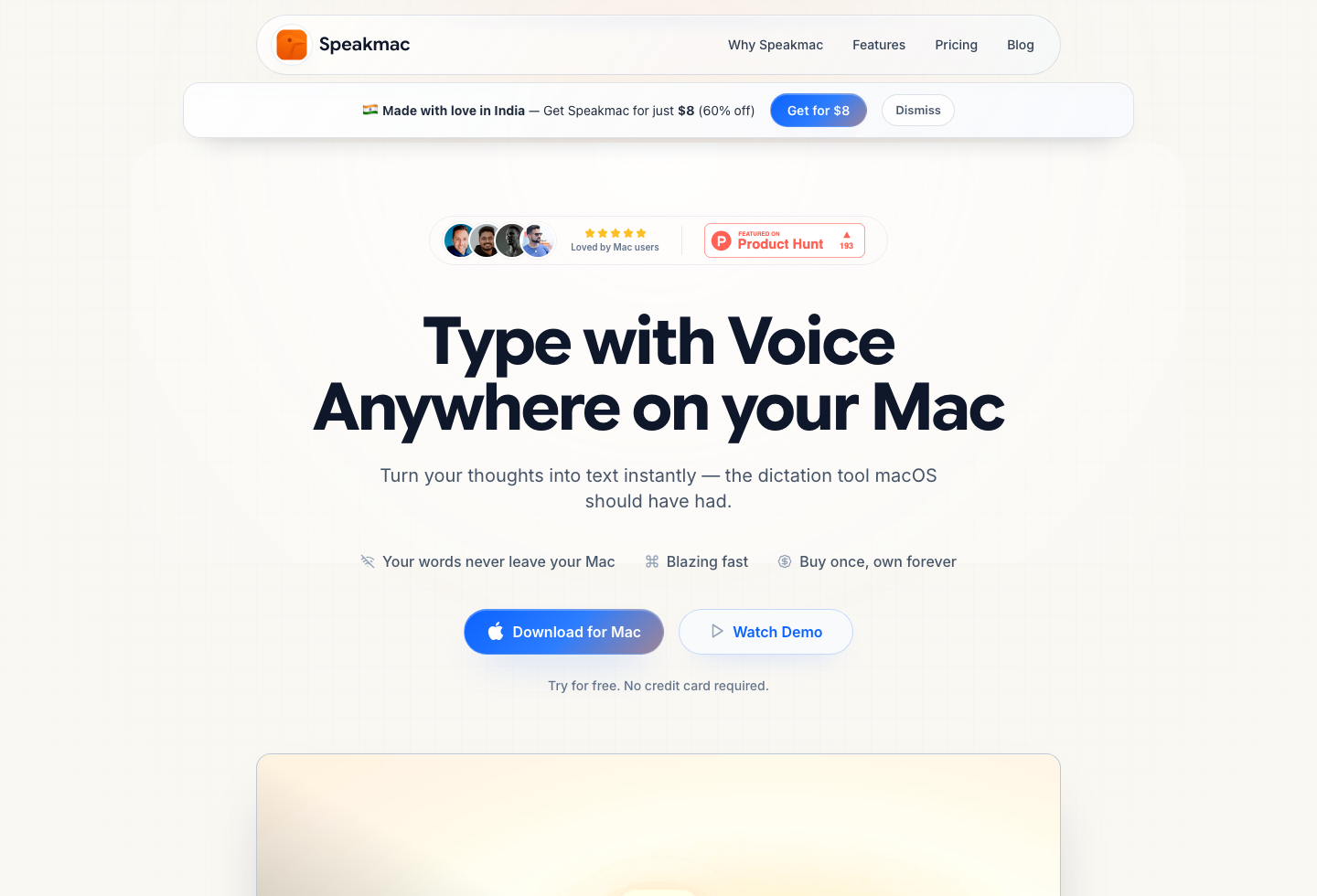
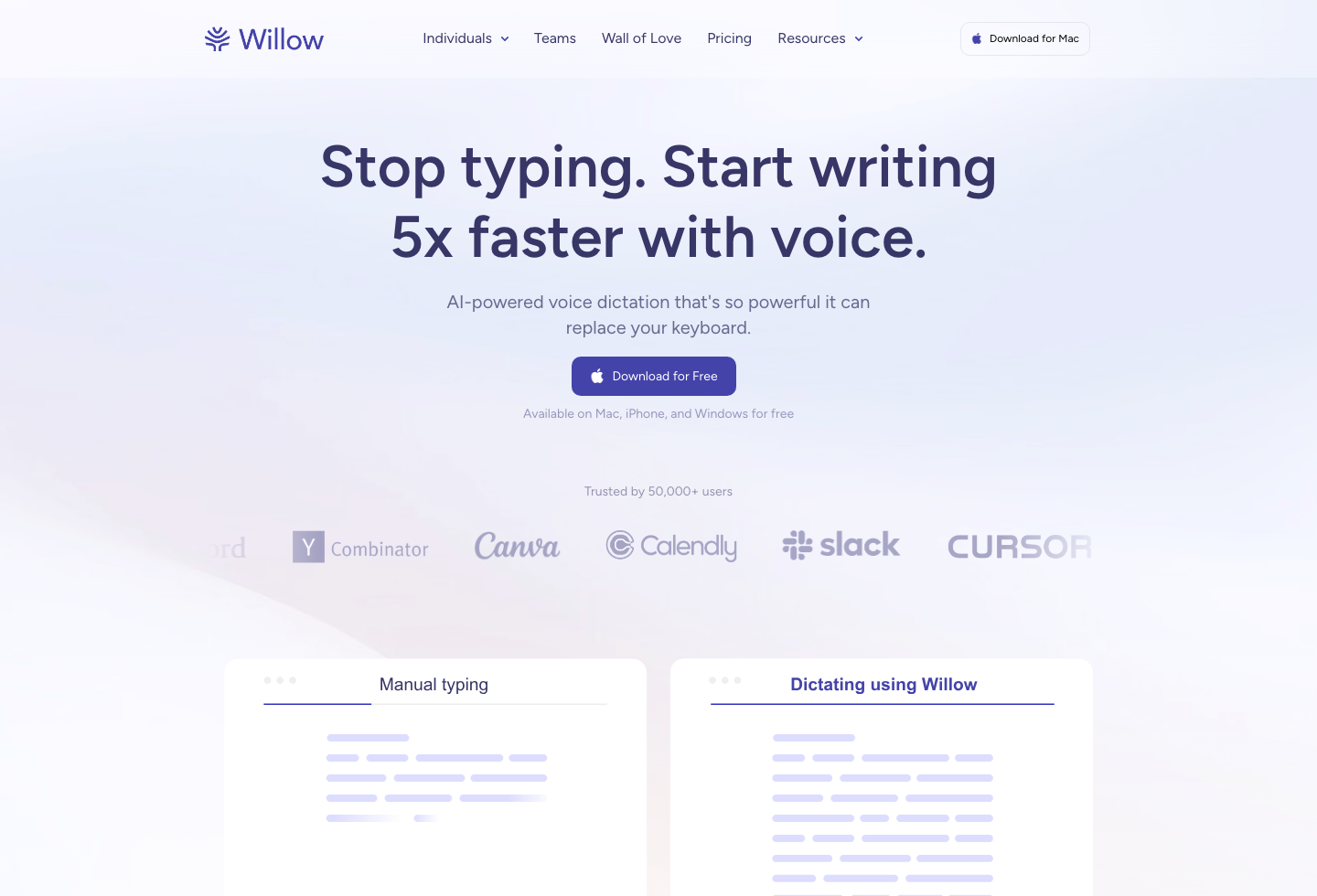
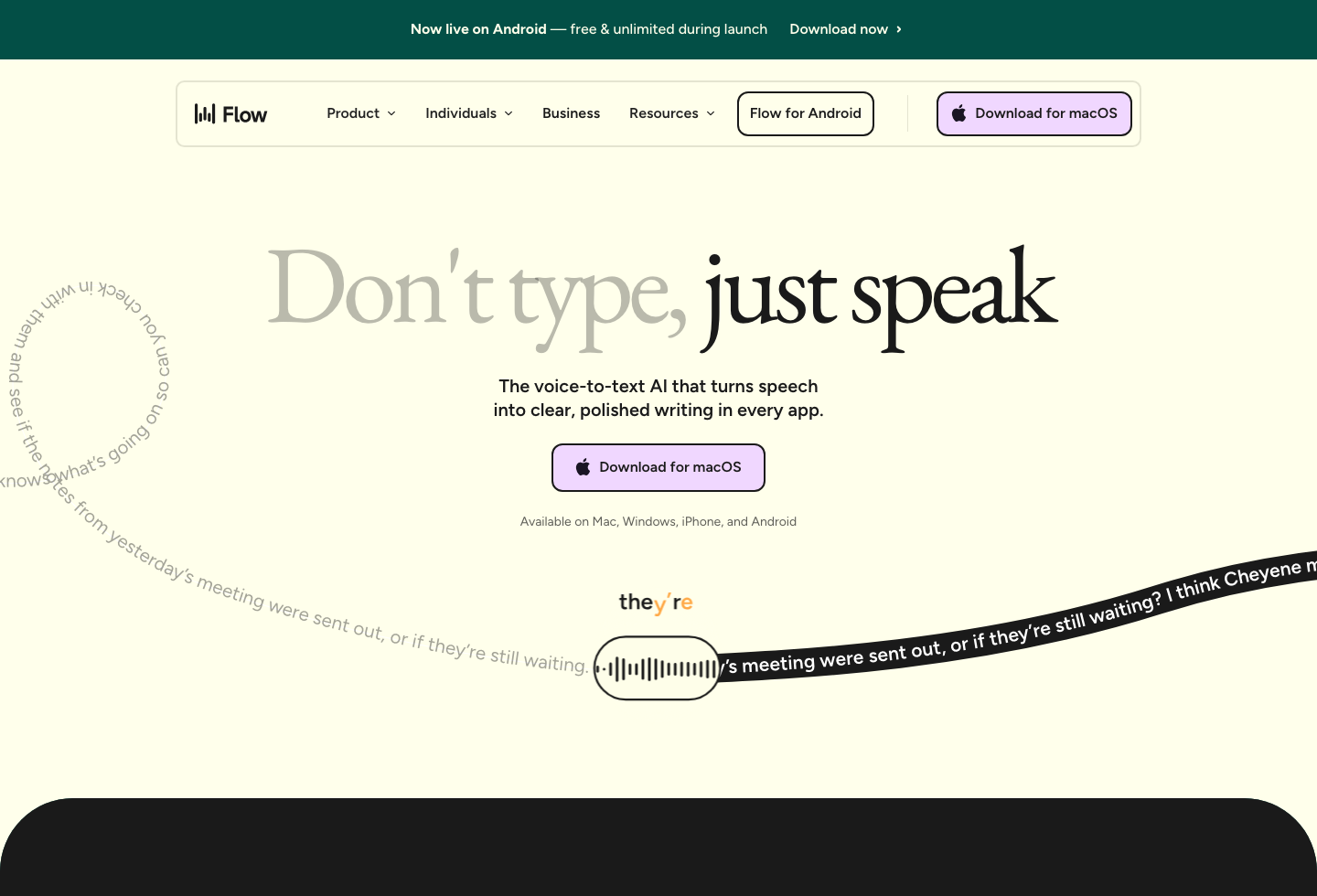
Compare by decision: price, privacy, cloud sync, file transcription, built-in macOS dictation, or Dragon replacement.
Last checked: April 24, 2026
Decision Notes
Apple Dictation is the free baseline; Mac Inbuilt Speech to Text vs Speakmac covers when the built-in Mac option stops being enough.
For paid live dictation, start with the constraint. Use Mac Dictation App Pricing for ownership and cost, Speakmac vs Paraspeech for the closest EU/privacy-positioned local comparison, Speakmac vs Superwhisper for power-user depth, and Wispr Flow or Willow Voice when cloud subscription workflow is the real question.
MacWhisper and Dragon searches are different starting points: one is about recorded files, the other is about replacing an old dictation habit. Use the roundup pages only when you do not yet know the competitor or category.
Reviews
What people say after switching
I'm not a native English speaker but I use English a lot for work. The accuracy genuinely surprised me. Even when I mumble, restart sentences, or talk fast, it keeps up really well. It's lightweight, thoughtfully built, and works great in German as well, even with Anglicisms.

Philip Langenbrink
CEO/Co-Founder @ studiis
As a former designer of iOS apps, I can tell you: it looks really great.

Ken Yarmosh
Author, App Savvy (O'Reilly)
It's improved a lot! I tried it with background noise using AirPods, and it captures text correctly. Even when playing a cricket commentator video, it captured the audio perfectly.

Varun BR
Staff Engineer
You can tell this was crafted with care - the animations, the simplicity, and the way it fits into macOS like it's always been there. Planned to use it daily.
L
Lilou Lane
Product Hunt user
I tried both Siri and SpeakMac. I spoke very fast with low volume.Siri couldn't understand, but SpeakMac did. That was my 'wow' moment.

Manish
Developer

The accuracy is way better than I expected, and I love how seamlessly it integrates with Mac. I've been looking for something like this that doesn't feel clunky.

Eworitse
Community Member
I didn't expect to use SpeakMac this much, but it's become my go-to for writing content ideas, captions, and quick drafts. It picks up my voice perfectly, even when I'm talking fast. It feels effortless - like my Mac finally understands how I work.
Portia
Marketing Lead
Dude i am lovin it. My productivity is really increased. Even a few times while speaking, if i mumble and re speak partial sentence, it understands that very well adjusts on its own.

Shubham
Engineering Manager
I'm not a native English speaker but I use English a lot for work. The accuracy genuinely surprised me. Even when I mumble, restart sentences, or talk fast, it keeps up really well. It's lightweight, thoughtfully built, and works great in German as well, even with Anglicisms.
Philip Langenbrink
CEO/Co-Founder @ studiis
As a former designer of iOS apps, I can tell you: it looks really great.
Ken Yarmosh
Author, App Savvy (O'Reilly)
It's improved a lot! I tried it with background noise using AirPods, and it captures text correctly. Even when playing a cricket commentator video, it captured the audio perfectly.
Varun BR
Staff Engineer
You can tell this was crafted with care - the animations, the simplicity, and the way it fits into macOS like it's always been there. Planned to use it daily.
L
Lilou Lane
Product Hunt user
I tried both Siri and SpeakMac. I spoke very fast with low volume.Siri couldn't understand, but SpeakMac did. That was my 'wow' moment.
Manish
Developer
The accuracy is way better than I expected, and I love how seamlessly it integrates with Mac. I've been looking for something like this that doesn't feel clunky.
Eworitse
Community Member
I didn't expect to use SpeakMac this much, but it's become my go-to for writing content ideas, captions, and quick drafts. It picks up my voice perfectly, even when I'm talking fast. It feels effortless - like my Mac finally understands how I work.
Portia
Marketing Lead
Try the workflow
See if Speakmac fits your Mac before paying.
Download the app, dictate in the places you already write, and only unlock if the local workflow actually works for you.