| Decision factor | Speakmac | Dragon today |
|---|---|---|
| Mac support | Native Mac app | Discontinued on Mac since October 2018 |
| Price shape | $29 one-time for 1 Mac, or $39 for 2 Macs after the free tier | Current professional product line is Windows/cloud/mobile oriented, depending on product |
| Free tier | Free tier available before the paid unlock | No comparable Mac desktop free tier |
| Offline support | Core workflow after the one-time model download | Windows desktop path can work offline; cloud and mobile products depend on the product |
| Workflow | Dictate directly into the Mac app you are already using | Leave the Mac workflow for Windows, cloud, or mobile |
| Best for | Mac users who want the closest replacement for old Dragon-on-Mac dictation | Users who truly need Dragon-specific Windows or enterprise workflows |
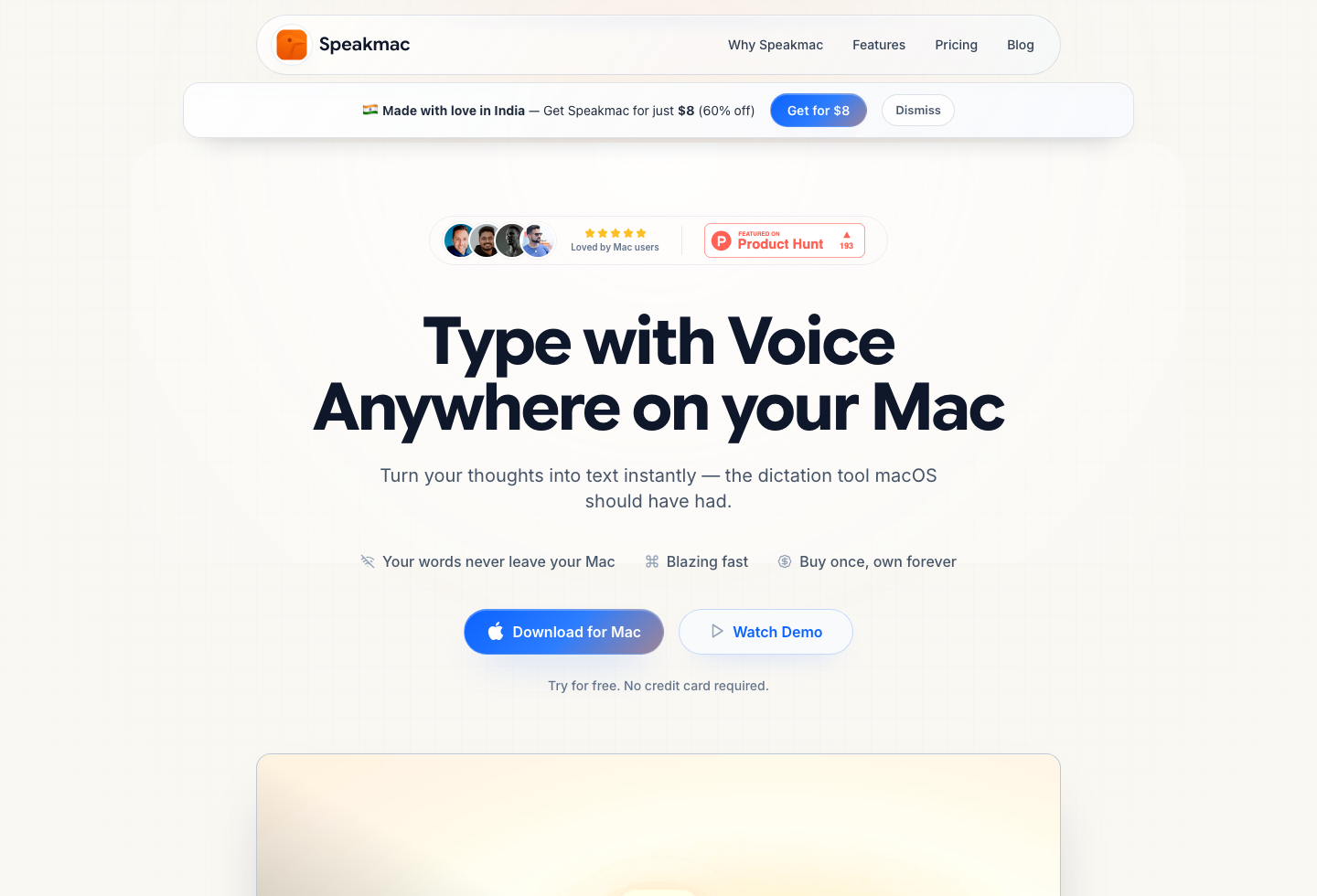
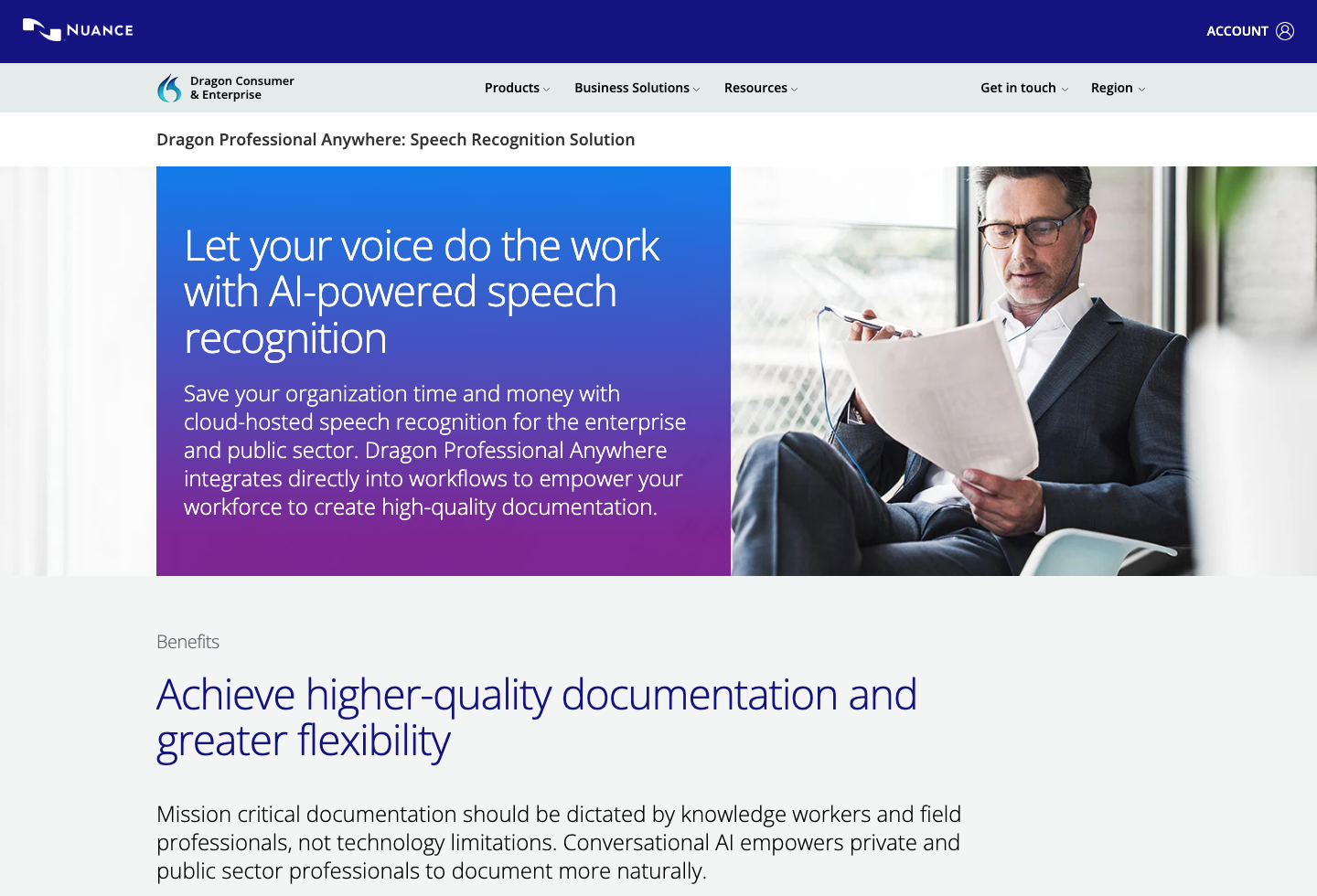
If you are searching for Dragon for Mac, Dragon Dictate for Mac, or Dragon dictation software for Mac, here is the direct answer: Nuance discontinued Dragon Professional Individual for Mac on October 22, 2018, and it never came back. The current Dragon Professional v16 line is built for Windows 11 and Windows 10. There is no current Dragon desktop product you can buy or install on macOS.
That makes the real decision much narrower than it sounds. You are not choosing between two modern Mac apps. You are choosing whether to stay on Mac with a native dictation app or leave the Mac workflow for Dragon's current Windows, cloud, or mobile ecosystem.
If you want the full shortlist of replacement paths, including built-in accessibility and transcription-first tools, read Best Dragon Alternatives for Mac (2026): 5 Real Replacement Paths.
Last checked: June 11, 2026
What Happened to Dragon for Mac
Nuance discontinued Dragon Professional Individual for Mac effective October 22, 2018. Existing version 6 licenses remained valid as perpetual licenses, but updates stopped immediately and official support windows closed within months. Nuance — acquired by Microsoft in 2022 — has shown no public sign of returning to macOS.
The current product materials describe Dragon Professional v16 as optimized for Windows 11 and backwards-compatible with Windows 10. Dragon today means Windows desktop, cloud, or mobile — not Mac.
So if you miss Dragon Dictate for Mac, you are not upgrading between two Mac apps. You are replacing the workflow.
Can You Still Run Old Dragon Dictate on a Mac?
Practically, no. This matters if you still have an old Dragon Dictate 4, Dragon for Mac 5, or Dragon Professional Individual 6 installer sitting in a drawer:
- Old Dragon versions were built for Intel-era macOS. macOS Catalina (2019) dropped 32-bit support, and modern Apple Silicon Macs add further compatibility walls.
- Nuance no longer sells licenses or activations for the Mac line, so even a working installer can hit activation problems.
- There are no updates, no support, and no fixes for OS-level breakage.
If your old copy still limps along on an old Mac, nothing forces you to move today. But the moment you change machines or update macOS, the Dragon-on-Mac era is over — which is exactly why this search now leads to replacement decisions.
Mac Dictation vs Dragon: What Built-In Dictation Covers
A lot of former Dragon users ask whether Apple's built-in dictation can simply take over. The honest split:
| What Dragon did for you | Does Apple Dictation cover it? |
|---|---|
| Short bursts of voice typing | Yes — built in, free, fine for occasional use |
| Long-form daily dictation into any app | Partially — it works, but with little workflow control |
| Custom vocabulary, names, and jargon | Voice Control has custom vocabulary; plain Dictation gives you little control |
| Formatting rules and self-correction habits | No — no user-defined cleanup or replacement rules |
| Hands-free computer control and commands | Voice Control covers navigation; it is accessibility software, not a writing tool |
If Dragon was your accessibility layer, evaluate macOS Voice Control first — it is free and built in. If Dragon was your writing tool, built-in dictation usually feels loose within a week of daily use: no dedicated hotkey workflow, no custom word lists in plain Dictation, no cleanup rules, no live preview. That gap is what a dedicated Mac dictation app fills.
Why Speakmac Is the Closest Replacement
Speakmac is not trying to recreate every historical Dragon feature. It is built around the narrower job most Mac users actually miss: place the cursor where you want text, dictate, and keep moving.
It also covers more of the practical workflow than "simple hotkey dictation" suggests: configurable hotkeys, hands-free toggle mode, a floating live preview, dictation commands, custom words, snippets, regex cleanup rules, and optional privacy mode if you do not want local history kept. Like old Dragon — and unlike most cloud subscription tools — the core dictation runs locally on your Mac after a one-time model download.
That is enough for many people who are not really shopping for enterprise voice infrastructure. They are trying to get dependable Mac dictation back, at $29 one-time for 1 Mac, or $39 for 2 Macs instead of a recurring bill.
When Speakmac Is the Wrong Choice
If you need full voice-driven computer control, heavy macro automation, or a product bought and managed like enterprise software, Speakmac is not the right answer.
It is a text-entry product for Mac users, not a full operating-system command layer.
When Dragon Still Makes Sense
Dragon still matters if your actual requirement is one of these:
- deeper command-and-control workflows
- broader Windows application support
- managed cloud deployment
- regulated or organization-level procurement
If that is your job, the right comparison is not really "Dragon vs Mac dictation." It is "Do I need Dragon-specific infrastructure badly enough to leave the Mac workflow?"
What Most People Are Actually Replacing
Most searchers are not trying to replace enterprise software in the abstract. They are trying to replace a habit: dictating directly into the apps they already use on a Mac.
That is why Speakmac is the better answer for most of this search intent. It solves the Mac part of the problem directly instead of asking you to move to Windows or accept a different device and workflow.
Final Recommendation
If you want the closest current replacement for Dragon-on-Mac dictation, Speakmac is the clearest answer.
| Choose... | If your priority is... | Tradeoff |
|---|---|---|
| Speakmac | Native Mac dictation into the apps you already use | Not a full Dragon-style command-and-control suite |
| Dragon's current ecosystem | Enterprise/professional Dragon-specific workflows, usually outside a native Mac desktop path | You may need Windows, cloud, mobile, or managed deployment tradeoffs |
| Apple Dictation / Voice Control | Occasional free dictation or hands-free accessibility control | Less workflow control for daily writing |
Dragon still exists, but not on the Mac. For most people searching for Dragon for Mac in 2026, the practical question is which Mac-native tool inherits the job — not whether Dragon is coming back.
FAQ
Is Dragon for Mac discontinued?
Yes. Nuance discontinued Dragon Professional Individual for Mac on October 22, 2018. Existing licenses stayed valid, but there have been no updates or new Mac versions since, and the current Dragon Professional v16 line is Windows-only.
Can I install Dragon on a Mac?
No current Dragon desktop product is available for macOS. Old Mac versions generally no longer run on modern macOS, and Nuance no longer sells or activates Mac licenses. The supported desktop path is Windows.
Will Dragon come back to Mac?
Nothing public suggests it. Nuance is now part of Microsoft, and the Dragon product line has been Windows-, cloud-, and mobile-focused since 2018.
What is the best Dragon Dictation alternative for Mac?
If your goal is daily dictation on macOS, Speakmac is the closest fit because it keeps the workflow native to the Mac — local dictation into any app — instead of requiring a platform change.
Do I need a special microphone like I did for Dragon?
Usually not. Old Dragon setups leaned on dedicated USB microphones for accuracy. Modern Mac dictation apps work well with the built-in microphones on recent MacBooks and iMacs; an external mic helps in noisy rooms but is no longer the price of entry.
Why not just use Dragon on Windows?
You can, but that changes the job. You are no longer buying a Mac dictation tool. You are buying a Windows or virtualization workflow because there is no current Dragon desktop app for Mac.
Reviews
What people say after switching
I'm not a native English speaker but I use English a lot for work. The accuracy genuinely surprised me. Even when I mumble, restart sentences, or talk fast, it keeps up really well. It's lightweight, thoughtfully built, and works great in German as well, even with Anglicisms.

Philip Langenbrink
CEO/Co-Founder @ studiis
As a former designer of iOS apps, I can tell you: it looks really great.

Ken Yarmosh
Author, App Savvy (O'Reilly)
It's improved a lot! I tried it with background noise using AirPods, and it captures text correctly. Even when playing a cricket commentator video, it captured the audio perfectly.

Varun BR
Staff Engineer
You can tell this was crafted with care - the animations, the simplicity, and the way it fits into macOS like it's always been there. Planned to use it daily.
L
Lilou Lane
Product Hunt user
I tried both Siri and SpeakMac. I spoke very fast with low volume.Siri couldn't understand, but SpeakMac did. That was my 'wow' moment.

Manish
Developer

The accuracy is way better than I expected, and I love how seamlessly it integrates with Mac. I've been looking for something like this that doesn't feel clunky.

Eworitse
Community Member
I didn't expect to use SpeakMac this much, but it's become my go-to for writing content ideas, captions, and quick drafts. It picks up my voice perfectly, even when I'm talking fast. It feels effortless - like my Mac finally understands how I work.

Portia
Marketing Lead
Dude i am lovin it. My productivity is really increased. Even a few times while speaking, if i mumble and re speak partial sentence, it understands that very well adjusts on its own.

Shubham
Engineering Manager
I'm not a native English speaker but I use English a lot for work. The accuracy genuinely surprised me. Even when I mumble, restart sentences, or talk fast, it keeps up really well. It's lightweight, thoughtfully built, and works great in German as well, even with Anglicisms.
Philip Langenbrink
CEO/Co-Founder @ studiis
As a former designer of iOS apps, I can tell you: it looks really great.
Ken Yarmosh
Author, App Savvy (O'Reilly)
It's improved a lot! I tried it with background noise using AirPods, and it captures text correctly. Even when playing a cricket commentator video, it captured the audio perfectly.
Varun BR
Staff Engineer
You can tell this was crafted with care - the animations, the simplicity, and the way it fits into macOS like it's always been there. Planned to use it daily.
L
Lilou Lane
Product Hunt user
I tried both Siri and SpeakMac. I spoke very fast with low volume.Siri couldn't understand, but SpeakMac did. That was my 'wow' moment.
Manish
Developer
The accuracy is way better than I expected, and I love how seamlessly it integrates with Mac. I've been looking for something like this that doesn't feel clunky.
Eworitse
Community Member
I didn't expect to use SpeakMac this much, but it's become my go-to for writing content ideas, captions, and quick drafts. It picks up my voice perfectly, even when I'm talking fast. It feels effortless - like my Mac finally understands how I work.
Portia
Marketing Lead
Try the workflow
See if Speakmac fits your Mac before paying.
Download the app, dictate in the places you already write, and only unlock if the local workflow actually works for you.