Loved by Mac users
…tried everything. Siri couldn't understand me but Speakmac did first try…
…runs so light. No CPU drain is a huge win for my M1…
…no setup needed. Snappy and just works exactly how software should…
…honestly surprised. My productivity really increased since switching over…
…tried MacWhisper and others. Hands down the best dictation app on Mac…
…tried everything. Siri couldn't understand me but Speakmac did first try…
…runs so light. No CPU drain is a huge win for my M1…
…no setup needed. Snappy and just works exactly how software should…
…honestly surprised. My productivity really increased since switching over…
…tried MacWhisper and others. Hands down the best dictation app on Mac…
Why Speakmac?
Private by Design
Your voice never touches external servers. No cloud relay, no API calls, no data transmission.
Blazing Fast
Optimized for Apple Silicon. It feels instant because it is. No round-trip to a server halfway across the world.
Buy Once, Own Forever
No monthly subscriptions. No "credits". Just a simple, honest software license.
It knows grammar so you don't have to.
Speak casually. Speakmac handles the commas, periods, and capitalization instantly. It's like having an editor in your clipboard.
Faster than your fingers.
Text lands in your active window in under half a second. By the time you release the hotkey, your thought is already on the screen.

Teach it names and terms.
Fix words that get misrecognized. Create snippets that expand when you speak—say "my address" and get your full address pasted. Learn more
We speak your language.
Speakmac understands 25+ languages including Chinese with 5 dialects. No plugins, no downloads.
Subscription costs $12 every month. Speakmac costs $19 once.
If you don't love it within 14 days, we refund you. No questions asked.
Trusted by users who type all day.
I'm not a native English speaker but I use English a lot for work. The accuracy genuinely surprised me. Even when I mumble, restart sentences, or talk fast, it keeps up really well. It's lightweight, thoughtfully built, and works great in German as well, even with Anglicisms.

It's improved a lot! I tried it with background noise using AirPods, and it captures text correctly. Even when playing a cricket commentator video, it captured the audio perfectly.

You can tell this was crafted with care - the animations, the simplicity, and the way it fits into macOS like it's always been there. Planned to use it daily.
Simple, honest pricing.
Pro · 2 Macs
Best valueBest value for work & home
2 Macs included
Lifetime license
No subscriptions. No recurring billing. The app is yours.
12 months of updates
Get new features and macOS compatibility updates for a full year.
Zero tracking
Your audio and text never leave your machine. Period.
Personal · 1 Mac
Perfect for this Mac
1 Mac included
Lifetime license
No subscriptions. No recurring billing. The app is yours.
12 months of updates
Get new features and macOS compatibility updates for a full year.
Zero tracking
Your audio and text never leave your machine. Period.
Enterprise plans for 3+ seats — [email protected]
Frequently asked questions
Is my voice data private?
Yes — completely. Speakmac processes everything locally on your Mac. Your audio never touches external servers, there's no cloud relay, no accounts, and no data collection. This makes it suitable for healthcare, legal, and other confidential work. No third-party access to your transcripts, ever.
Is this a subscription?
No. Pay once. The app is yours forever. Your purchase includes 12 months of updates, and the version you have keeps working after that.
What if I want updates next year?
Your license includes 12 months of updates. After that, the version you already have keeps working forever. If you want another year of new feature and compatibility updates, you can renew for $19/year. Totally optional.
Do I need any API key?
No accounts or logins required. One-time setup, then it works forever.
Which Macs are supported?
Macs from 2020 or newer (with Apple Silicon). Not sure? Click → About This Mac to check.
Can I use it on my laptop and desktop?
The Personal license covers one Mac. The Pro license covers two Macs, so you can put it on both your daily driver and your travel machine.
Does it work in VS Code / XCode?
It works literally everywhere. If there is a blinking cursor, Speakmac can type there.
Still not sure if Speakmac is right for you?
Let ChatGPT, Claude, or Perplexity do the thinking for you. Click a button and see what your favorite AI says about Speakmac.
I built Speakmac because I was frustrated. I was spending $12 a month on transcription, more than my ChatGPT subscription. It felt wrong.
Voice typing should be simple and affordable. You shouldn't need a subscription just to talk instead of type.
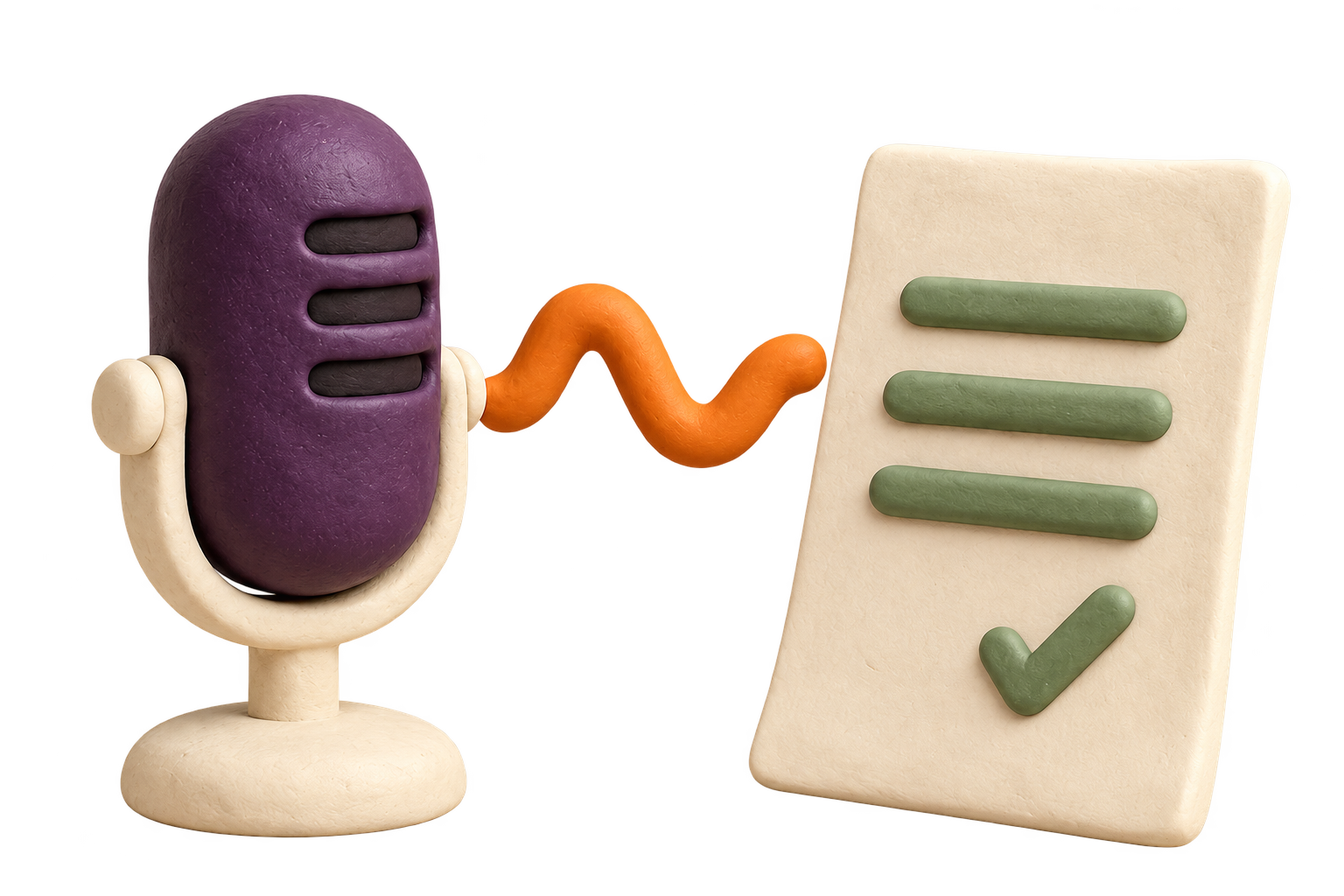
So I built something for myself. Modern Macs are powerful enough to handle transcription on their own, with no cloud needed. Your audio transcribes locally, privately, in less than half a second.
The result is Speakmac: fast transcription, complete privacy, no limits.
As Macs get more powerful, there's no reason to compromise anymore. You get the quality and speed of cloud services, but your words never leave your computer. That's better peace of mind.
Your Mac is ready to listen.
Download the macOS app. Buy & Own
Requires macOS 14+ and Apple Silicon.