| Tool | What it is really for | Live dictation | macOS app | Pricing shape | Best fit |
|---|---|---|---|---|---|
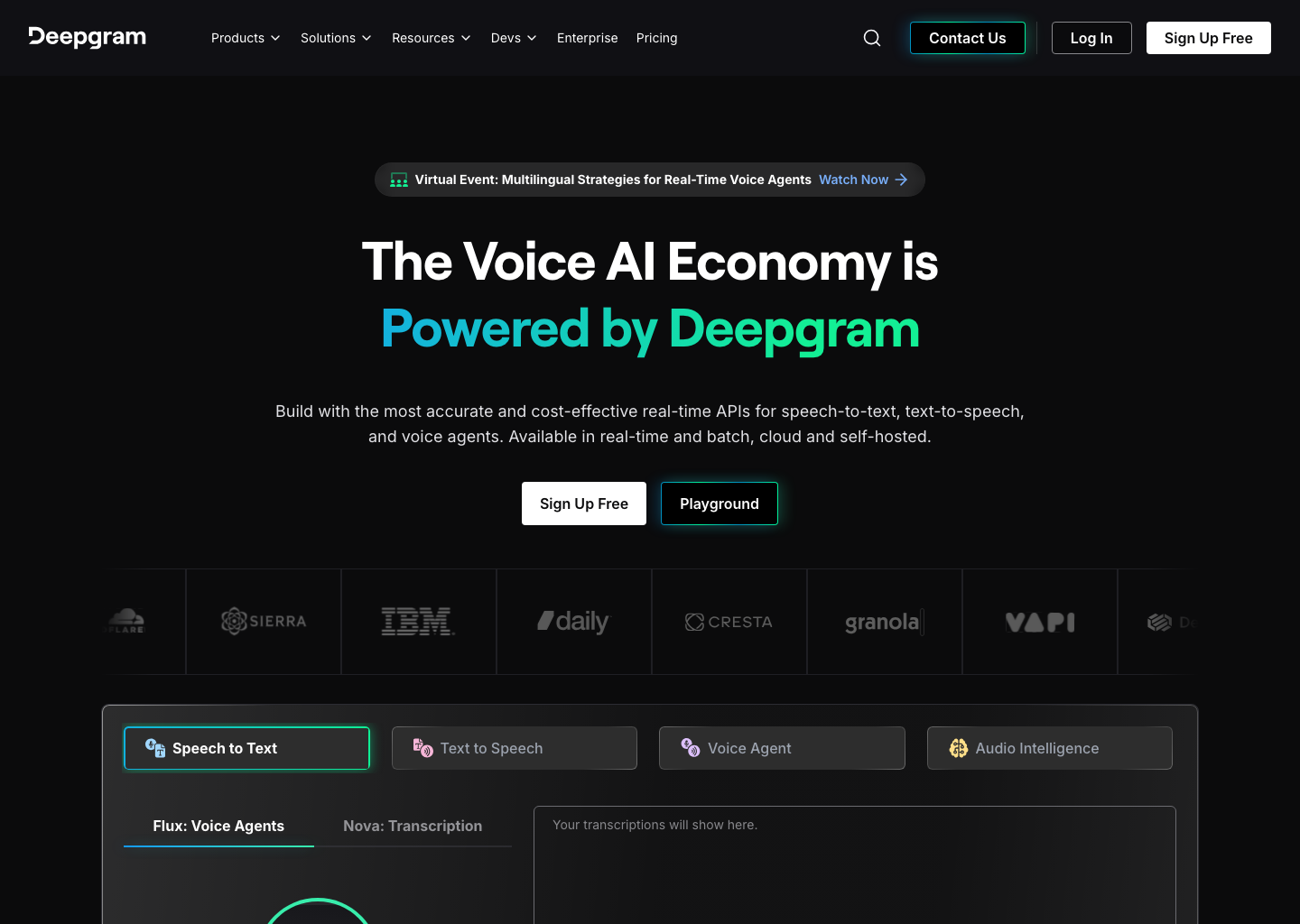
| Deepgram | Speech API for developers | Yes, via API | No | Usage-based | Teams building voice products |
| Whisper | Speech-recognition model | Not by itself | No | Open-source | Researchers, developers, and builders |
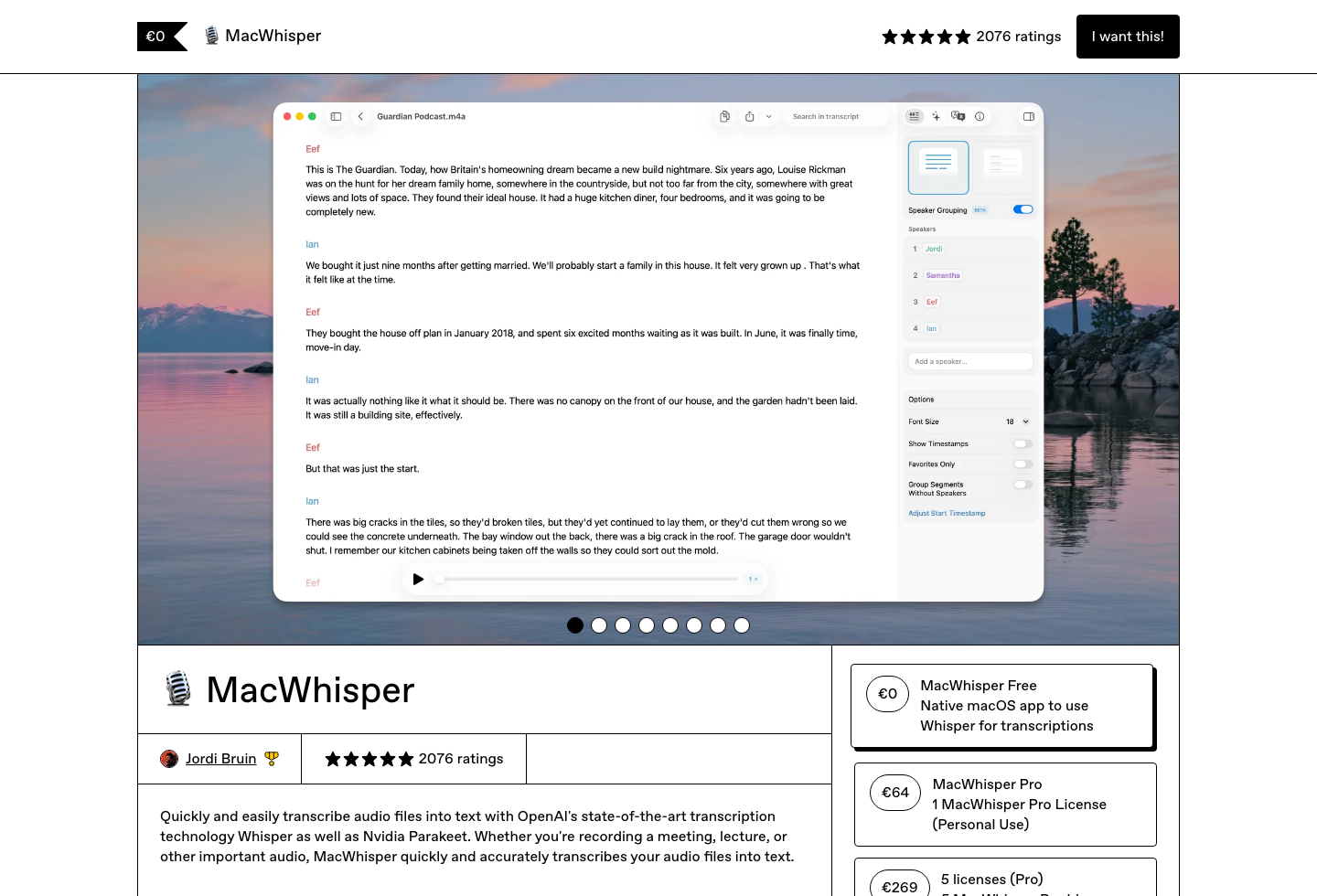
| MacWhisper | Offline file transcription app | Not the main workflow | Yes | Free tier + one-time paid license | Transcribing recordings and exports |
| Superwhisper | Live dictation app | Yes | Yes | Free tier + subscription / lifetime options | Users who want more modes and pricing flexibility |
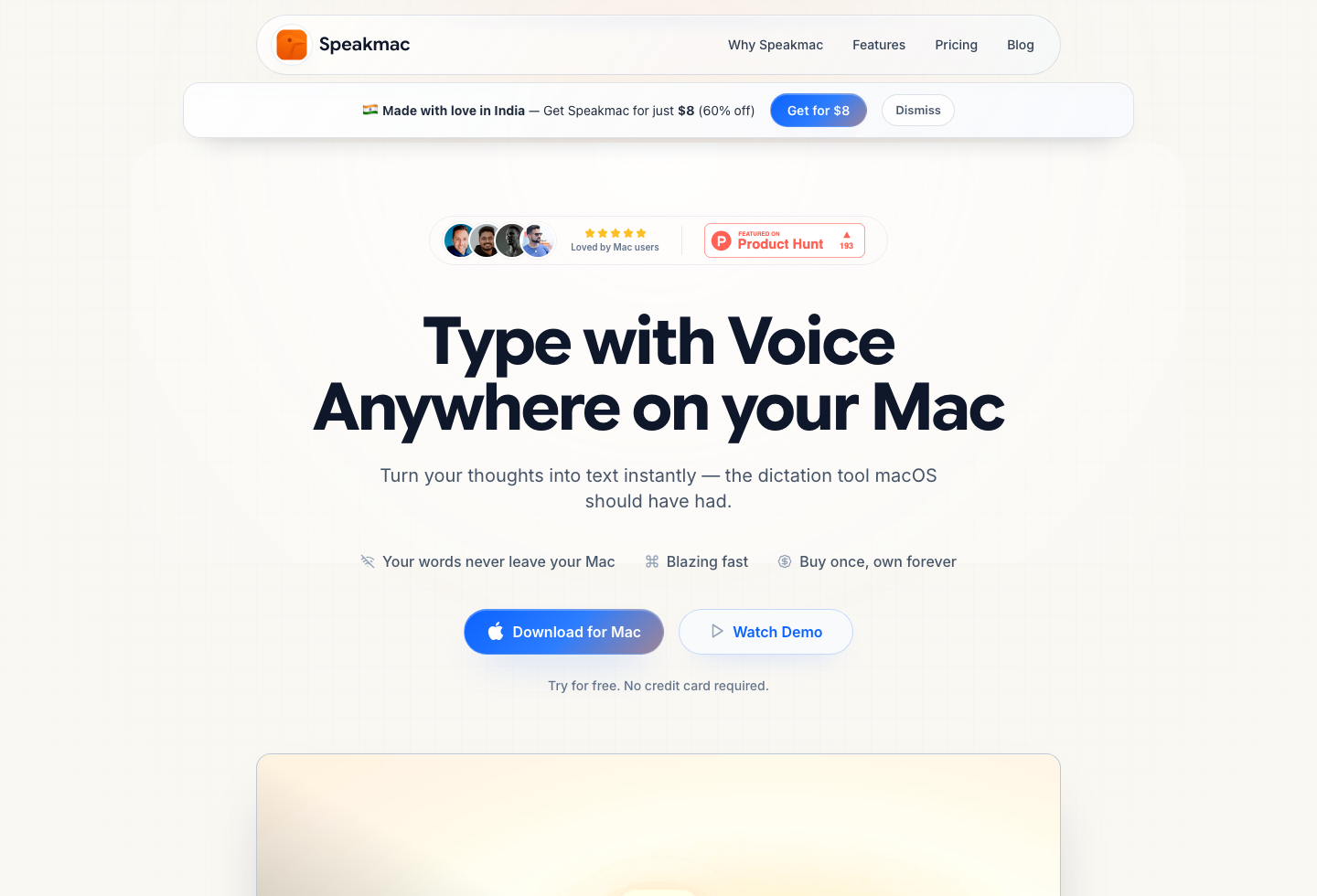
| Speakmac | Mac dictation for daily writing | Yes | Yes | Free tier + $29 one-time 1-Mac unlock or $39 2-Mac unlock | People who want local Mac dictation without another subscription |
The best speech-to-text software in 2026 depends on the job, not the brand: Deepgram if you are building voice features with an API, Whisper if you want an open model to build on, MacWhisper if you transcribe recordings, and a dedicated dictation app like Speakmac if you want to talk into Mac apps every day. Most comparisons blur these together; this page separates them so you buy the right category.
Last checked: June 11, 2026
If you are a developer comparing speech-to-text APIs, the short version is in the Deepgram and Whisper sections below — then you want a vendor benchmark, not an app roundup. If your search is specifically about dictating on a Mac, start with the narrower speech to text for Mac guide. This page is the broader router: developer APIs, open models, file transcription, and end-user dictation apps.
What Is the Best Voice-to-Text Software?
There is not one best voice-to-text software choice for everyone, because the best speech to text software depends on the job. If you are building software, this is not really a “best app” question. You are deciding between APIs and models. If you are trying to write emails, documents, or messages faster, that is a different category entirely. And if your work starts from recorded audio files, that is different again.
That is why these products feel similar in search results but behave differently in real use. The best choice depends on whether you are shipping software, transcribing recordings, or replacing typing on a Mac.
Deepgram: Best for Developers Shipping Voice Features
Deepgram belongs on the shortlist if you are integrating speech recognition into software. It gives you streaming transcription, developer tooling, and infrastructure built for products rather than end-user writing. That makes it useful for voice assistants, call workflows, and custom applications.
It is the wrong tool if what you actually want is to dictate an email or write in Notion. Deepgram can power that kind of workflow in theory, but it is not sold as the end-user product itself.
Whisper: Best as a Model, Not as a Finished Product
Whisper is still one of the most referenced names in speech recognition because the model quality is strong and the ecosystem around it is large. But Whisper is not a finished dictation product. It is the engine many other tools build on top of.
That means Whisper makes sense if you are technical, experimenting, or building. It makes less sense if you want a ready-to-use Mac writing workflow with almost no setup.
MacWhisper: Best for Recordings, Not Cursor-First Dictation
MacWhisper is the strongest choice in this group if your input is recorded audio. It is good for interviews, meeting audio, exported clips, and file-based transcription workflows where the transcript is the deliverable.
It is much less compelling if your real job is talking into the active cursor throughout the day. In that case, the more relevant comparison is MacWhisper vs Speakmac, because that decision is about workflow shape more than transcription quality alone.
Superwhisper: Best for Users Who Want More Modes and Don’t Mind Paying More
Superwhisper sits closer to the live-dictation category, but with a broader pricing and product surface than a simple one-time Mac app. It is a better fit when you want more flexibility around plans, modes, or how the product is packaged.
It is a worse fit if you want the cheapest direct path to daily Mac dictation and do not want ongoing software cost for a workflow that mostly lives on one machine.
Speakmac: Best for Daily Mac Dictation Without Subscription Bloat
Speakmac is the clearest fit in this list if your goal is simple: put the cursor in the app you are already using and dictate directly into it.
It is a direct-download Mac app with a free tier and a $29 one-time 1-Mac unlock or $39 2-Mac unlock. More importantly, it now covers more of the practical daily workflow than older roundup pages suggested. In addition to live dictation, it supports multiple hotkeys, hands-free toggle mode, floating live preview, dictation commands, custom words, snippets, regex-based formatting cleanup, and a choice between local history and privacy mode.
That does not make it a better developer platform or a better transcription archive. It makes it a better fit when your main job is writing on a Mac.
Which Tool Is Best for Which Person?
Choose Deepgram if you are building software and need an API.
Choose Whisper if you want a speech model, not a packaged product.
Choose MacWhisper if you mostly work from recordings and need a transcript afterward.
Choose Superwhisper if you want a live-dictation app with a broader pricing and mode surface.
Choose Speakmac if you want fast Mac dictation for daily writing and would rather buy once than manage another subscription.
If You Are Actually Looking for Mac Dictation
Most search traffic to a broad speech-to-text page is not ready to compare APIs. Some people simply want to write faster on a Mac.
Use this shortcut:
- Need live typing into Mac apps? Start with Speech to Text for Mac.
- Need offline/private dictation? Start with Best Offline Dictation Apps for Mac.
- Need recorded-audio transcription? Start with Speakmac vs MacWhisper.
- Need a cheaper Superwhisper alternative? Start with Speakmac vs Superwhisper.
Final Recommendation
There is no single best speech-to-text tool across all categories because these products are solving different jobs. Use the page as a routing decision, then go deeper only into the workflow that matches your actual need.
| If you want... | Start here | Why |
|---|---|---|
| To build speech features into software | Deepgram or Whisper | You need an API or model, not a consumer dictation app. |
| To transcribe recordings and saved audio | MacWhisper vs Speakmac | Recording-first transcription is a different job from live cursor dictation. |
| Live dictation into Mac apps | Speech to text for Mac | This narrows the decision to daily writing tools. |
| Offline or privacy-first Mac dictation | Best offline dictation apps for Mac | Local processing changes the shortlist quickly. |
| A lower-cost daily Mac dictation setup | Mac dictation app pricing | Ownership model matters once dictation becomes a habit. |
| A premium privacy-positioned Mac alternative | Speakmac vs Paraspeech | Useful if vendor positioning and privacy posture matter more than lowest price. |
Reviews
What people say after switching
I'm not a native English speaker but I use English a lot for work. The accuracy genuinely surprised me. Even when I mumble, restart sentences, or talk fast, it keeps up really well. It's lightweight, thoughtfully built, and works great in German as well, even with Anglicisms.

Philip Langenbrink
CEO/Co-Founder @ studiis
As a former designer of iOS apps, I can tell you: it looks really great.

Ken Yarmosh
Author, App Savvy (O'Reilly)
It's improved a lot! I tried it with background noise using AirPods, and it captures text correctly. Even when playing a cricket commentator video, it captured the audio perfectly.

Varun BR
Staff Engineer
You can tell this was crafted with care - the animations, the simplicity, and the way it fits into macOS like it's always been there. Planned to use it daily.
L
Lilou Lane
Product Hunt user
I tried both Siri and SpeakMac. I spoke very fast with low volume.Siri couldn't understand, but SpeakMac did. That was my 'wow' moment.

Manish
Developer

The accuracy is way better than I expected, and I love how seamlessly it integrates with Mac. I've been looking for something like this that doesn't feel clunky.

Eworitse
Community Member
I didn't expect to use SpeakMac this much, but it's become my go-to for writing content ideas, captions, and quick drafts. It picks up my voice perfectly, even when I'm talking fast. It feels effortless - like my Mac finally understands how I work.
Portia
Marketing Lead
Dude i am lovin it. My productivity is really increased. Even a few times while speaking, if i mumble and re speak partial sentence, it understands that very well adjusts on its own.

Shubham
Engineering Manager
I'm not a native English speaker but I use English a lot for work. The accuracy genuinely surprised me. Even when I mumble, restart sentences, or talk fast, it keeps up really well. It's lightweight, thoughtfully built, and works great in German as well, even with Anglicisms.
Philip Langenbrink
CEO/Co-Founder @ studiis
As a former designer of iOS apps, I can tell you: it looks really great.
Ken Yarmosh
Author, App Savvy (O'Reilly)
It's improved a lot! I tried it with background noise using AirPods, and it captures text correctly. Even when playing a cricket commentator video, it captured the audio perfectly.
Varun BR
Staff Engineer
You can tell this was crafted with care - the animations, the simplicity, and the way it fits into macOS like it's always been there. Planned to use it daily.
L
Lilou Lane
Product Hunt user
I tried both Siri and SpeakMac. I spoke very fast with low volume.Siri couldn't understand, but SpeakMac did. That was my 'wow' moment.
Manish
Developer
The accuracy is way better than I expected, and I love how seamlessly it integrates with Mac. I've been looking for something like this that doesn't feel clunky.
Eworitse
Community Member
I didn't expect to use SpeakMac this much, but it's become my go-to for writing content ideas, captions, and quick drafts. It picks up my voice perfectly, even when I'm talking fast. It feels effortless - like my Mac finally understands how I work.
Portia
Marketing Lead
Try the workflow
See if Speakmac fits your Mac before paying.
Download the app, dictate in the places you already write, and only unlock if the local workflow actually works for you.