| If you want... | Start with... | Pricing shape |
|---|---|---|
| Occasional free dictation | Apple Dictation | Free |
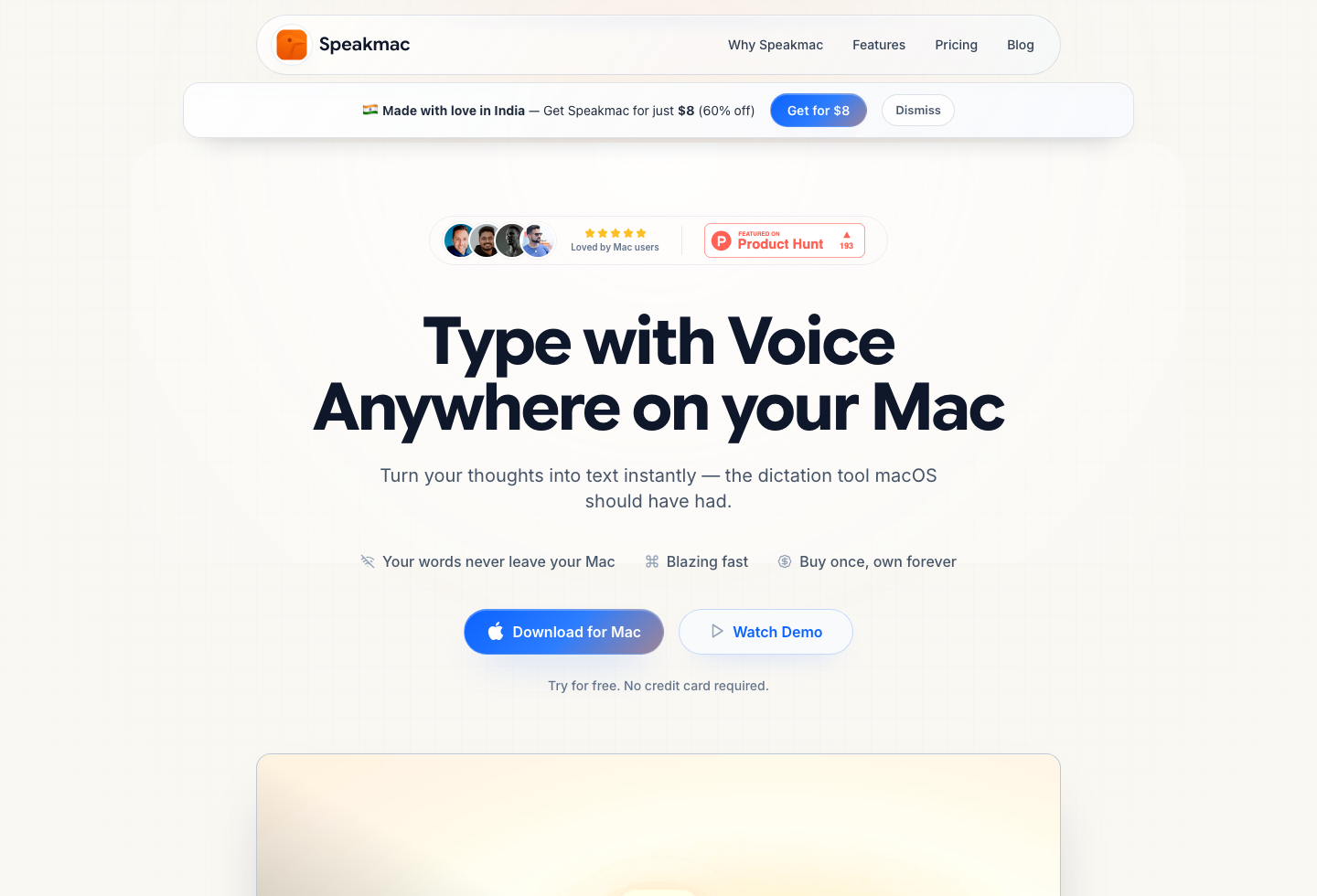
| Daily private dictation on Mac | Speakmac | Free tier, then $29 one-time for 1 Mac, or $39 for 2 Macs |
| Premium EU/Germany privacy-positioned alternative | Paraspeech comparison | Trial, then paid plans |
| Power-user dictation with more modes and devices | Superwhisper | Free tier, subscription, or lifetime |
| Cross-device cloud writing workflow | Wispr Flow | Free Basic, then Pro subscription |
| Cloud dictation for individuals or teams | Willow Voice | Free weekly limit, then subscription |
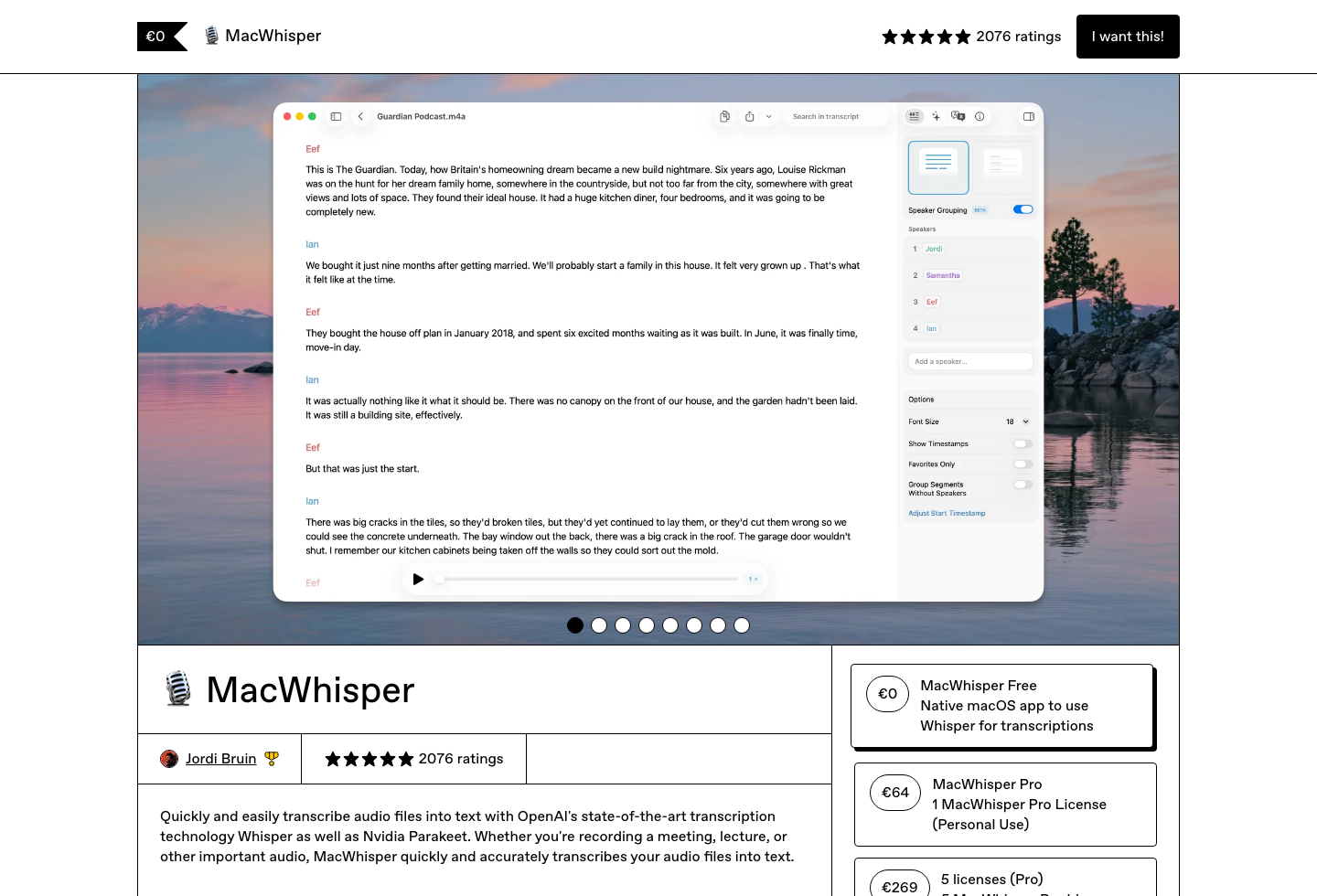
| Transcripts from recordings | MacWhisper | Free tier plus paid license |
Mac dictation app pricing ranges from free built-in tools to $29 one-time Mac apps, $12-$15/month cloud subscriptions, and premium lifetime licenses. The cheapest paid path is not always the right path, but the category gets much clearer once you separate live dictation, cloud workflow, privacy, and file transcription.
Some people need the free built-in option for occasional voice typing. Some need private local dictation into the active Mac app all day. Some care especially about EU/Germany vendor trust signals. Some want a cloud account that follows them across devices. Some do not need live dictation at all; they need transcripts from recordings.
So start with the job first, then look at price.
Last checked: June 11, 2026
If your answer is "daily live dictation on Mac", test that workflow before paying. If your answer is different, use the pricing tables below to avoid buying the wrong category.
No-Subscription and Lifetime Options
These are the better starting points if you dislike recurring billing or want a local/offline workflow.
| Tool | Current public price signal | Best for | Watch out for |
|---|---|---|---|
| Speakmac | Free tier, then $29 one-time 1-Mac unlock or $39 2-Mac unlock | Daily live dictation into Mac apps at a low paid price | Mac-only and focused on live dictation, not file transcription |
| Apple Dictation | Included with macOS | Occasional free dictation before installing anything | Limited workflow controls for daily use |
| Paraspeech | Lifetime license (one- and three-device tiers, price at checkout); monthly/yearly also available | Premium offline Mac dictation with EU privacy positioning | Higher price than one-time budget options; macOS 14+ required |
| Superwhisper | $249.99 lifetime Pro; monthly/yearly also available | Power users who want more modes, model choices, and device coverage | Much higher long-term cost if you only need simple Mac dictation |
| MacWhisper | Paid license varies by channel | Private transcription of recordings and files | Not the natural choice for live cursor-first dictation |
For this group, the important split is not just price. It is live dictation vs file transcription and simple local workflow vs advanced configuration.
Speakmac is the low-cost local route if you want to speak into Mail, Notes, Google Docs, Slack, Cursor, Notion, or browser fields. Paraspeech is the closer premium privacy-positioned alternative when EU/Germany vendor framing matters. MacWhisper is a different category if your work starts with recordings.
Subscription-Based Options
These make more sense when the subscription buys something you actually use: cross-device access, mobile apps, team controls, cloud rewriting, or a broader account layer.
| Tool | Current public price signal | Best for | Watch out for |
|---|---|---|---|
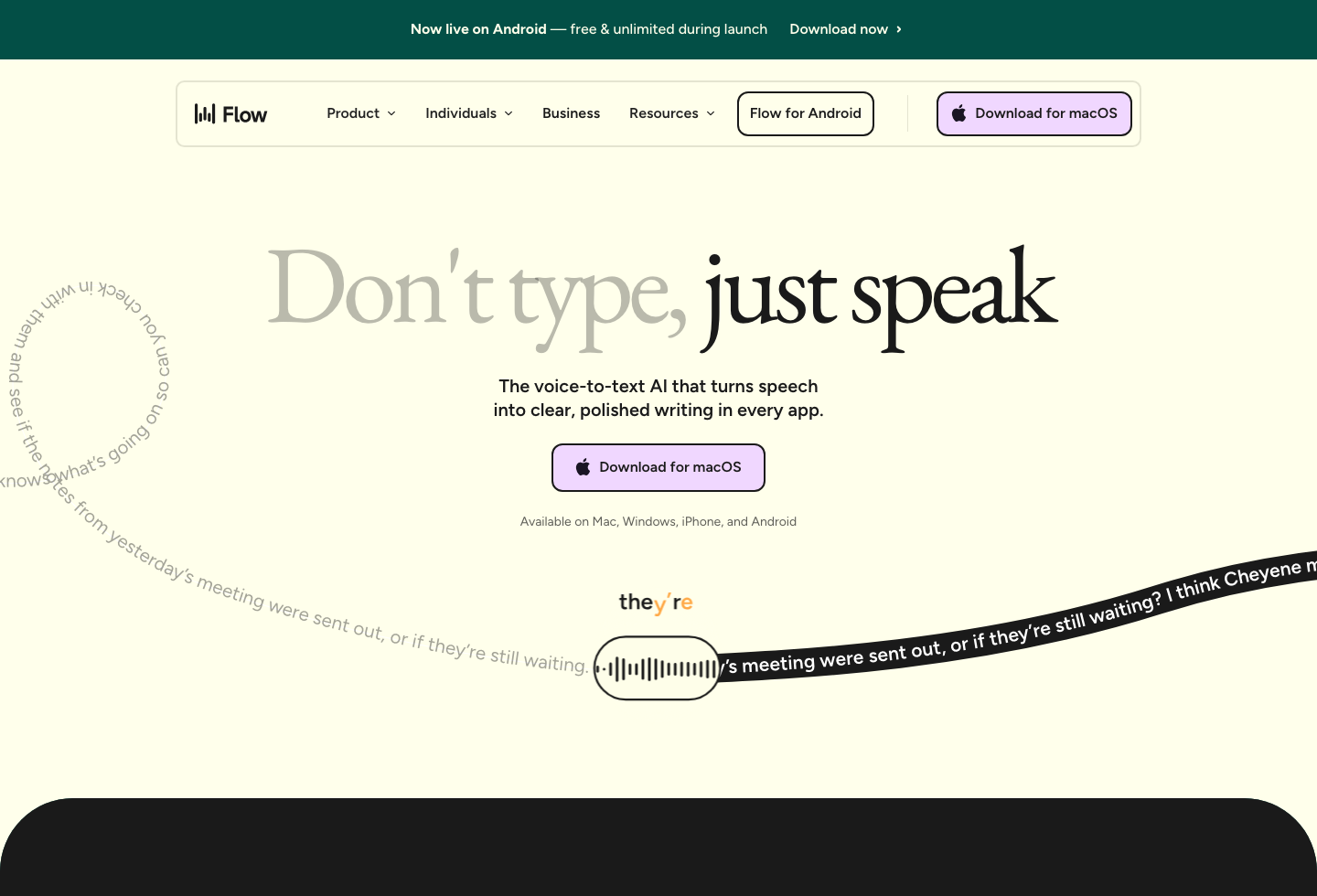
| Wispr Flow Pro | $15/month or $12/month billed annually | Cross-device voice workflow with cloud features and rewriting | Recurring cost; offline/local is not the core product model |
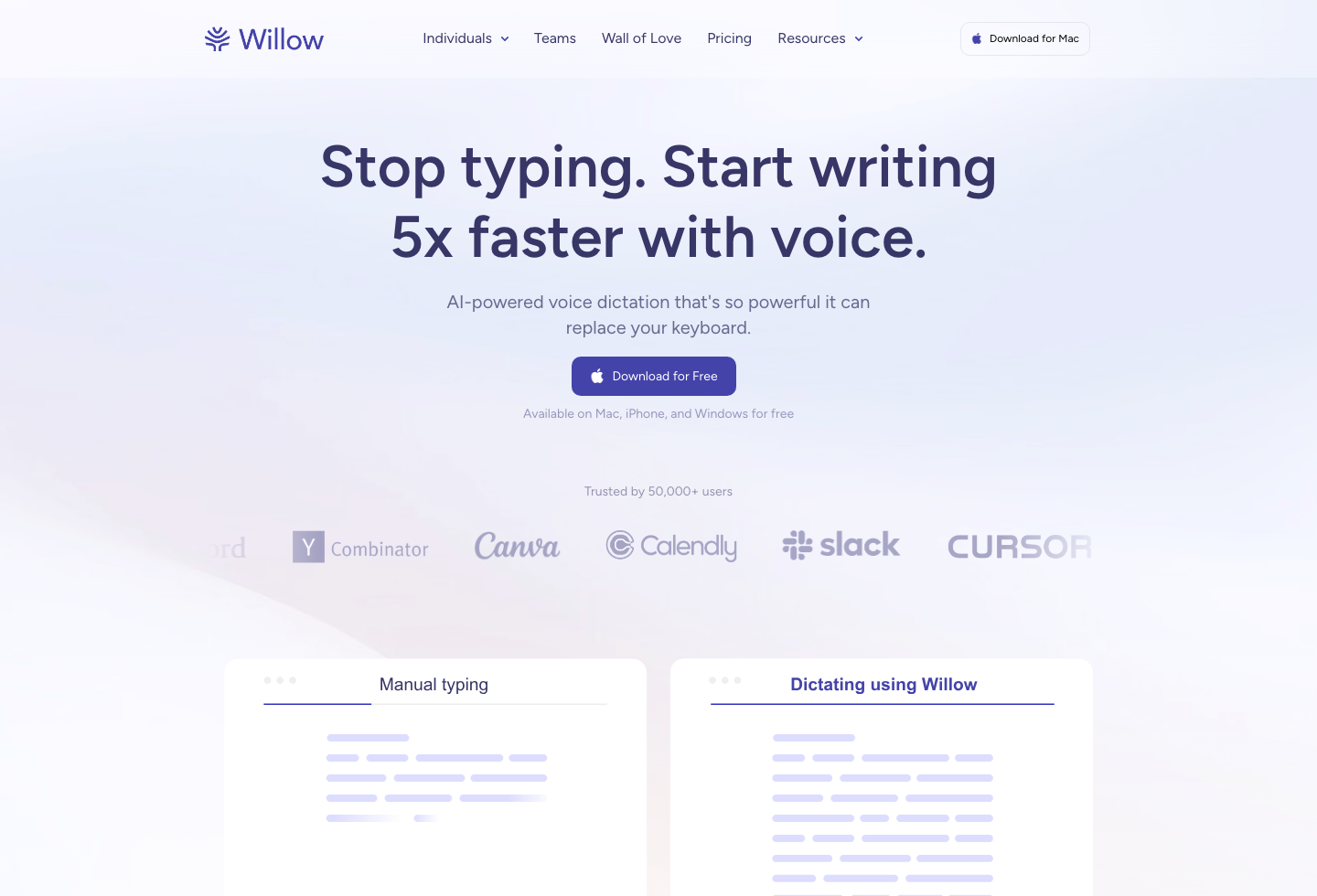
| Willow Voice Individual | $12/month billed annually | Cloud dictation with personalization, weekly free tier, and team path | Recurring cost; team/account model may be more than a solo Mac user needs |
| Superwhisper Pro | $8.49/month or $84.99/year | Advanced dictation users who want modes, model control, and broader platform support | Can be overkill if the job is focused live Mac dictation |
| Paraspeech | $8.99/month or $89.99/year | Premium offline Mac dictation if you prefer spreading cost over time | Subscription may be unnecessary if you only want simple local ownership |
Subscriptions are not bad by default. They are bad when you are paying every month for platform surface you do not use.
1-Year and 3-Year Cost View
| Tool | 1-year cost signal | 3-year cost signal | Better interpretation |
|---|---|---|---|
| Apple Dictation | Free | Free | Best if you rarely dictate |
| Speakmac | $29 | $29 | Best paid fit for live Mac dictation |
| Wispr Flow Pro | $144 annual or $180 monthly | $432 annual | Best if cloud/cross-device workflow matters |
| Willow Voice Individual | $144 annual | $432 annual | Best if cloud personalization or team path matters |
| Superwhisper Pro | $84.99 annual or $249.99 lifetime | $254.97 annual or $249.99 lifetime | Best if power-user breadth matters |
| Paraspeech | $89.99 annual or $107.88 monthly; lifetime tiers priced at checkout | $269.97 annual or $323.64 monthly; lifetime tiers priced at checkout | Best if premium offline/EU privacy positioning matters |
| MacWhisper Pro | Varies by channel | Varies by channel | Best judged as a file transcription purchase |
If you want focused live Mac dictation and the cost table is the deciding factor, the paid decision is a small one-time unlock rather than a subscription ladder.
Side-by-Side Comparison
| Tool | Live dictation into Mac apps | File transcription | Local/offline fit | Cross-device or team fit | Best page if you want more detail |
|---|---|---|---|---|---|
| Speakmac | Yes | No | Strong | Low | Apple Dictation vs Speakmac |
| Apple Dictation | Yes | No | Built into macOS | Low | Apple Dictation vs Speakmac |
| Paraspeech | Yes | No | Strong | Low to medium | Speakmac vs Paraspeech |
| Superwhisper | Yes | Some transcription workflows | Strong, with cloud paths too | Medium to high | Speakmac vs Superwhisper |
| Wispr Flow | Yes | No | Cloud-first | High | Speakmac vs Wispr Flow |
| Willow Voice | Yes | No | Cloud-first | High | Speakmac vs Willow Voice |
| MacWhisper | Not the main job | Yes | Strong for files | Low | MacWhisper Alternative for Live Dictation |
This is the shortest way to avoid the wrong purchase: if your work starts with a cursor, compare live dictation tools. If your work starts with a recording, compare transcription tools.
How Long Should This Decision Take?
The sweet spot is usually 10 to 15 minutes.
Do this:
- Try Apple Dictation for one short paragraph.
- If you want Mac-wide workflow controls, try a dedicated app.
- Dictate into the actual places you write: Mail, Notes, Docs, Slack, Cursor, Notion, browser fields.
- Check whether you need local privacy, cross-device sync, team features, or file transcription.
- Then decide whether one-time pricing or subscription pricing matches the job.
Do not spend an hour comparing every feature if the first test already tells you the category. Most bad purchases happen because someone buys a file transcription tool for live dictation, or a cloud subscription when they only needed focused Mac dictation.
When Each Product Makes Sense
Speakmac
Best when you want live dictation into the app you are already using, local Mac workflow, and a low one-time price. It is not the broadest product here, but it is the cleanest paid fit for daily Mac dictation.
Paraspeech
Best when offline/private Mac dictation matters and Germany/EU positioning is part of the trust decision. It is a closer Speakmac alternative than the raw search volume suggests, but it is priced as a more premium tool.
Superwhisper
Best when you want a heavier power-user dictation environment with more modes, model options, and broader device coverage.
Wispr Flow
Best when voice is part of a cloud writing workflow across devices and you are comfortable with subscription pricing.
Willow Voice
Best when you want cloud dictation with personalization, a weekly free tier, and a clearer path toward teams.
MacWhisper
Best when you already have audio or video files and need transcripts, exports, or file-based processing.
Apple Dictation
Best when you rarely dictate and want to use what is already included on the Mac.
Final Recommendation
Do not choose a dictation app by price alone. First decide where the voice needs to go: into the current text field, across devices, into a local/private Mac workflow, or into transcripts from recordings.
| If your work starts with... | Best first choice | What you are really buying |
|---|---|---|
| Short, occasional dictation | Apple Dictation | Convenience, because it is already built into macOS |
| Daily local writing into Mac apps | Speakmac | A focused private Mac workflow with a low one-time paid path |
| EU/Germany privacy-positioned offline alternative | Paraspeech comparison | A premium local Mac comparator where vendor trust signal is part of the purchase decision |
| Heavy customization and more modes | Superwhisper | A broader power-user dictation environment |
| Cloud continuity across devices or teams | Wispr Flow or Willow Voice | Account-based workflow, sync, and subscription features |
| Audio or video files | MacWhisper | File transcription rather than live cursor-first dictation |
If you want to speak into the app you are already using on Mac, download Speakmac and test that exact workflow before paying. If your need is cloud sync, team buying, or file transcription, pick the tool built for that job instead of forcing a cheaper app into the wrong category.
FAQ
What is the cheapest paid Mac dictation app here?
Speakmac is the lowest-cost paid live dictation route in this comparison if you want a Mac app after the free tier.
Is a subscription dictation app worth it?
It can be worth it if you use cross-device sync, cloud writing features, team controls, or mobile access. If you only need dictation into Mac apps, a one-time Mac app may be enough.
Is Paraspeech worth comparing?
Yes. Paraspeech is one of the closer alternatives if you care about offline Mac dictation, local privacy, and Germany/EU trust signals. The main tradeoff is its higher price.
Is MacWhisper a dictation app or a transcription app?
MacWhisper is strongest as a file transcription app. It is the right comparison when your work starts with recorded audio or video, not when your main need is live dictation into the current text field.
Should I choose Apple Dictation before paying?
Yes. If you are unsure whether dictation fits your work, start with the built-in tool. Move to a dedicated app when the workflow becomes frequent enough that hotkeys, preview, cleanup, and app coverage matter.
Reviews
What people say after switching
I'm not a native English speaker but I use English a lot for work. The accuracy genuinely surprised me. Even when I mumble, restart sentences, or talk fast, it keeps up really well. It's lightweight, thoughtfully built, and works great in German as well, even with Anglicisms.

Philip Langenbrink
CEO/Co-Founder @ studiis
As a former designer of iOS apps, I can tell you: it looks really great.

Ken Yarmosh
Author, App Savvy (O'Reilly)
It's improved a lot! I tried it with background noise using AirPods, and it captures text correctly. Even when playing a cricket commentator video, it captured the audio perfectly.

Varun BR
Staff Engineer
You can tell this was crafted with care - the animations, the simplicity, and the way it fits into macOS like it's always been there. Planned to use it daily.
L
Lilou Lane
Product Hunt user
I tried both Siri and SpeakMac. I spoke very fast with low volume.Siri couldn't understand, but SpeakMac did. That was my 'wow' moment.

Manish
Developer

The accuracy is way better than I expected, and I love how seamlessly it integrates with Mac. I've been looking for something like this that doesn't feel clunky.

Eworitse
Community Member
I didn't expect to use SpeakMac this much, but it's become my go-to for writing content ideas, captions, and quick drafts. It picks up my voice perfectly, even when I'm talking fast. It feels effortless - like my Mac finally understands how I work.
Portia
Marketing Lead
Dude i am lovin it. My productivity is really increased. Even a few times while speaking, if i mumble and re speak partial sentence, it understands that very well adjusts on its own.

Shubham
Engineering Manager
I'm not a native English speaker but I use English a lot for work. The accuracy genuinely surprised me. Even when I mumble, restart sentences, or talk fast, it keeps up really well. It's lightweight, thoughtfully built, and works great in German as well, even with Anglicisms.
Philip Langenbrink
CEO/Co-Founder @ studiis
As a former designer of iOS apps, I can tell you: it looks really great.
Ken Yarmosh
Author, App Savvy (O'Reilly)
It's improved a lot! I tried it with background noise using AirPods, and it captures text correctly. Even when playing a cricket commentator video, it captured the audio perfectly.
Varun BR
Staff Engineer
You can tell this was crafted with care - the animations, the simplicity, and the way it fits into macOS like it's always been there. Planned to use it daily.
L
Lilou Lane
Product Hunt user
I tried both Siri and SpeakMac. I spoke very fast with low volume.Siri couldn't understand, but SpeakMac did. That was my 'wow' moment.
Manish
Developer
The accuracy is way better than I expected, and I love how seamlessly it integrates with Mac. I've been looking for something like this that doesn't feel clunky.
Eworitse
Community Member
I didn't expect to use SpeakMac this much, but it's become my go-to for writing content ideas, captions, and quick drafts. It picks up my voice perfectly, even when I'm talking fast. It feels effortless - like my Mac finally understands how I work.
Portia
Marketing Lead
Try the workflow
See if Speakmac fits your Mac before paying.
Download the app, dictate in the places you already write, and only unlock if the local workflow actually works for you.