How to Dictate in Apple Pages on Mac
By Kiran Jd
Published · Updated
By Kiran Jd
Published · Updated
Apple Pages is a good dictation surface because most Pages writing starts as normal language.
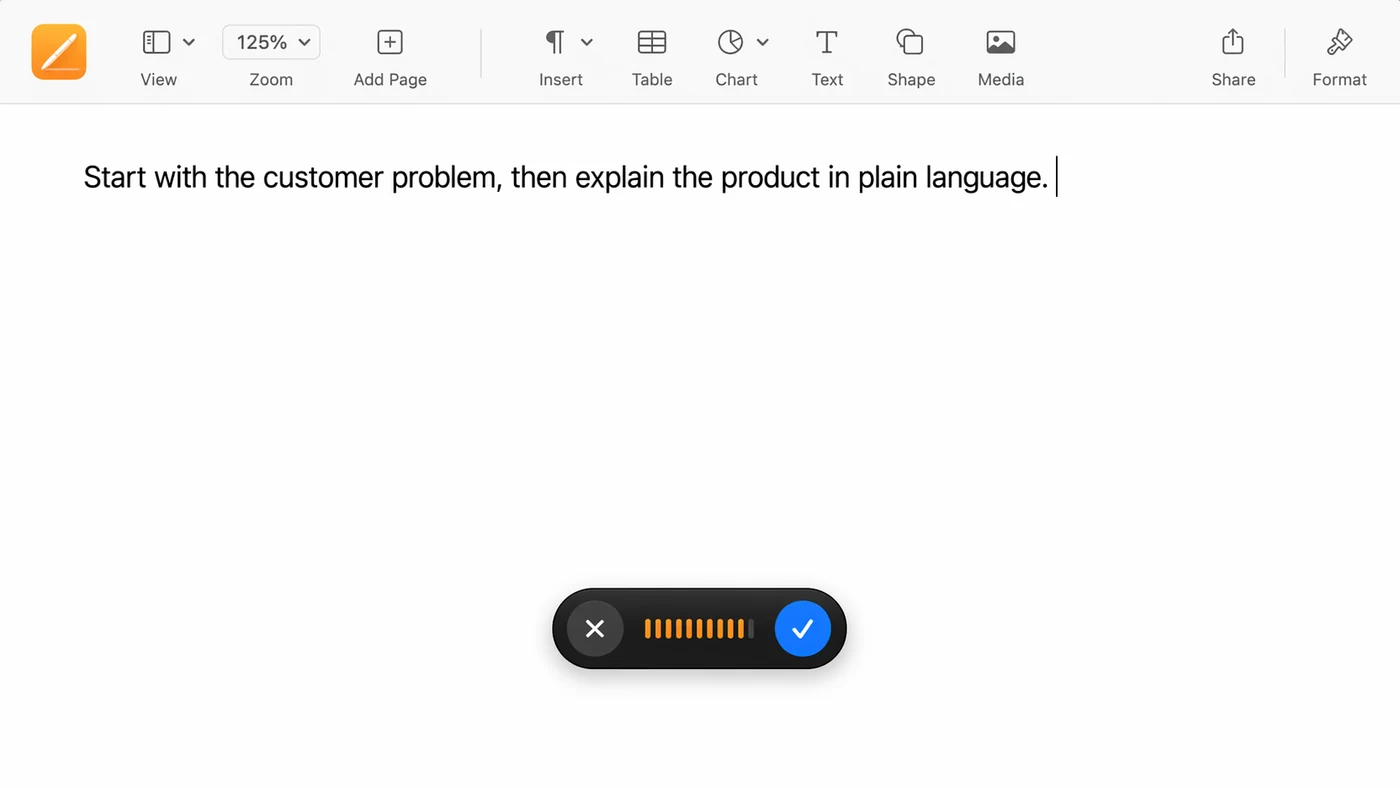
Use voice for the rough draft, section notes, outlines, and first-pass paragraphs. Use the keyboard for layout, formatting, exact names, and the final polish.
Click into the Pages document and use your Mac dictation shortcut. Speak one sentence and check whether it appears where the cursor is.
If you only write in Pages once in a while, the built-in option may be enough.
Pages is a good place to test because the writing surface is usually clean. Open a blank document or a simple text area, click once where the sentence should go, and dictate a normal sentence. If the text appears in the right place, the basic setup is working.
Do the first test without layout elements. Avoid text boxes, templates, shapes, and multi-column sections until you know dictation works in the main document body. Pages can be both a writing app and a design app, and those two modes behave differently.
If built-in dictation keeps stalling or mangling names in Pages, try Speakmac free. It types into Pages, Mail and every other Mac app, and the speech recognition runs on your Mac.
Pages is both a writing app and a layout app. Dictation helps with writing, but it is not the right tool for moving objects, choosing styles, editing templates, or making precise formatting changes.
The best workflow is to get the words down first, then format them after.
The problem is not the text. It is the surrounding layout work. Dictation can help you draft a section, rewrite a paragraph, or capture an outline quickly. It will not make it easier to align objects, resize an image, apply a template, or tune the spacing between sections.
That means Pages works best when you separate writing from presentation. Use voice while the document is still rough. Once the words are in place, switch back to the keyboard and mouse for layout decisions.
A practical Pages workflow starts with content, not design. Dictate the section in plain language, even if the wording is not final. Then tighten the language manually and format it once the shape of the section is clear.
Use voice for:
Use the keyboard for:
That keeps dictation focused on the part where it is strongest.
For longer documents, dictate one section at a time. Pages can encourage visual tinkering too early. Keeping voice to one section helps you move forward without turning every paragraph into a design pass.
Speakmac helps when Pages is one stop in a larger writing day. The same hotkey can work in Pages, Notes, Mail, Slack, docs, and AI tools.
If you want a Mac-wide dictation workflow instead of a feature inside one app, that is where Speakmac fits.
This matters if Pages is part of a broader writing routine. You might draft a section in Pages, send a shorter version in Mail, and capture a note in Apple Notes. Keeping the same dictation shortcut across those apps makes voice feel like a Mac workflow instead of a Pages-only feature.