Voice Dictation for Notion on Mac
By Kiran Jd
Published
By Kiran Jd
Published
Notion is one of the better places to use dictation on Mac because the work usually starts rough. Meeting notes, project briefs, research dumps, weekly updates, PRDs, and internal docs do not need perfect wording on the first pass. They need momentum.
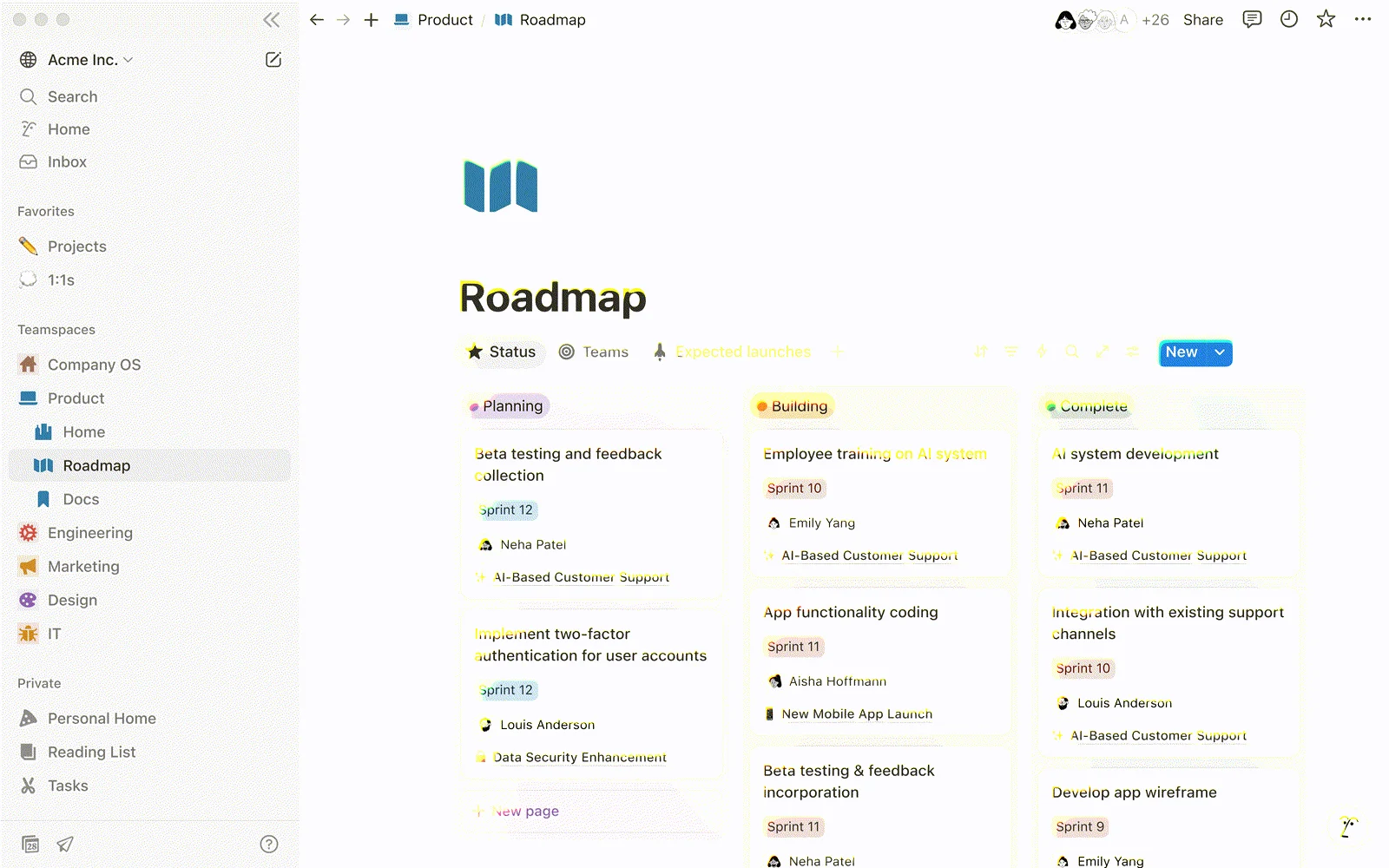
If you are searching for voice dictation for Notion on Mac, speech to text for Notion, or Notion dictation on Mac, the useful question is not whether you can get text into a Notion page. You can. The better question is which parts of a Notion workflow are worth speaking and which parts are still faster to type.
Notion pages can absorb messy first drafts. That makes voice a better fit here than in tools that expect precision from the start.
The official product itself leans on meeting notes, project requirements, pitch decks, and team docs. Those are exactly the kinds of pages that benefit from dictation. You already know what happened in the meeting or what the project needs. Speaking the first version is often quicker than staring at an empty page and trying to write it cleanly from line one.
Meeting notes are the obvious one. Dictate the decisions, follow-ups, risks, and loose ends right after the call. You can clean the formatting later.
PRDs and project briefs also work well. Speak the problem, the user need, the rough scope, what changed, and what is still uncertain. Notion is good at holding that kind of draft because the page can stay unfinished while the thinking gets sharper.
Async updates are another strong fit. Weekly summaries, launch recaps, hiring notes, and research snapshots are usually easier to explain than to type. Voice helps when you know the point and just need the draft down.
Comments can work too, especially for longer feedback. If you are leaving a real explanation instead of a one-line note, dictating it is often faster than typing it.
Voice is weaker once the page turns from prose into structure.
Database properties, status fields, dates, page links, slash commands, formulas, tables, and tidy layout work are still better typed. The same goes for final cleanup on anything other people will copy into planning docs or send outside the team.
That is usually the right division inside Notion. Speak the page. Type the system around the page.
Notion rarely holds the whole workflow by itself.
A PM writes the brief in Notion, then answers questions in Slack. A founder drafts the page there, then sends the follow-up in Mail. An operator writes notes in Notion, then moves the final version into Google Docs or an AI tool. If dictation only feels smooth in one app, the workflow breaks every time the work moves.
Speakmac fits better when Notion is one stop in a larger writing day. The hotkey stays the same. The first draft can start in Notion and continue in the other places where the work actually finishes.
That is the practical case for Notion dictation on Mac. Use voice when the page still sounds like something you could explain out loud: meeting notes, PRD first passes, research capture, and weekly updates. Switch back to the keyboard for properties, formatting, links, and the final pass. In Notion, that split usually feels natural within a few sessions.