Dictation for Product Managers on Mac: Faster Specs, Notes, and Updates
By Kiran Jd
Published · Updated
By Kiran Jd
Published · Updated
Product managers do a lot of writing that looks too small to matter until it eats the day. A spec intro here. A customer call summary there. A launch update, a Slack recap, a note for design, a note for engineering, a weekly status email. None of it is novel. Most of it starts as a rough explanation that has to become something clearer.
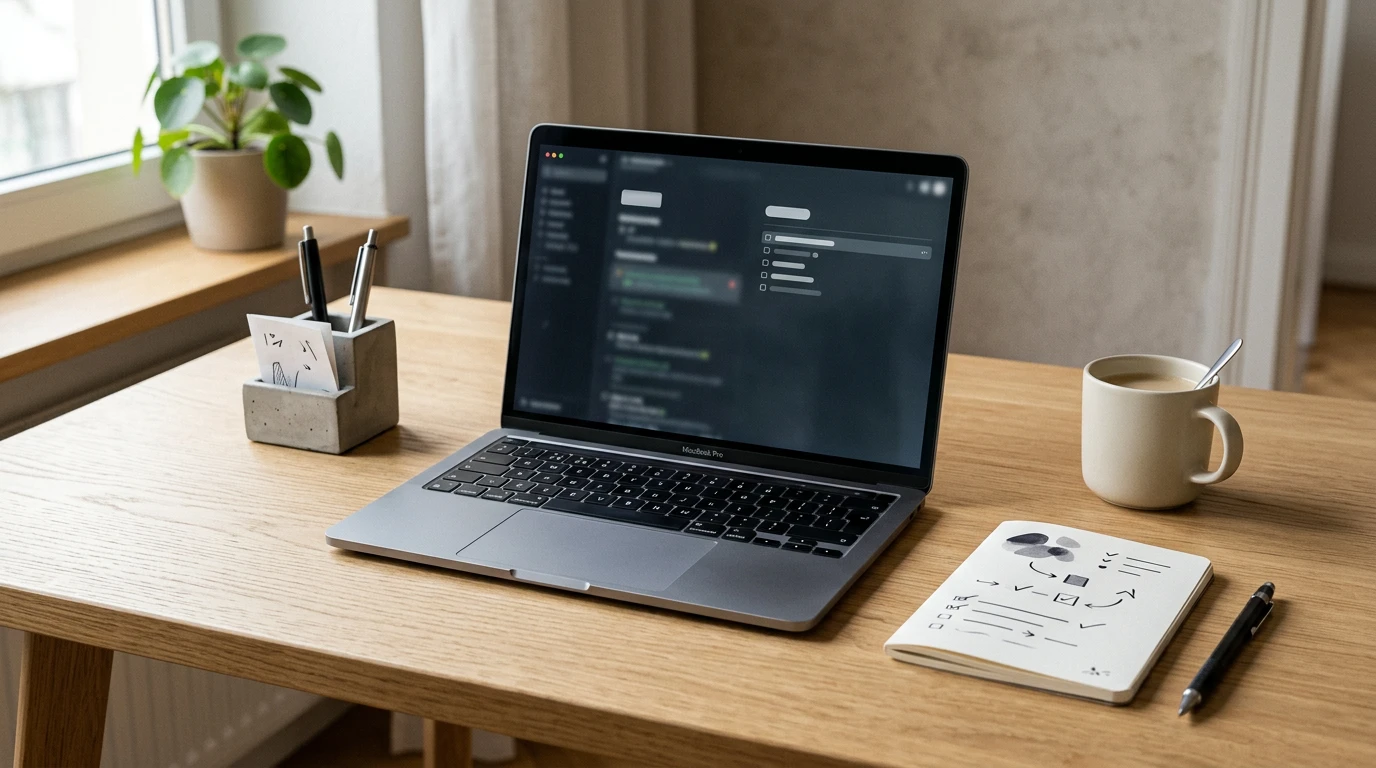
That is why dictation can work unusually well for PMs on Mac. The job is often not "write the final document by voice." It is "get the first pass out before the context goes stale."
If you are looking for dictation for product managers, speech to text for product managers, or a practical way to write PRDs faster, that is the real use case. Voice typing for specs works when the goal is to get the first explanation down, not to perfectly format the final document in one shot.
If you already know the problem, the user pain, and the tradeoff you are trying to make, speaking is usually faster than typing. That is especially true right after a customer call or a meeting, when the material is still fresh and you can hear the summary in your head.
The pattern that holds up is simple. Dictate the rough thinking. Type the structure after.
That split fits product work better than people expect because so much PM writing starts in plain language anyway. You are not writing SQL. You are explaining what is broken, who it affects, what the team needs to decide, and what should happen next.
Most PM writing falls into one of four buckets.
The first is problem framing. PRDs, spec drafts, and handoff notes usually start with a paragraph or two explaining the user, the pain, and the outcome. That part is very voice-friendly.
The second is feedback capture. After calls, interviews, or internal reviews, PMs often need to turn scattered notes into a short summary the team can use. That also works well by voice because it starts as a narrative before it becomes a cleaned-up document.
The third is status communication. Weekly updates, standup notes, and launch recaps are often repetitive enough that typing them feels slower than it should.
The fourth is message cleanup across tools. The same idea gets repeated in Notes, Slack, docs, and email. Once you notice that, dictation starts to make more sense.
Voice is most useful at the start of a PRD, not at the end.
It works well for the parts that sound like explanation: what the user is trying to do, what is not working today, why this matters now, what constraints are already known, and what open questions still need decisions. A PM can usually say those sections in one pass much faster than they can type them.
What does not work well by voice is the structured middle. Tables, exact success metrics, edge cases, acceptance criteria, ticket references, and carefully formatted requirements still belong on the keyboard. If every line needs to land in the right place, dictation becomes cleanup work.
So the practical split is this: dictate the problem, the context, and the first version of the user story. Then type the parts the team will rely on for precision.
This is probably the highest-leverage PM use case.
Right after a user call, sales conversation, or internal review, you often do not need a polished doc. You need to preserve the signal. What did the customer struggle with? What language did they use? What themes came up again? What changed your mind?
That material is easier to speak than to type. Open Notes, Notion, or a doc, dictate the rough summary while the memory is still warm, then do one cleanup pass after. The same applies to synthesis. If three calls all point to the same friction in onboarding or pricing, saying that summary out loud is often the fastest way to get to a usable first draft.
PMs also spend time on medium-stakes writing that does not deserve a full writing session. A standup update. A short launch note. A recap after shipping. A weekly email that says what moved, what slipped, and what needs attention next.
These are good dictation jobs because they are sentence-heavy and structure-light. They usually follow a pattern you already know. What changed. What is blocked. What is next.
If the update is mostly sentences, voice helps. If it is mostly links, Jira IDs, dates, and formatting, the keyboard wins.
For product managers, voice is strongest when the input sounds like explanation. Problem statements, call summaries, launch recaps, handoff context, rough release notes, and the first pass of async updates all fit.
Typing is still better for prioritization tables, roadmap formatting, acceptance criteria, analytics numbers, ticket IDs, deadlines, and anything that becomes brittle when one word lands wrong. The goal is not to force voice into every part of the workflow. It is to remove the typing from the parts that never needed to be typed so carefully in the first place.
Speakmac fits PM work because the writing is spread across apps. A dedicated editor is not enough. PMs bounce between Notes, Notion, Google Docs, Slack, Apple Mail, linear docs, and a browser all day.
That is why system-wide dictation matters more than a single polished writing surface. Click into the field you are already using, dictate the rough version, then keep working there. No copy-paste loop, no separate capture step, no extra cloud layer if you do not want one.
It also fits the shape of PM writing itself. Most product docs are not born structured. They become structured after someone gets the first clear explanation on the page.
Use dictation in the first five minutes after the meeting, not the hour after.
That is when it helps most. Right after a user call. Right after a product review. Right after a launch discussion. Capture the rough summary while the language is still in your head, then clean it up once.
That one habit is usually more useful than trying to become a full-time voice writer.
If your product work already lives across Apple Notes, Slack, docs, and email, dictation can take a real chunk out of the writing overhead. Not because it replaces editing. Because it gets you to something worth editing much faster. Speakmac is a good fit when you want that draft step to happen anywhere on your Mac without adding another subscription or another app-shaped workflow.