
| Decision factor | Speakmac | Voibe |
|---|---|---|
| Price | $29 one-time for 1 Mac, or $39 for 2 Macs after the free tier | $4.90/month, $44.10/year, or $99 lifetime |
| Free tier limits | Free tier available before the paid unlock | Trial period available before paid plans |
| Offline support | Core workflow after the one-time model download | Core workflow |
| Workflow tools | Multiple hotkeys, hands-free toggle mode, live preview, dictation commands, custom words, snippets, regex replacements, optional privacy mode | Developer mode, custom vocabulary, smart punctuation, and workflow customization |
| Best for | Daily Mac dictation with low setup overhead | Users who want to tune dictation for specialized workflows |
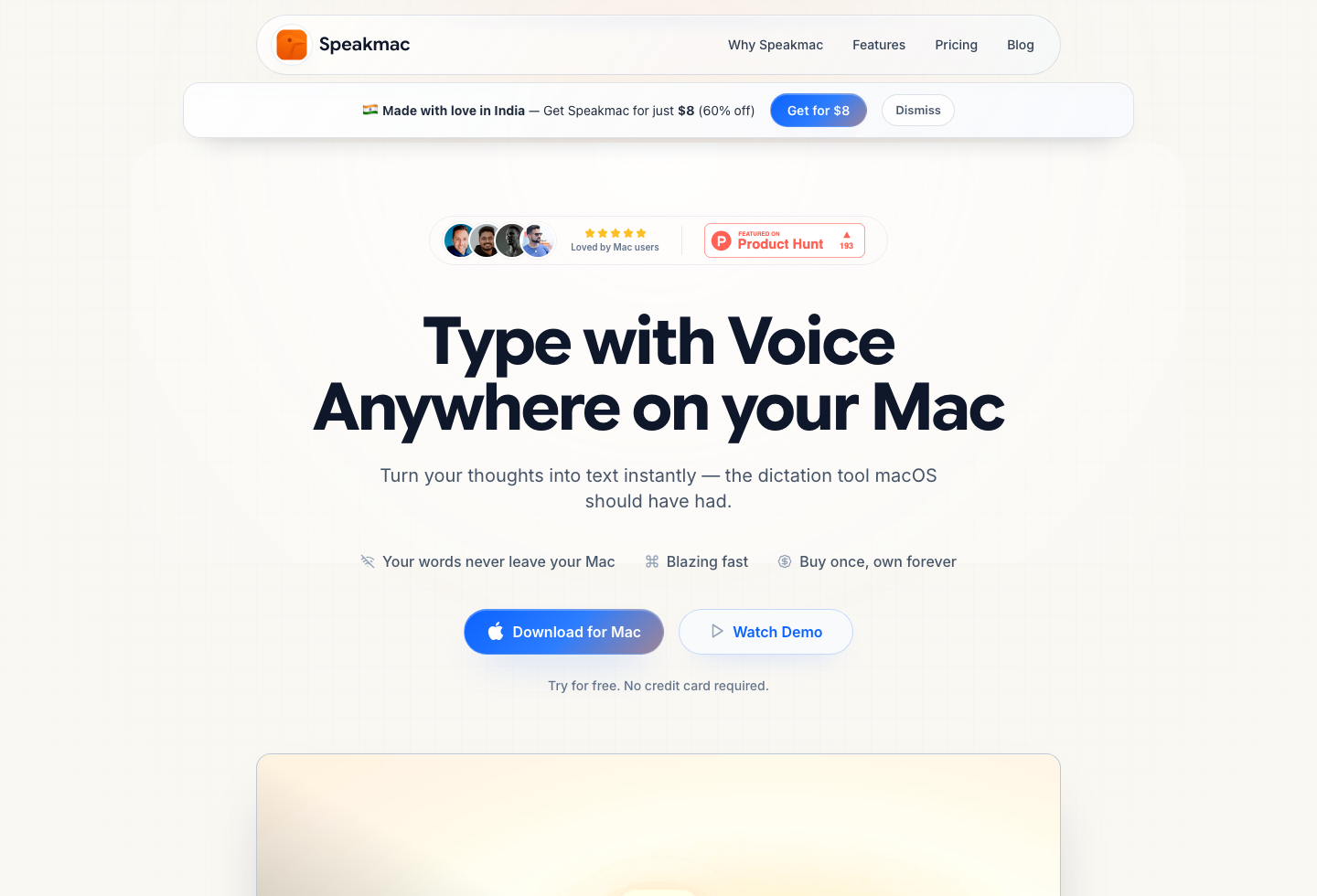
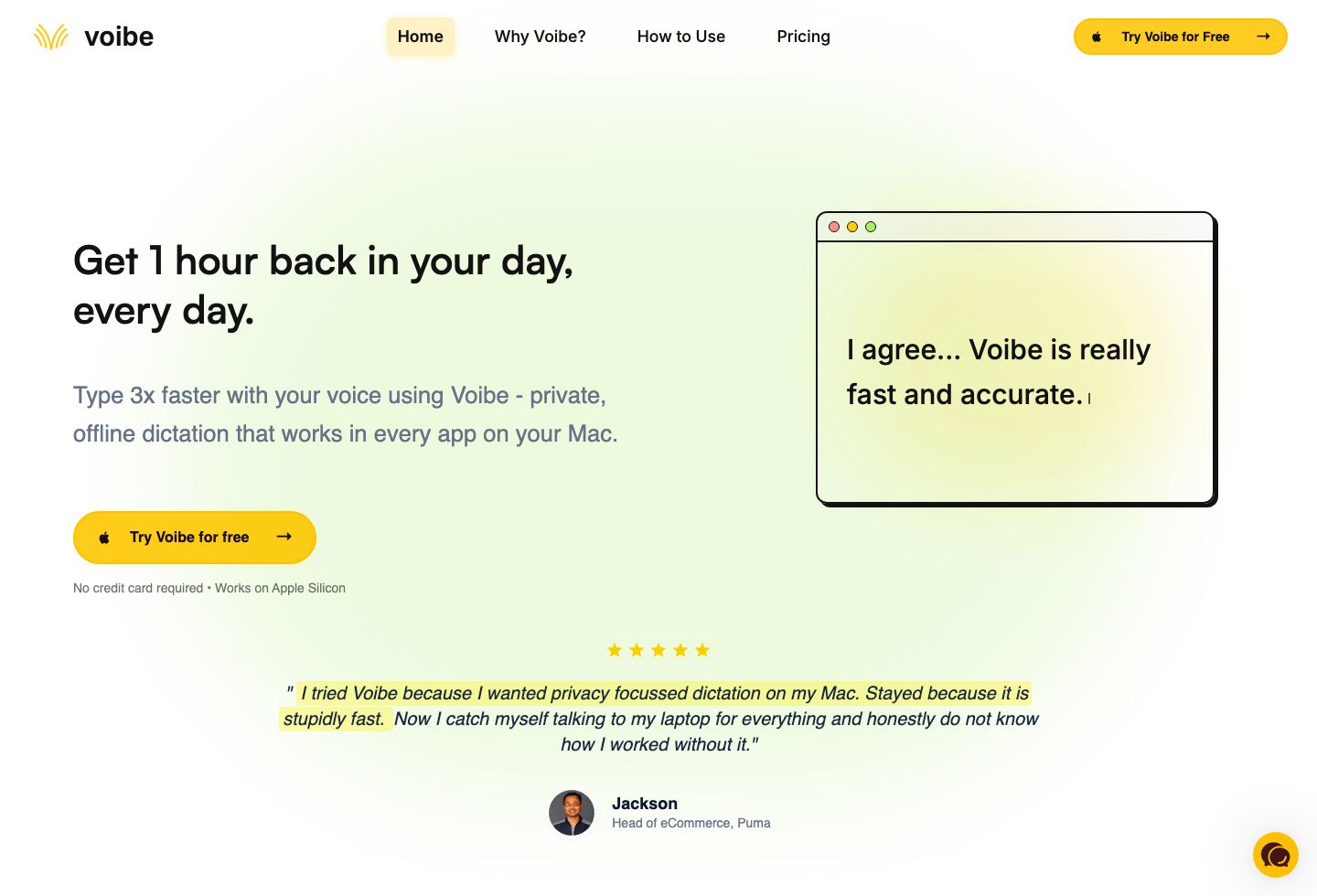
Voibe and Speakmac both keep the core dictation workflow on-device. The real question is how much customization you want around that workflow.
Last checked: April 24, 2026
What Has Changed in This Comparison
This is no longer a case where Voibe has all the workflow features and Speakmac is just the minimal option. Speakmac now covers the common workflow upgrades most people actually use: correcting names and jargon, expanding snippets, applying regex-based cleanup, using different hotkeys, switching into hands-free mode for longer sessions, and enabling live preview when you want to watch text appear before it is inserted.
Voibe still leans further into customization. If you want a dictation tool that feels closer to a configurable workstation, Voibe remains the heavier option.
Pricing Reality
Speakmac is the cheaper ownership path by a wide margin. You can start free, then unlock it for $29 once for 1 Mac or $39 for 2 Macs. Voibe is priced more like a layered product: monthly, annual, or lifetime.
That does not automatically make Voibe overpriced. It means the extra spend only makes sense if you will keep using the extra controls. If you mostly want reliable dictation into everyday Mac apps, the gap is hard to justify.
Workflow Difference That Matters
Choose Voibe if you want to spend time shaping the output system itself. Its value is in configuration depth.
Choose Speakmac if you want a direct Mac dictation workflow that still gives you the practical extras: hotkey flexibility, long-form hands-free dictation, floating live preview, word replacements, snippets, formatting rules, and optional local history or privacy mode.
Which Should You Choose?
Choose Voibe if customization is part of the job and you expect to use developer-oriented or workflow-specific controls regularly.
Choose Speakmac if you want the lower-cost, lower-friction path to daily dictation and do not want to pay subscription pricing just to get common correction and formatting features.
Final Recommendation
Both products fit privacy-minded Mac users. The cleaner decision is whether customization depth is worth the extra cost and setup.
| If you want... | Pick | Why |
|---|---|---|
| Maximum workflow tuning | Voibe | Its value is in deeper configuration. |
| Lower-cost daily Mac dictation | Speakmac | It covers the common daily tools without subscription pricing. |
| A full one-time vs subscription view | Mac dictation app pricing | This comparison is mostly an ownership decision after privacy is equal. |
| A premium privacy-positioned alternative | Speakmac vs Paraspeech | Useful if vendor positioning matters more than customization depth. |
Reviews
What people say after switching
I'm not a native English speaker but I use English a lot for work. The accuracy genuinely surprised me. Even when I mumble, restart sentences, or talk fast, it keeps up really well. It's lightweight, thoughtfully built, and works great in German as well, even with Anglicisms.

Philip Langenbrink
CEO/Co-Founder @ studiis
As a former designer of iOS apps, I can tell you: it looks really great.

Ken Yarmosh
Author, App Savvy (O'Reilly)
It's improved a lot! I tried it with background noise using AirPods, and it captures text correctly. Even when playing a cricket commentator video, it captured the audio perfectly.

Varun BR
Staff Engineer
You can tell this was crafted with care - the animations, the simplicity, and the way it fits into macOS like it's always been there. Planned to use it daily.
L
Lilou Lane
Product Hunt user
I tried both Siri and SpeakMac. I spoke very fast with low volume.Siri couldn't understand, but SpeakMac did. That was my 'wow' moment.

Manish
Developer

The accuracy is way better than I expected, and I love how seamlessly it integrates with Mac. I've been looking for something like this that doesn't feel clunky.

Eworitse
Community Member
I didn't expect to use SpeakMac this much, but it's become my go-to for writing content ideas, captions, and quick drafts. It picks up my voice perfectly, even when I'm talking fast. It feels effortless - like my Mac finally understands how I work.
Portia
Marketing Lead
Dude i am lovin it. My productivity is really increased. Even a few times while speaking, if i mumble and re speak partial sentence, it understands that very well adjusts on its own.

Shubham
Engineering Manager
I'm not a native English speaker but I use English a lot for work. The accuracy genuinely surprised me. Even when I mumble, restart sentences, or talk fast, it keeps up really well. It's lightweight, thoughtfully built, and works great in German as well, even with Anglicisms.
Philip Langenbrink
CEO/Co-Founder @ studiis
As a former designer of iOS apps, I can tell you: it looks really great.
Ken Yarmosh
Author, App Savvy (O'Reilly)
It's improved a lot! I tried it with background noise using AirPods, and it captures text correctly. Even when playing a cricket commentator video, it captured the audio perfectly.
Varun BR
Staff Engineer
You can tell this was crafted with care - the animations, the simplicity, and the way it fits into macOS like it's always been there. Planned to use it daily.
L
Lilou Lane
Product Hunt user
I tried both Siri and SpeakMac. I spoke very fast with low volume.Siri couldn't understand, but SpeakMac did. That was my 'wow' moment.
Manish
Developer
The accuracy is way better than I expected, and I love how seamlessly it integrates with Mac. I've been looking for something like this that doesn't feel clunky.
Eworitse
Community Member
I didn't expect to use SpeakMac this much, but it's become my go-to for writing content ideas, captions, and quick drafts. It picks up my voice perfectly, even when I'm talking fast. It feels effortless - like my Mac finally understands how I work.
Portia
Marketing Lead
Try the workflow
See if Speakmac fits your Mac before paying.
Download the app, dictate in the places you already write, and only unlock if the local workflow actually works for you.
Related comparisons
- Speakmac vs MacWhisper: Real-Time Dictation vs File Transcription
- Speakmac vs Willow Voice Pricing (2026)
- Speakmac vs Wispr Flow Pricing (2026)
- Speakmac vs Superwhisper Pricing (2026)
- Mac Dictation App Pricing: One-Time vs Subscription Tools
- Speakmac vs Paraspeech: Private Mac Dictation Compared
- Speakmac comparisons hub