Voice Input for OpenCode on Mac
By Kiran Jd
Published · Updated
By Kiran Jd
Published · Updated
OpenCode makes one thing obvious quickly: typing prose in a terminal feels expensive.
If you already live in a terminal workflow, the friction is rarely the code itself. It is the explanation around the code. You want to describe the feature, summarize the bug, explain the refactor, write a decent commit message, or outline the tests before the agent starts doing work.
Quick answer: voice input for OpenCode is worth it when the terminal prompt is really a prose brief. Use Speakmac for feature notes, test scenarios, issue updates, and commit-message drafts; type commands, flags, paths, and exact code.
| OpenCode task | Use voice? | Better workflow |
|---|---|---|
| Feature brief | Yes | Dictate the outcome, constraints, and test shape. |
| Issue summary | Yes | Say the reproduction, expected result, and current failure. |
| Commit message draft | Yes | Dictate the human explanation after the work is done. |
| Commands and flags | No | Type exact terminal syntax. |
| Path-heavy prompts | Usually no | Type the paths, then dictate the surrounding context if needed. |
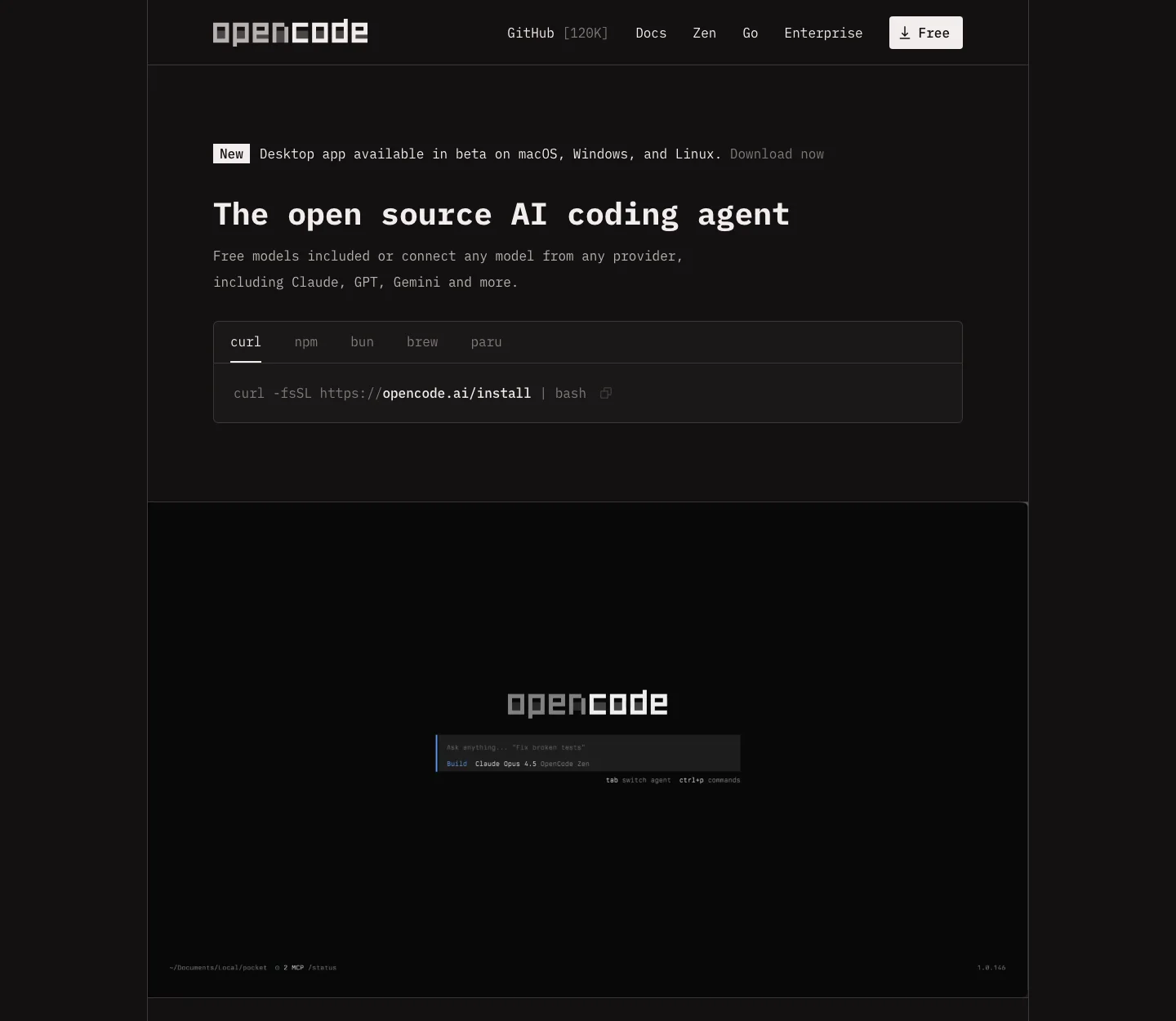
That makes OpenCode a good fit for dictation in a narrow but useful band.
The best uses are usually:
Those jobs are mostly language. They benefit from speed because the annoying part is getting the explanation into the terminal, not deciding what command to run.
Example:
Add a dry-run mode to this import command. I want it to print what would change without writing anything, and I want tests for empty input, malformed rows, and the case where a record already exists.
That is good voice input because it is descriptive. It is not terminal syntax.
The same applies to commit messages and issue notes. If the content is a paragraph, voice usually wins.
OpenCode does not change the basic rule.
Commands, exact paths, symbols, flags, and short prompts are usually faster to type. Voice stops helping when the terminal starts punishing every wrong character.
So the sensible split is:
If your OpenCode sessions are mostly code plus a paragraph of setup, Speakmac saves time in exactly the part that feels slowest.
The end of a coding session.
You know what changed. You know what still feels risky. You know what tests ran. Dictating that into:
is often much faster than typing it cold in the terminal.
If the task is a one-line command, type it.
If the prompt is mostly paths and flags, type it.
If you are editing text that has to be exact character by character, type it.
OpenCode is a good dictation target when the slow part is the prose around the work. That is the part voice can remove.
Use voice input in OpenCode when you are explaining the work, not executing the command. If the prompt is paragraph-shaped, Speakmac can remove the slow part. If the prompt is command-shaped, keep typing.