Voice Dictation for RSI Developers on Mac
By Kiran Jd
Published
By Kiran Jd
Published
RSI changes the problem developers are trying to solve. This is not about squeezing out a little more writing speed. It is about reducing the amount of time your hands spend doing the exact repetitive work that keeps setting the pain off.
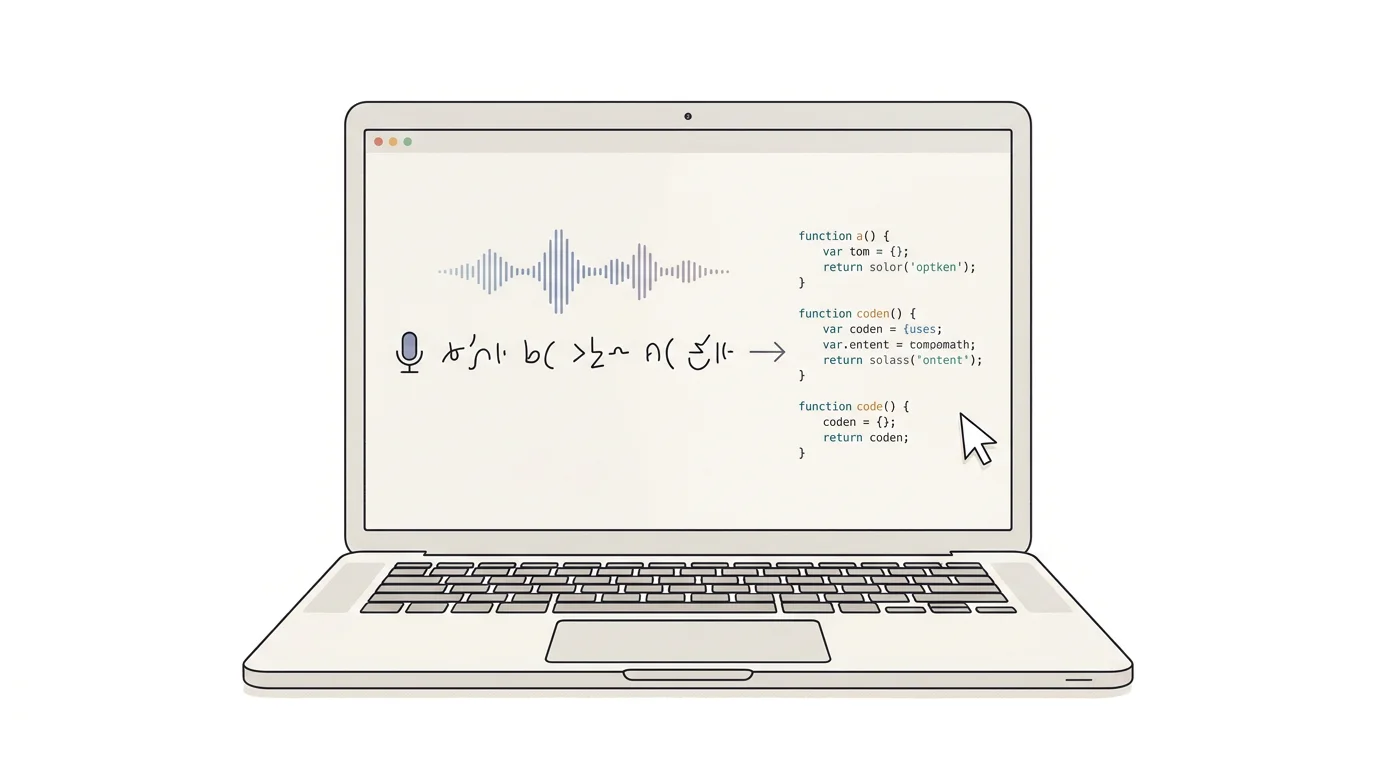
If you are looking for voice dictation for RSI developers on Mac, the useful question is not whether you can code entirely by voice. Most people do not need that. The better question is which parts of a developer workflow are safe to stop typing from scratch.
For most developers with RSI, the worst load is not one dramatic typing session. It is the accumulation. Tickets, commit messages, bug summaries, PR comments, issue reproduction steps, rough architecture notes, long prompts for Claude Code or Codex, and the same explanations typed over and over across Slack, Linear, GitHub, and the editor.
That is where dictation helps. A lot of developer writing is really spoken explanation wearing keyboard clothing.
Bug notes are a strong fit. Right after you reproduce something, dictate what happened, what you expected, what environment you tested, and what still looks unclear. That is faster than typing the whole thing while your hands are already irritated.
PR summaries also work well. If you can explain the change out loud in twenty seconds, you can usually dictate the first version of the PR description and clean it once after.
Voice is especially useful for AI-heavy development. A lot of RSI developers are not trying to speak code tokens line by line. They are dictating the background for a coding agent: what broke, what the system is supposed to do, where the edge case lives, and what should not be touched.
Planning documents fit too. Design notes, refactor plans, migration checklists, release notes, and postmortem drafts all start as narrative before they become structure.
Exact code still has sharp edges.
Symbols, file paths, package names, migrations, commands, numeric values, and final edits inside a real code file are still better typed unless you already have a fully voice-native setup and the patience to maintain it. The same goes for shell commands where one wrong character creates new work.
That is not a failure of voice. It is the right split. Dictate the explanation around the code. Type the brittle parts.
Developers with RSI usually do not stay in one app long enough for an editor-only voice feature to solve the problem.
You start in Cursor or VS Code, move to GitHub, answer something in Slack, add a note in Notion, open a browser tab, then come back. If the dictation layer breaks every time the app changes, you end up back on the keyboard anyway.
That is where Speakmac fits the workflow better. The same trigger works in the editor, the issue tracker, the PR form, the note app, and the AI prompt box. That consistency matters more than another clever coding demo.
A lot of developer dictation is not source code. It is internal notes, unreleased feature context, production incidents, customer bugs, and copied logs that should not casually move through extra cloud layers.
That is why local-first dictation is not just a feature checkbox for RSI developers on Mac. It changes whether the workflow is acceptable enough to use all day.
The version of voice dictation that usually sticks for developers with RSI is much less dramatic than full voice coding mythology. Use it where repetition is high and precision is lower: bug summaries, PR writeups, planning notes, and long AI prompts. Keep the keyboard for the code and the commands that still need exactness. That is often enough to cut real typing without turning your whole setup into a science project.