Dictation for Researchers on Mac
By Kiran Jd
Published · Updated
By Kiran Jd
Published · Updated
Researchers spend a surprising amount of time writing text that does not need to be polished on the first pass. Reading notes, synthesis memos, field observations, rough interpretations, project updates, and the paragraph that explains what the paper is really saying after you finish the dense version.
That is why dictation for researchers on Mac can be useful. If you are looking for voice typing for research notes, speech to text for academic work, or a better way to capture research thinking on Mac, the real question is not whether voice can replace writing. It is which parts of research are easier to explain out loud than to compose word by word.
Most research work is not the final paper. It is the trail leading up to it.
You read something and need to capture what matters before moving on. You finish an interview and need the key themes while they are still warm. You notice a pattern across sources and want to write the interpretation before it gets buried under more tabs and notes. Those moments are a good fit for dictation because the value is in preserving the thought, not perfecting the sentence.
Reading notes are the cleanest use case. After a paper, article, or source review, dictate what matters in plain language. What was the claim, what was convincing, what felt weak, and how does it connect to the rest of the project. That kind of note is often faster to say than to type.
Synthesis memos are another strong fit. Research tends to stall when the notes pile up faster than the interpretation. Voice is useful when you are trying to connect several sources, state a pattern, or explain what you think is happening before you worry about formal structure.
Field notes and project logs also work well. If you run interviews, user research, archival work, or any process where context fades quickly, dictating the key observations right after the session is often more reliable than waiting and reconstructing it later.
Voice can also help with the setup for AI tools. When you want Claude or ChatGPT to help summarize material, compare sources, or shape a draft, the expensive part is usually the context. Dictating that background is often the fastest way to get the real prompt into shape.
The keyboard still wins when accuracy becomes fragile.
Citations, quotations, names, dates, statistics, formulas, tables, links, code snippets, and any sentence that will be published or cited directly should still be typed and checked manually. The same goes for final drafts where structure and wording need to hold up under scrutiny.
That split is what keeps dictation useful. Use voice to capture interpretation and momentum. Use the keyboard for the parts that need exactness.
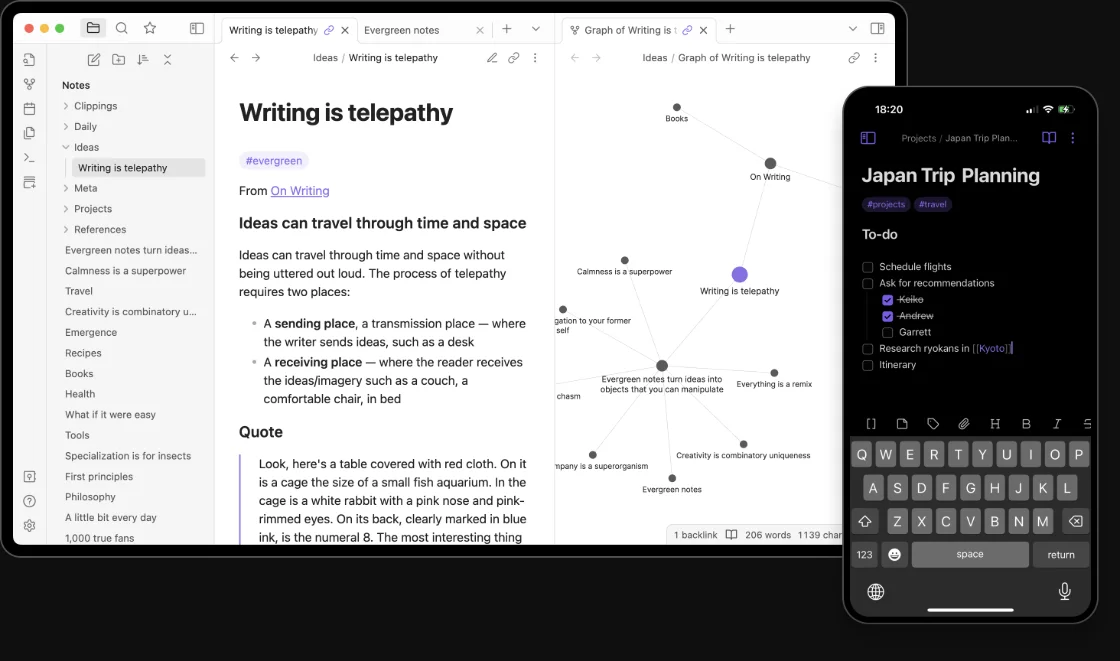
Research rarely stays in one tool. Notes might start in Apple Notes or Obsidian, move into Google Docs, pick up comments in email, then turn into prompts for an AI tool or edits in another writing app.
That is where a Mac-wide layer like Speakmac fits better than a single-app voice feature. The capture method stays the same while the work moves between note-taking, drafting, and review. You dictate where the thought happens, then keep editing in place.
Privacy matters here too. Early interpretations, interview notes, private research logs, and unfinished thinking are often not material you want moving through extra systems by default. A local-first dictation workflow makes it easier to use voice before the work is ready to leave your Mac.
Dictate right after the source, not at the end of the day.
Right after the paper. Right after the interview. Right after the session where the pattern finally becomes obvious. That is when voice helps most, because the interpretation is still clear and the note can stay honest instead of turning into a reconstruction.
The useful version of dictation for researchers on Mac is not trying to speak the final paper into existence. It is using voice for the messy but important middle: notes, synthesis, and the first pass of what you think the material means.