Dictation for Journalists on Mac: Faster Notes, Drafts, and Article Cleanup
By Kiran Jd
Published · Updated
By Kiran Jd
Published · Updated
Journalists do not need a fantasy workflow where voice writes the whole story perfectly. They need help in the stretch between reporting and final edit, when the notes are fresh, the angle is clear enough to explain, and the keyboard starts feeling slower than the clock.
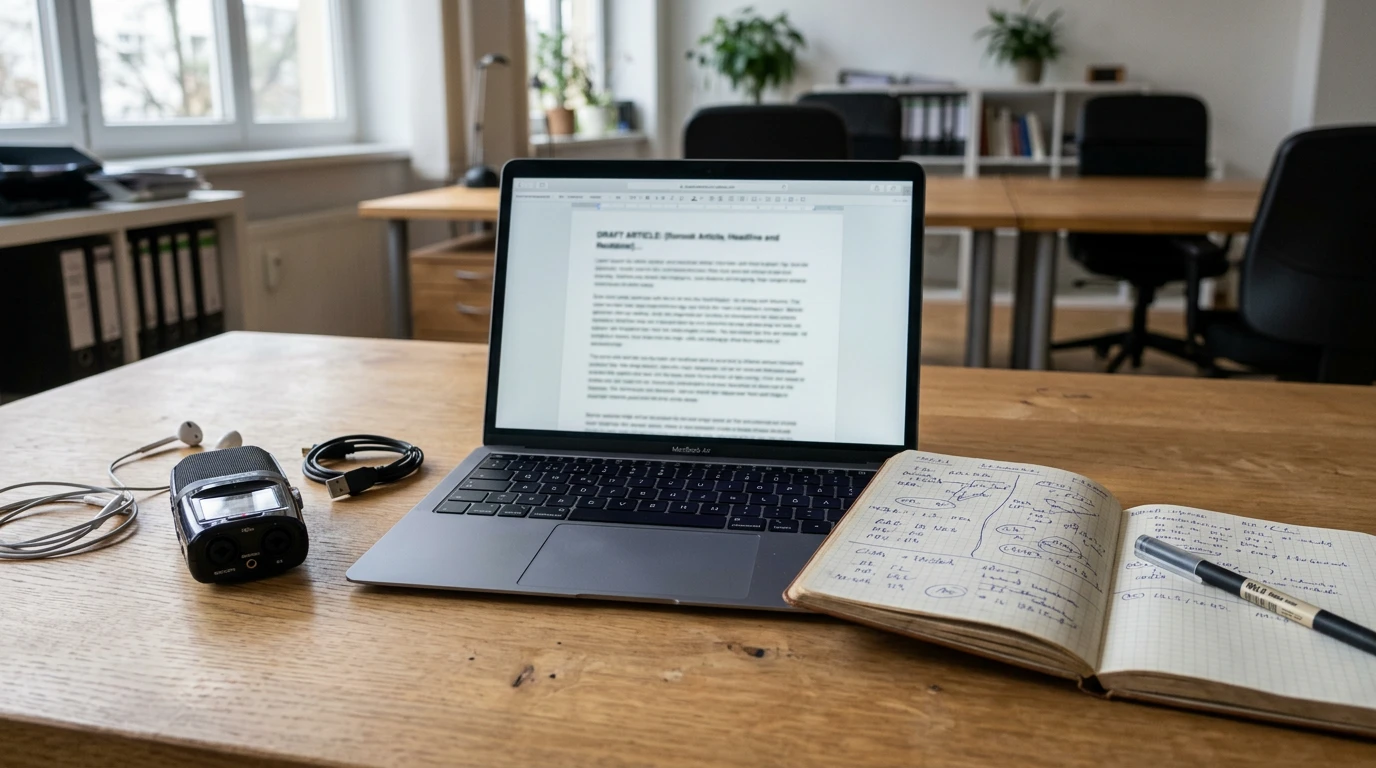
That is where dictation can actually help on Mac. Not as a replacement for editing, quote checks, or fact verification. As a faster way to turn reporting material into something you can shape.
If you are looking for dictation software for journalists, dictation for reporters, or a practical way to write articles faster by voice, that is the useful frame. Speech to text for journalism works best when the story is already in your head and needs a rough first pass, not when every word has to be exact on the first try.
There are three moments where voice tends to hold up.
The first is field-note cleanup. You walk out of an interview, a press event, or a source call with more in your head than you managed to type. Dictating the rough summary while the conversation is still alive can save the important parts before they flatten into generic notes.
The second is the first draft. Not the final story, just the first clear pass at the lede, the nut graf, the structure, and the thread that holds the piece together. A lot of reporters can explain the story faster than they can type it.
The third is the short communication around the story. Updates to an editor. A follow-up email to a source. A quick recap of what changed after another round of reporting. Those pieces are often sentence-heavy, time-sensitive, and a good fit for voice.
This is where dictation feels most obvious once you try it.
Right after an interview, you often know which parts mattered before you know how they will fit in the story. Maybe the source framed the problem differently than expected. Maybe one answer changed the angle. Maybe there is a quote you know you need to verify later, but the real value right now is the shape of what you learned.
That is good dictation material. Open Notes or a doc and say the summary out loud while it is still warm. What surprised you. What the source kept returning to. What now feels like the strongest angle. What you need to confirm before filing. That rough pass is much easier to clean later than to reconstruct from memory.
Voice typing for journalists is not about dictating polished copy from top to bottom. It is about getting to a usable draft faster.
That usually means speaking the parts that sound like spoken explanation anyway: the rough lede, the nut graf in plain language, the order of sections, the one sentence that explains why the story matters, the transition you already know but do not want to sit there typing into existence.
This is also one of the few cases where speaking can make the copy better before it makes it cleaner. A rough voiced lede often sounds more direct than a keyboarded one because it starts closer to how you would actually explain the story to another person.
This line matters more than the speed pitch.
Do not dictate exact quotes if you have not checked them. Do not trust dictation with names, titles, dates, numbers, or any fact that can quietly drift into something wrong. Do not use it for the final pass where punctuation, attribution, and wording need deliberate control.
That is the real boundary. Dictation is for moving from notes to draft. The keyboard is for verification and finish.
Journalists also write a lot of smaller pieces around the story itself. A message to an editor explaining what shifted. A note saying the second source confirmed the claim. A quick follow-up email asking for one missing detail. A short update on what is still unverified before deadline.
Those messages rarely need pixel-perfect formatting. They need clarity and speed. Speaking them first usually works better than trying to compose them line by line.
For some journalism, privacy is not the deciding factor. If you are writing a low-stakes recap or a routine update, the main value may just be speed.
But for sensitive reporting, embargoed material, source protection, or work where unpublished notes should stay off another company's servers, the privacy model matters immediately. That is where local dictation becomes more than a convenience feature. It changes whether the workflow feels acceptable in the first place.
Speakmac works well for journalists because the useful writing does not happen in one app. It starts in Apple Notes, moves into a draft, becomes an email, gets trimmed in a browser, then turns into something filing-ready.
System-wide dictation fits that better than a tool that wants you to write inside its own box first. Click into the field you are already using, dictate the rough draft, then keep editing there. For reporters working with unpublished notes or sensitive material, the local-first setup is also easier to justify than bouncing first-draft reporting through a cloud transcription layer.
If you want to write articles faster by voice, the practical habit is simple. Use dictation right after reporting and right before the first draft stalls. Use the keyboard for every place where accuracy matters more than momentum. That split is where voice typing for journalists stops feeling gimmicky and starts feeling useful.