Speakmac started with a small annoyance: I hit a word limit in another dictation app and was asked to pay around $12 a month to keep using it.
That felt wrong.
Not because dictation is not valuable. It is. Once voice typing becomes part of your day, losing it feels like losing a limb you had just discovered. The problem was the shape of the product. I did not want another recurring subscription just to talk into my Mac and get text back.
So the first question was simple: could I build this for myself?
The second question came right after: if people are paying subscriptions for Mac dictation, why does this category still feel unresolved?
The first wrong version
My first version was not really a dictation app. It was closer to a transcription hack.
I forked an OpenAI Whisper Turbo demo, wired a hotkey to start and stop recording, and planned to paste the final transcript wherever the cursor was. At the time, that sounded close enough. Record audio, transcribe it, paste text. Done.
It was not done.
The first local model I tried was huge. The Whisper Turbo setup was around 3 GB, and my older MacBook Pro struggled badly. Warmup alone could take several seconds. Keeping the model loaded in memory was unrealistic. Even on a newer M3 MacBook, the experience still did not feel instant enough for live writing.
That was the first important product lesson: a dictation app is not judged like a file transcription tool.
If you upload a meeting recording and wait, a few extra seconds might be fine. But when your cursor is blinking in Mail, Notes, Slack, Cursor, or a browser text field, every second feels visible. Live dictation has to respect the rhythm of writing.
The cloud API detour
After fighting local inference, I tried cloud APIs.
ElevenLabs Scribe looked strong on paper. The word error rate seemed good, and once I got the raw API call working, the flow was straightforward: press hotkey, record, upload, wait for the response, paste the result.
But the latency moved around too much. Sometimes it was acceptable. Sometimes it stretched toward ten seconds depending on the time of day. Worse, I did not have enough instrumentation at first to know whether the delay was in my recording path, upload path, API processing, or paste path.
Then I tried OpenAI 4o Transcribe. The promise was attractive because it supported prompting, which sounded useful for formatting and cleanup. In practice, it sometimes behaved too much like a general AI model. Instead of only transcribing, it could interpret or answer. That is poison for dictation. A dictation app should not get clever before it gets faithful.
Deepgram eventually gave me the reliability I needed for a while. It was fast enough and good enough that Speakmac finally started feeling like a real product.
But even then, the product direction was becoming clear: cloud transcription could work, but it was not the soul of what I wanted to build.
I wanted the Mac itself to do the work.
The overbuilt coding workflow
For a while, I chased a more elaborate idea: voice dictation for coding.
I built a VS Code extension that captured selected code snippets, file paths, and timestamps, then tried to align that context with dictated audio. The idea was that you could speak about code while the app remembered what code you were looking at.
Technically, parts of it worked.
Product-wise, it was too much.
The timestamp matching was brittle. The workflow depended on too many moving pieces. And the real use case was simpler than the system I had built. Developers do not need to dictate every symbol. They need to dictate the explanation around the code: bug context, refactor intent, review comments, TODOs, long prompts for coding agents.
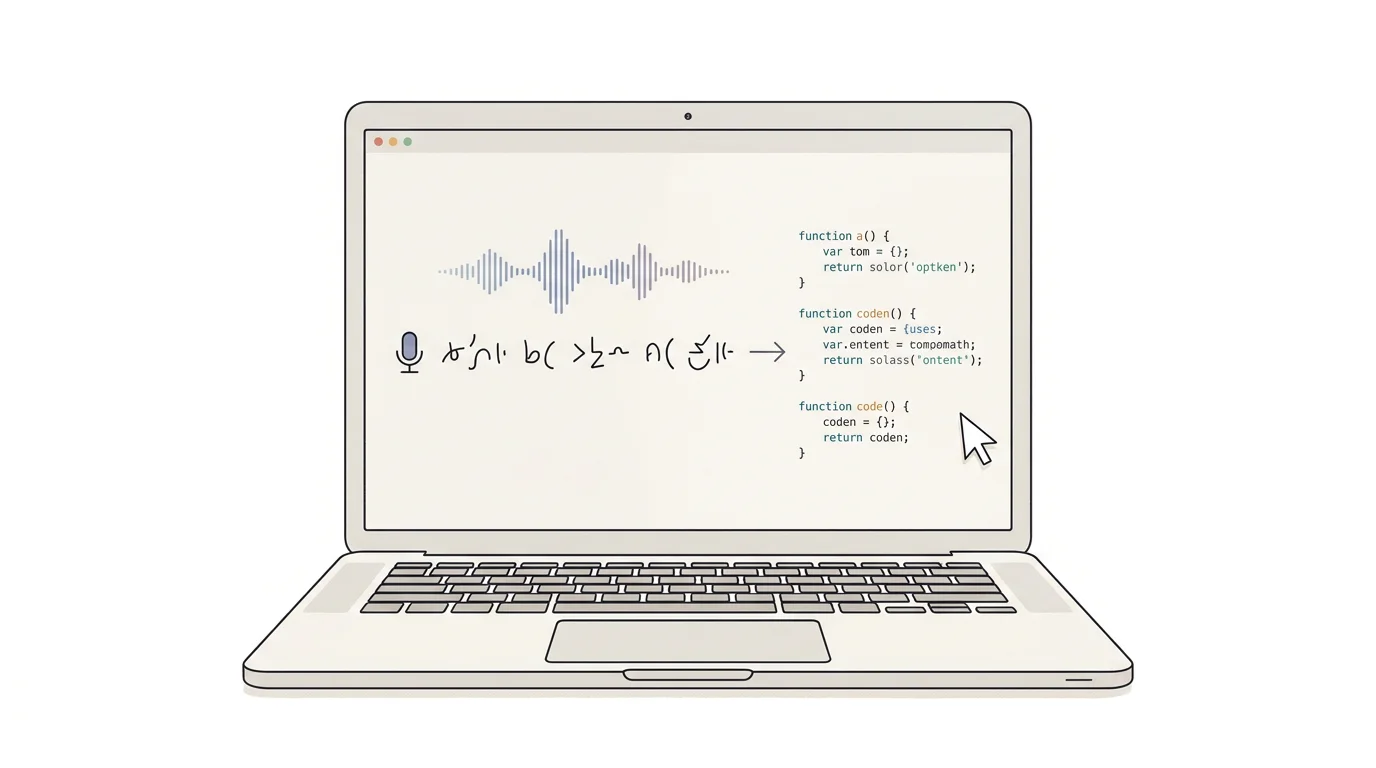
That became another product lesson: Speakmac should make normal writing faster, not turn dictation into a complicated new programming interface.
Why native Mac won
The biggest shift came when I committed to making Speakmac feel like a real Mac app, not a wrapped experiment.
That meant leaning into native macOS patterns: a menu bar app, a global hotkey, local settings, fast startup, minimal dependencies, and a workflow that works wherever there is text input.
It also meant cleaning up the internals. At one point, the app had grown around a giant object that knew too much and did too much. Refactoring that into a cleaner MVVM structure broke things temporarily, but it made future work much easier. Audio state, recording state, transcription state, history, settings, and UI behavior needed clearer boundaries.
That refactor mattered because Speakmac was being built with AI assistance. AI can move quickly, but only when the codebase gives it rails. A messy architecture makes every change risky. A clear architecture lets small product improvements compound.
What the failed versions taught me
The early versions taught me more than a clean first attempt would have.
The heavy local model taught me that offline dictation is only useful if the cold start and warm path feel reasonable.
The cloud API phase taught me that latency consistency matters as much as transcript quality.
The OpenAI transcription experiment taught me that a dictation engine must not rewrite intent unless the user asks for that.
The VS Code extension taught me that voice is best for natural-language context, not precise syntax.
The native refactor taught me that a Mac utility has to feel boring in the best way: always there, fast, predictable, and out of the way.
That is why Speakmac became focused on one job: voice typing anywhere on your Mac.
Not meeting recording. Not file transcription. Not an AI writing suite. Not a subscription platform.
Just a fast, private dictation layer for the Mac.
Why offline became the point
Offline was not just a privacy slogan. It solved several product problems at once.
Your audio should not need to leave your machine just because you are drafting an email, writing a private note, preparing a legal memo, prompting an AI coding tool, or collecting your thoughts after a call.
Offline also changes the business model. If the Mac is doing the work, the product does not need to meter every word forever. That makes a one-time purchase much more natural.
And local transcription makes the product feel calmer. There is no account to create before speaking, no API key to manage, and no subscription anxiety sitting behind every dictated paragraph. Clean Up Dictation now adds an optional local finishing pass after transcription, so the public voice-to-text and cleanup path stays on the Mac.
The best version of Speakmac is the one where you forget it is there.
You press a hotkey, speak, and text appears.
The product Speakmac became
The product that survived all of those experiments is much smaller and clearer than some of the prototypes.
Speakmac is for live dictation. It is for emails, notes, docs, Slack messages, support replies, journal entries, specs, AI prompts, and all the little writing tasks that quietly fill the day.
It is especially useful when the text starts as explanation. That is why it fits well with modern AI workflows. Long prompts are often spoken thoughts trapped behind a keyboard. Dictation lets you get the context out faster, then revise with your hands.
Speakmac is not trying to replace the keyboard. It is trying to remove the most repetitive typing from the parts of work that are already sentence-shaped.
That focus came from building the wrong things first.
And that is the honest product history: Speakmac did not begin as a perfectly formed offline dictation app. It became one because the other paths kept revealing what was actually important.
Fast enough to stay in flow.
Private enough for real work.
Simple enough to use every day.
Affordable enough that voice typing does not become another monthly tax.
That is the product I wanted on my own Mac. So I built it.