Voice Prompting Claude Cowork on Mac
By Kiran Jd
Published
By Kiran Jd
Published
Claude Cowork is not normal chat. You are handing off work, not asking for an answer.
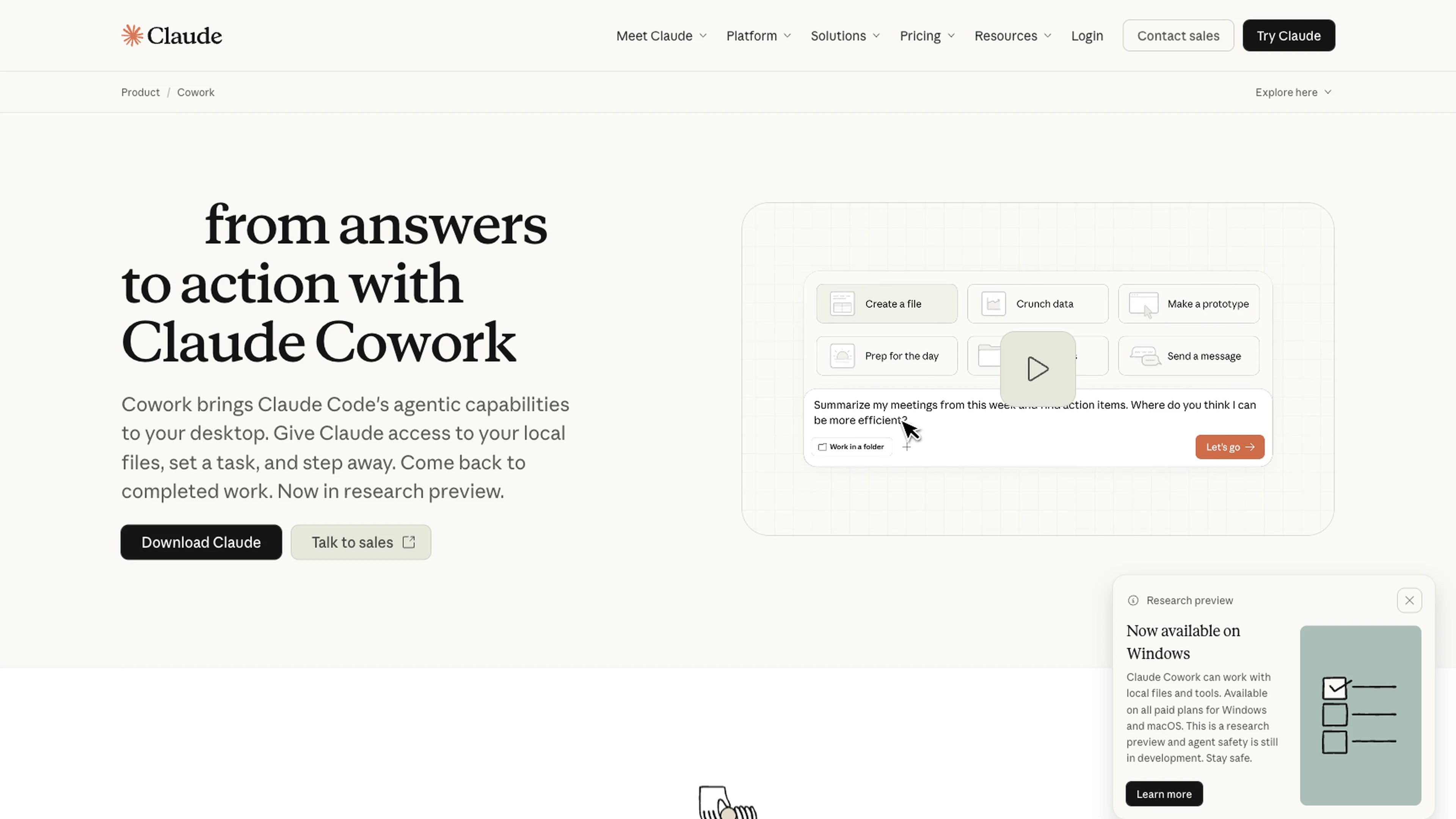
That changes what makes voice useful. The value is not just speed. It is getting a usable handoff into the box before Claude starts touching folders, spreadsheets, or connected apps.
Cowork is useful when the task has:
That kind of brief is much easier to say naturally than to type from nothing.
A real example:
Scan the receipts folder from last week, group the charges by vendor, build a sheet with date, vendor, amount, and category, and show me the draft before you rename anything or delete duplicates.
That is a good voice handoff. It has scope, output, and a stop point.
The risky part is not dictating the task. The risky part is leaving the brief fuzzy.
If Cowork is going to operate on real files, type the things that should not drift:
If the task would make you nervous to hand to a human assistant without those details, it is not ready for Cowork either.
Use voice for:
Use the keyboard for:
That split matters more in Cowork than in ordinary chat because the consequence of a vague prompt is higher.
If the task is tiny, typing is easier.
If the task is destructive and you still do not know the exact boundaries, do not dictate it yet.
If the whole brief is really just a command with a file path, use the keyboard and move on.
Voice is useful here when the task is real work and the hard part is describing the handoff clearly. That is where Speakmac helps Cowork feel practical instead of risky.