Voice Prompting ChatGPT on Mac
By Kiran Jd
Published
By Kiran Jd
Published
ChatGPT is a good voice target when the job starts messy.
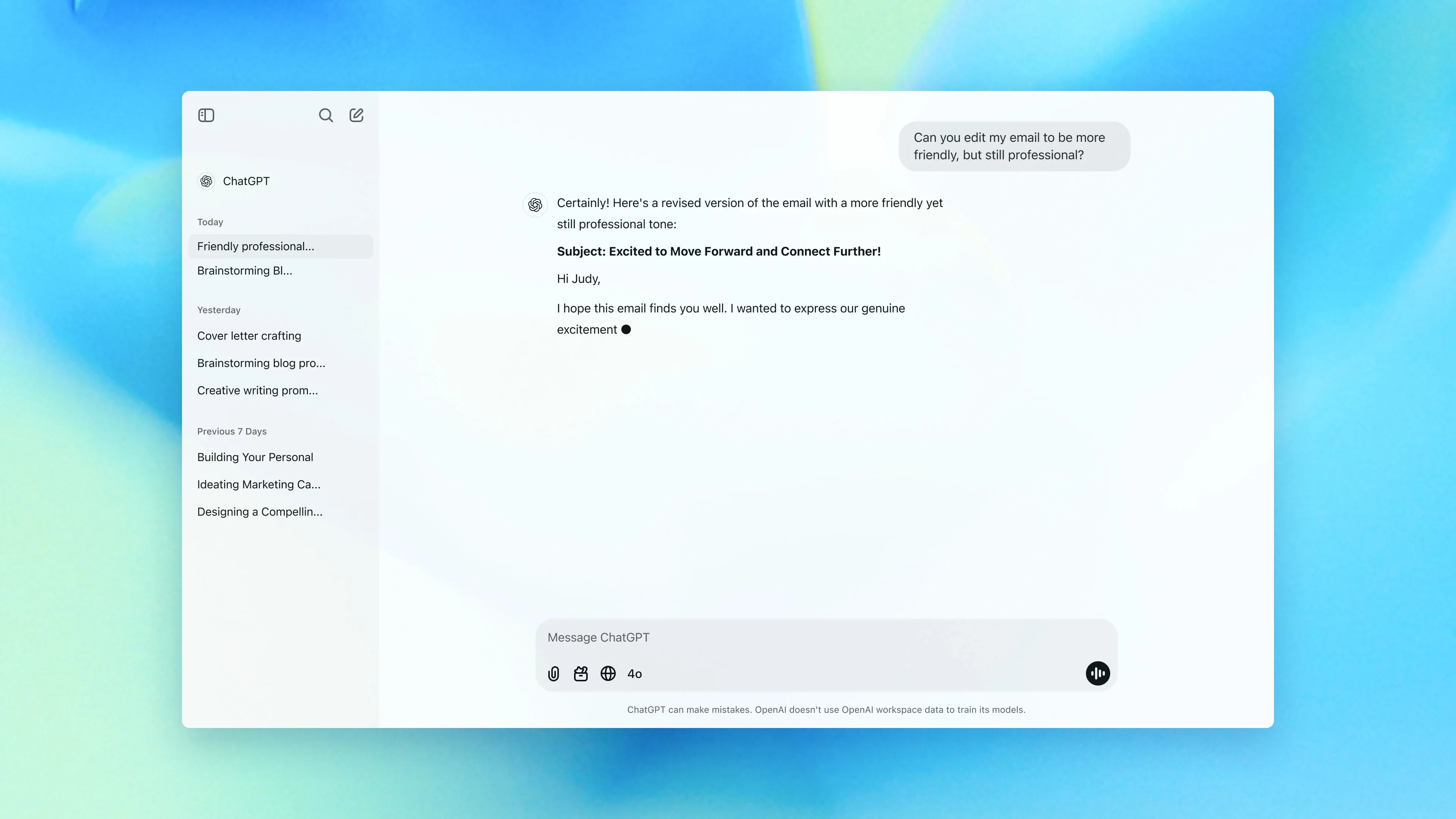
That usually means you already know what you want, but you do not want to type the whole setup from scratch. You have a rough email reply after a meeting. You want to summarize a call and turn it into action items. You want to explain a bug, a plan, or a decision in plain English before you tighten it.
The part worth dictating is the part that sounds like spoken explanation anyway.
That usually includes:
If you are drafting an email, the spoken part is often the whole first pass. If you are planning something, the spoken part is the context block that tells ChatGPT what is going on and what kind of answer would help.
That is why voice works well for ChatGPT on Mac. The expensive part is usually the paragraph, not the final ten words.
A realistic example is a post-meeting follow-up:
I just got off a customer call with a design team at a 20-person company. They like the product, but setup felt unclear and they were confused about pricing after the free tier. Write a follow-up email that thanks them, summarizes the two issues they raised, offers a short onboarding call next week, and keeps the tone warm but not overly salesy.
That is a good voice prompt because it is mostly context and intent.
What I would still type after dictating it:
Voice gets expensive the moment the prompt turns into syntax.
If you need:
type those parts. Cleanup is where voice loses its time advantage.
The practical split is simple. Speak the rough setup first. Type the brittle parts after. If the first answer is close but not quite right, dictate the correction in plain language instead of rebuilding the whole prompt from zero.
If the prompt is one sentence and every word matters, typing is faster.
If you are mostly pasting source material and adding one instruction, typing is faster.
If you are in a noisy place and you already know you will spend the next minute fixing names and punctuation, typing is faster there too.
Voice helps when the prompt is really a paragraph you would rather say than write.
That is the useful ChatGPT workflow on Mac. Speak the messy first draft. Let ChatGPT handle cleanup and structure. Use the keyboard for the exact pieces that should not drift.